
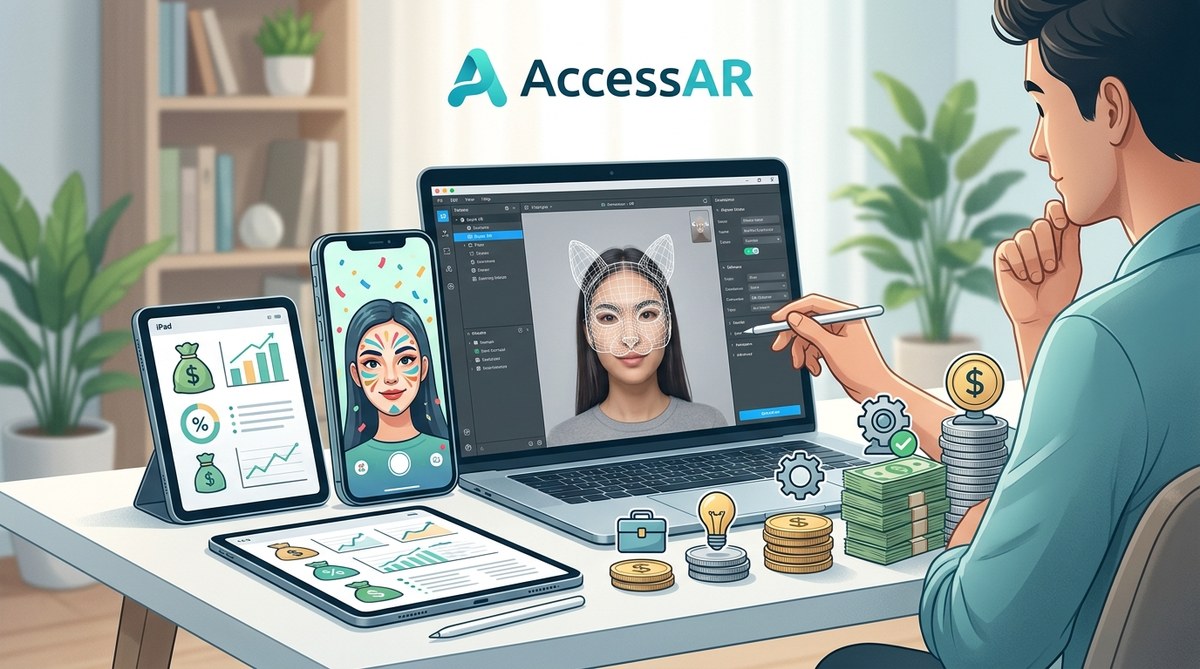
Thinking of creating an AR filter for your brand or personal channel? The first question that pops up is usually about money. You see viral Snapchat lenses and Instagram effects everywhere, and you wonder if they cost thousands of dollars. The short answer is: it depends. A simple face filter can be free if you build it yourself, while a complex branded effect can run into five figures. Let`s unpack the real costs so you can budget with confidence.
AR filter costs range from $0 (DIY using free tools) to over $15,000 for a professional multi-platform campaign. Beginner-friendly platforms like Meta Spark Studio and Snapchat Lens Studio are free to use, but time, design software, and testing devices add up. A basic custom filter from a freelancer typically costs $500–$2,000. Knowing the price drivers helps you decide whether to learn the tools yourself or hire an expert.
The Two Paths: DIY or Hire a Pro
Before we talk numbers, you need to decide which route fits your goals and skills. Both come with different price tags.
The DIY path uses free software like Meta Spark Studio, Snapchat Lens Studio, or ByteDance`s Effect House. You invest time instead of money. The learning curve is real, but thousands of creators have gone from zero to published filter in a weekend. The cost here is mostly your hours and maybe a subscription to Adobe Photoshop or Blender for assets.
The hired-gun path involves paying a freelancer or agency to design and publish the filter for you. Prices vary wildly based on complexity, platform, and the creator`s reputation. A beginner freelancer on Fiverr might charge $150 for a simple color grade effect; a top AR studio will charge $5,000+ for an interactive lens with 3D objects and animation.
If you`re unsure which path to take, check out our comparison of Meta Spark Studio vs Lens Studio vs Effect House to see which free tool matches your comfort level.
Breaking Down the DIY Budget
Even if the software is free, building an AR filter comes with hidden costs. Here are the real expenses you`ll face when creating on your own.
- Computer: Any modern laptop can run these tools, but a dedicated graphics card helps. A used MacBook or gaming PC ($600-$1,200) is plenty.
- Testing smartphone: You need an iPhone or Android device to test and publish. Most creators use their own phone, so this might be $0.
- Design assets: Free stock images and 3D models exist, but you may want to purchase premium textures or sound effects. Budget $0–$50 per project.
- Software subscriptions: Meta Spark Studio and Lens Studio are free. If you use Photoshop for textures, that`s $23/month. Blender is free.
- Your time: This is the biggest investment. A beginner might spend 10–20 hours on their first filter. After that, simple filters take 2–4 hours.
The total out-of-pocket cost for your first DIY filter can be as low as $0 if you already own a computer and phone. Most beginners spend around $50 on assets or a month of Photoshop.
Hiring a Freelancer: What You Get for Your Money
If your time is worth more than your cash, hiring a pro makes sense. Here are the typical price ranges in 2026:
| Complexity Level | Price Range | What You Get |
|---|---|---|
| Basic color grade or simple frame | $150 – $500 | Pre-made template with minor customization, 1 platform |
| Face filter with stickers or objects | $500 – $2,000 | Custom design, 2D elements, face tracking, 1 platform |
| Interactive 3D lens (tap gestures, animations) | $2,000 – $5,000 | 3D modeling, animation, multi-platform testing |
| Full campaign (multiple filters, AR try-on, analytics) | $5,000 – $15,000 | Strategy, custom branding, platform-specific optimization, reporting |
Prices vary by platform. Snapchat lenses often cost more because of stricter approval guidelines. TikTok effects can be cheaper due to Effect House`s simpler workflow.
Pro tip from AR developer Luis M.: “A $500 filter is not a $5,000 filter. If you need something that looks polished and works on all devices, expect to pay at least $1,500. Cheap filters often have glitches or get rejected.”
If you`re considering hiring someone, read our guide on monetizing Instagram filters to understand the freelance market from the other side.
Platform-Specific Costs
Each social platform has its own rules and costs associated with publishing and promoting filters.
Snapchat (Lens Studio)
– Software: free
– Publishing: free, but lenses go through an approval process
– Basic lenses (template-based): $0 if you use stock assets
– Custom lenses from freelancers: $800–$3,000
– Paid promotion: Snap Ads or sponsored lenses start at $5,000 per day for exposure
Instagram / Facebook (Meta Spark Studio)
– Software: free (Meta Spark Studio, previously Spark AR)
– Publishing: free, but effects must pass review
– Simple effects: $0 DIY; $400–$1,500 from a freelancer
– Instagram filter analytics are included, but advanced insights require a business account
TikTok (Effect House)
– Software: free
– Publishing: free, with a submission system
– Costs: similar to Instagram, often slightly cheaper due to younger creator market
– Viral trends can boost usage without paid promotion
WebAR (browser-based AR)
– Tools: no-code platforms like 8th Wall or ZapWorks (starting $99/month)
– One-off WebAR experience: $3,000–$10,000 from an agency
– Ideal for product try-ons or immersive ads
For a full comparison, read which AR platform should you learn first.
Hidden Costs That Beginners Miss
Even after you publish, there are expenses that catch people off guard.
- Testing on multiple devices. A filter that works on an iPhone 14 might glitch on a Samsung Galaxy. You either need access to several phones or test through services like Firebase.
- Revisions. Freelancers often include two rounds of revisions. Extra changes cost $50–$200 per hour.
- Promotion. A great filter is useless if nobody uses it. You may need to pay influencers to try it or run ads. Budget $200–$500 for micro-influencer campaigns.
- Compliance updates. Platforms change their guidelines. A filter approved in 2025 might need tweaks in 2026. Budget for occasional maintenance.
- Asset licensing. If you buy a 3D model from a marketplace, check the license. Commercial use often costs extra.
If you want to avoid common pitfalls, our article on 5 common mistakes every AR beginner makes can save you time and money.
How to Start Your First AR Filter on a Shoestring Budget
Here is a step-by-step plan for creating a simple Instagram filter for under $50.
- Pick one platform. Start with Instagram or TikTok because their approval systems are friendlier to beginners.
- Install the free software. Download Meta Spark Studio or Effect House. Both have tutorials.
- Use a template. Platforms offer starter templates. Modify the colors and add your logo. Learn one feature at a time.
- Create simple assets. Use Canva (free tier) to make a PNG frame or sticker. No 3D needed yet.
- Test on your own phone. Iterate until the effect feels smooth.
- Publish and promote. Share the filter with friends and in relevant groups. Ask them to try it.
Total cost: $0 (if you use stock templates and free design tools) or $13 for a month of Canva Pro.
Once you`ve done that, you can learn to add interactivity. Check out adding interactive tap gestures to your Instagram filters for the next step.
What Drives the Price Up (and How to Keep It Down)
Not all filters are equal. These factors increase the cost significantly:
- 3D objects and animation. A moving 3D crown requires modeling, rigging, and animation expertise.
- Multi-platform support. Making the same filter work on Snap, Instagram, and TikTok adds time.
- Custom segmentation (background replacement). This is technically complex.
- Real-time interactivity. Tap-to-change color, score tracking, or mini-games.
- High-fidelity textures. If you need photorealistic materials, expect higher asset costs.
To keep your budget low, start with a 2D face filter on one platform. Use free assets from sites like Poly Haven or Sketchfab. Learn the basics before adding complexity.
If you ever decide to hire someone, our guide on what to look for when hiring an AR freelancer can help.
Your First AR Filter Can Be Surprisingly Affordable
So, how much do AR filters cost? For a beginner, the answer is almost nothing in cash and a few hours of learning. A professional filter for a campaign will cost more, but the range is wide enough to fit almost any budget. The key is to start small, use the free tools available, and build your skills gradually.
Whether you choose to go DIY or hire a pro, the most important step is actually making something. Pick a simple idea, follow a tutorial, and publish your first filter this month. The cost of not starting is the only expense that truly hurts.