
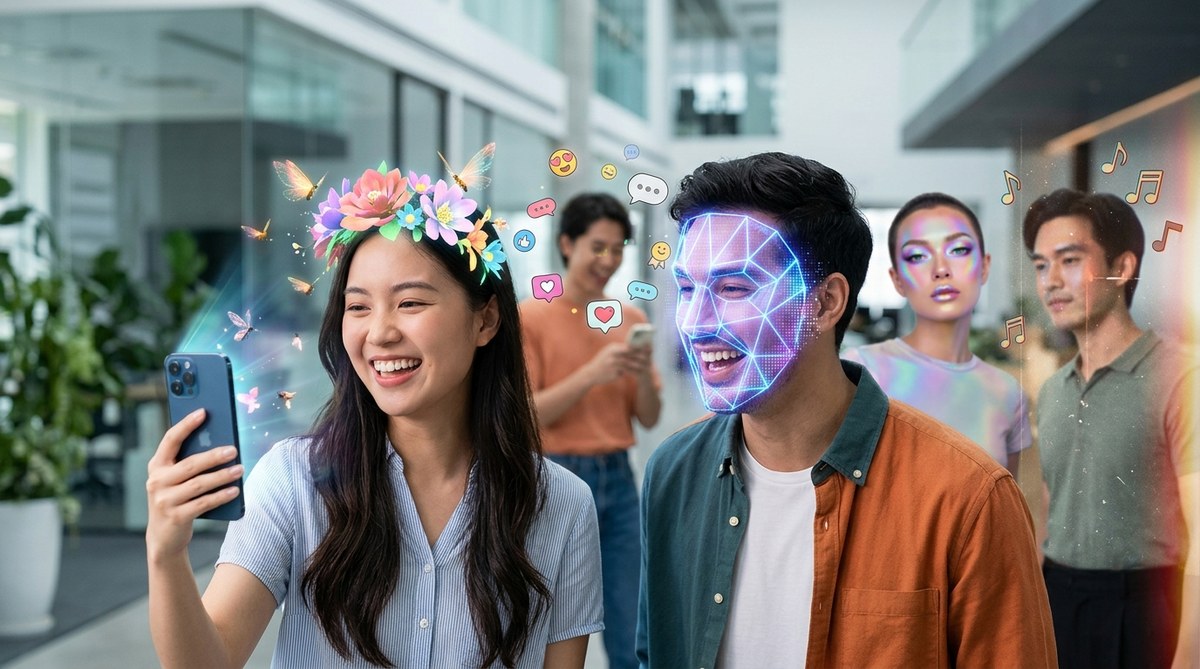
Snapchat filters have become the front porch of digital identity. Every year, millions of users scroll through the carousel looking for that one lens that makes them laugh, think, or stop and share. In 2026, the game has shifted again. Augmented reality on Snapchat is no longer just about dog ears and flower crowns. It is about utility, nostalgia, personalization, and interactive storytelling. If you create content or run social for a brand, understanding these shifts matters more than ever.
Snapchat filter trends in 2026 center on five big movements: AI-powered personalization, throwback Y2K aesthetics, interactive mini-games, utility-first lenses like virtual try-ons, and collaborative filters that respond to your friends in real time. Marketers who align their AR strategy with these themes will see higher engagement, more shares, and stronger brand recall among Gen Z and Gen Alpha audiences. Replicating these trends does not require a huge budget; you just need the right tools and a clear creative direction.
The Five Snapchat Filter Trends Dominating 2026
Let me walk you through each trend, explain why it is working right now, and show you exactly how to build your own version using free or low-cost tools.
Trend 1: AI-Powered Personalized Lenses
Snapchat has leaned hard into generative AI. In 2026, the most popular lenses are the ones that adapt to each user in real time. Instead of a static overlay, these filters read your face, your outfit, or even your surroundings and generate something unique on the spot.
A lens that writes a custom poem based on your mood. A filter that turns your selfie into a comic book character with your exact hair color. Another that generates a personalized astrological reading based on your facial features. These lenses feel personal because they are. Every user gets a different result.
Why this trend matters for marketers: personalized AR drives massive sharing. People love to compare results. When your filter gives each person something different, they send it to friends to see what theirs looks like. That organic loop is gold.
How to replicate it:
- Open Lens Studio and start a new project using the Face Mesh template.
- Add a Script component (JavaScript) that pulls in a random variable triggered by a facial cue like a smile or eyebrow raise.
- Use the Randomizer helper to cycle through text strings, colors, or 3D objects.
- Connect the variable to a screen-space text layer so the user sees a unique message.
- Preview on your phone using the Snapchat Lens Studio app and test with at least five different faces to confirm variety.
- Submit to the Lens Community with relevant keywords like “personalized”, “AI”, and “custom.”
For a deeper walkthrough on scripting inside Lens Studio, check out our guide on how to make your first Snapchat lens in under 30 minutes.
Trend 2: Y2K and Early Internet Nostalgia
If you scroll through Snapchat right now, you will see a wave of filters that look like they came straight out of 2003. Glitch effects, low-resolution webcam frames, grainy color correction, and those classic Windows Media Player visualizer bars. The early internet aesthetic is back, and it is huge on Snapchat in 2026.
Why this works: there is a comfort in imperfection. Younger users who did not live through the early 2000s find the aesthetic fresh and playful. Older millennials love the nostalgia hit. It is a rare overlap that works across demographics.
To build a Y2K lens, start with a color grading pass that adds a slight cyan or magenta tint. Then overlay a frame asset with pixelated edges. Add a scanline effect using a repeating texture. If you want to get fancy, include a random “connection lost” message that appears when the user blinks. The whole setup takes about twenty minutes inside Lens Studio.
New to the software? Read our comparison of Meta Spark Studio vs Lens Studio to decide which platform fits your workflow.
Trend 3: Interactive Mini-Games Inside the Lens
Snapchat filters are no longer passive. In 2026, some of the top performing lenses include actual gameplay. Tap the screen to catch falling objects. Move your face to dodge obstacles. Speak a word to trigger a reaction. These lenses hold attention far longer than a standard beauty filter.
A brand selling sneakers built a lens where users had to “catch” virtual shoes falling from the top of the screen. Each catch unlocked a coupon code. The lens generated over 2 million plays in its first week. Why? Because it rewarded interaction with something real.
Here is a simple version you can build today:
- Open Lens Studio and choose the World template.
- Import a 3D sphere and animate it to fall from top to bottom using the Animation tab.
- Add a Tap Gesture interaction that increments a score variable.
- Display the score using a Screen Text element.
- Set a timer for 15 seconds. At the end, show a reward screen.
This takes about an hour if you are new to animation. If you want to take it further, read our guide on adding 3D objects to Snapchat lenses for beginners.
Trend 4: Utility-First Lenses (Virtual Try-Ons and Beyond)
Augmented reality is becoming a shopping tool. In 2026, utility lenses are everywhere on Snapchat. Virtual try-ons for makeup, glasses, hats, and even furniture are no longer just for big brands. Independent creators are building them too.
The difference this year is accuracy. Face mesh tracking has improved dramatically. Lenses now account for different nose shapes, eye spacing, and skin tones much better than they did two years ago. Users expect a try-on to look real, not like a sticker slapped on a photo.
To build a try-on lens:
| Step | Action | Common Mistake |
|---|---|---|
| 1 | Choose a high-res PNG of the product with transparency | Using a low-res image that looks pixelated on front-facing cameras |
| 2 | Align the asset to the face mesh nose or eye anchors | Guessing the position instead of using the preview overlay tool |
| 3 | Add a color picker so users can change shades | Forgetting to set default color to the brand’s hero shade |
| 4 | Test on multiple face shapes and skin tones | Only testing on your own face, then wondering why it looks off for others |
| 5 | Write a clear call to action in the lens name | Naming the lens something vague like “try this on” |
“The best try-on lenses feel like magic because they feel accurate,” says AR designer Mariana Torres. “Spend extra time on the alignment step. A millimeter off on your face mesh anchor will ruin the illusion for every user.”
If you want to see how major brands handle this, check out our analysis of what made Gucci’s Snapchat AR campaign go viral with Gen Z shoppers.
Trend 5: Collaborative and Friend-Aware Lenses
The biggest shift in 2026 is the rise of filters that react to more than one face. Snapchat has improved its multi-face tracking to a point where a single lens can respond to you and a friend at the same time. Lenses that overlay matching outfits, create a split-screen comparison, or require two people to complete a challenge are blowing up.
Think about it this way: Snapchat was built for friends. The most shareable lenses are the ones that require a second person. They force interaction. They create content.
To build a basic collaborative lens:
- Use the Multi-Face Tracking template in Lens Studio.
- Assign a different 3D object to each tracked face.
- Add a conditional rule: if both faces are smiling, trigger a celebration animation.
- Export and test with a friend before submitting.
This is one of the most requested features by brands right now. If you master it, you will have a strong portfolio piece. Read more about 7 face tracking effects that will make your Snapchat lenses go viral.
Tools You Already Own That Can Build These Trends
You do not need expensive software to make these lenses. Here is a quick list of free resources that will get the job done:
- Lens Studio (free desktop app from Snap)
- Canva or Photopea for creating 2D assets
- Blender for basic 3D modeling (free and open source)
- Remove.bg for cutting out product images
- A smartphone with a front-facing camera for testing
If you prefer using templates to save time, we have a roundup of Snapchat Lens Studio templates that save hours of design time.
Common Mistakes to Avoid When Replicating These Trends
Even experienced creators stumble on a few things. Here are the most frequent issues and how to avoid them:
- Overloading the lens with too many effects. Users want one clear interaction, not a circus.
- Ignoring performance. If your lens lags on a three-year-old phone, people swipe away immediately.
- Skipping the approval checklist. Snapchat has specific rules about branding, logos, and data collection. Read them before you submit.
- Forgetting a call to action. Tell users what to do. “Tap to try” or “Blink to see magic” works better than silence.
For a full breakdown of why lenses get rejected, read why your Snapchat lens isn’t getting approved and how to fix it.
What Creators and Marketers Should Do Right Now
The window is open. Snapchat is investing heavily in AR and giving creators better tools every quarter. If you are a marketer, start by picking one trend from this list and building a lens around it. Do not try to do all five at once. Pick the one that fits your brand voice best.
If you are a content creator, use these trends as inspiration for your next Lens Community submission. The algorithms favor lenses that get high engagement in the first 48 hours, so share your lens on your story and ask friends to try it.
Snapchat filter trends in 2026 are about personalization, nostalgia, play, utility, and togetherness. Each of these five movements offers a clear path forward. You do not need to be a coding expert or have a six-figure budget to participate. You just need a laptop, a free copy of Lens Studio, and a willingness to test and iterate.
Where to Go From Here
You now have a clear picture of what is trending and how to replicate each style. The next step is opening Lens Studio and building your first lens based on one of these five trends. Start with the Y2K aesthetic if you want something visual but low-complexity. Start with the mini-game if you want to learn interactivity. Start with a try-on if you work with a product brand.
Whichever path you take, remember that the best lenses are the ones that make people smile and send to a friend. That has not changed since the very first Snapchat filter appeared years ago. The tools have gotten smarter, but the goal remains the same.
If you hit a wall or your lens gets rejected the first time, that is normal. Every AR creator has a story about their first few attempts not making it through. Keep iterating. Keep testing on real faces. And when you finally see that first screenshot of a stranger using your lens, you will know it was worth the effort.
For more tutorials, case studies, and honest reviews of AR tools, stay right here. We cover everything from monetizing your Snapchat lens skills as a freelancer in 2026 to deep dives into what makes a Snapchat lens shareable.