
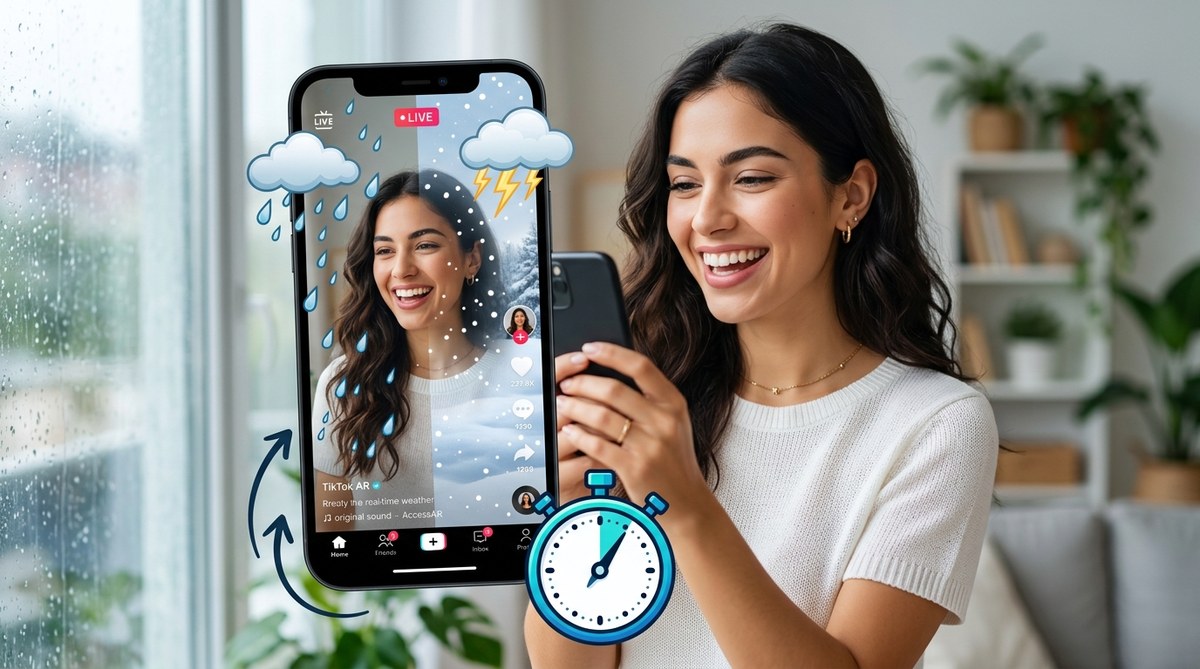
A TikTok effect that changes with the weather outside your window is the kind of interactive magic that stops the scroll. When a user opens your filter and sees real raindrops falling on their screen because it is actually raining in their city, they feel an instant connection. That connection leads to more shares, more saves, and more uses. The good news is that building this kind of dynamic weather effect is easier than most creators think. You do not need a computer science degree or a background in 3D animation. You just need Effect House, a free weather API, and about five minutes of your time.
Real-time weather effects make your TikTok AR filters feel alive and responsive to the viewer’s actual environment. By connecting Effect House to a weather data source, you can trigger rain, snow, fog, or sunny overlays that change automatically. This tutorial walks you through the entire process, from setting up your project to publishing the final effect, with zero coding required.
Why Weather Effects Work So Well on TikTok
Weather is universal. Everyone checks the forecast. Everyone has an opinion about the rain or the heat. When your AR filter reacts to the weather, it creates a personal moment for the user. They are not just applying a generic sticker. They are seeing a reflection of their own reality.
Think about the last time you saw a TikTok where snowflakes appeared on the screen and the caption said something like “It is actually snowing outside right now.” That video probably got comments. People love confirming that the effect matches their weather. That engagement loop is exactly what the TikTok algorithm rewards.
Weather effects also work across seasons. A rain effect performs well in the Pacific Northwest during winter, but it also works in Florida during hurricane season. A sunny glare effect works in Arizona year-round. You can build one effect and watch it perform differently depending on where your audience lives.
What You Need Before You Start
Before you open Effect House, gather these three things. They are all free and take less than two minutes to set up.
- An Effect House account. If you already publish TikTok effects, you have one. If not, sign up at effecthouse.com with your TikTok login.
- A free API key from OpenWeatherMap or WeatherAPI. Both offer free tiers that give you enough daily requests for a popular effect.
- A PNG or video asset for your weather overlay. For rain, use a semi-transparent PNG of diagonal lines. For snow, use small white circles. For sun, use a warm gradient.
That is it. No paid software. No expensive assets. Just the tools you probably already have.
Step-by-Step: Connecting Weather Data to Your Effect
This process uses Effect House’s built-in HTTP request feature. It sounds technical, but the interface handles most of the heavy lifting.
-
Open Effect House and create a new project. Choose the “Blank Effect” template so you have a clean canvas.
-
Add an HTTP Request module. You can find this under the “Logic” tab in the left panel. Drag it onto your scene.
-
Paste your API endpoint. For OpenWeatherMap, the URL looks like this:
api.openweathermap.org/data/2.5/weather?q=USER_CITY&appid=YOUR_API_KEY. ReplaceUSER_CITYwith a dynamic variable that pulls the viewer’s location. Effect House can grab the user’s city from the device’s GPS permission. -
Set up a trigger. Use the “On Start” trigger so the weather check runs the moment someone opens your filter. That way the effect matches their current conditions immediately.
-
Parse the response. The API sends back a JSON object with weather codes. You only need the main weather condition: Clear, Clouds, Rain, Snow, or Drizzle. Map each condition to a different visual overlay using a “Switch” node.
-
Attach your visual assets. If the condition is “Rain,” show your rain PNG. If “Snow,” show your snow overlay. If “Clear,” show a subtle sun flare. You can add up to five different weather states without slowing down the effect.
-
Test on your phone. Scan the test QR code inside Effect House and walk outside. If it is cloudy, the overlay should match. If it is sunny, the overlay should switch. This step confirms that the GPS and API calls are working correctly.
Common Mistakes That Break Weather Effects
Even experienced creators make these errors. Here is a table that shows the most frequent issues and how to fix them.
| Mistake | Why It Happens | How to Fix It |
|---|---|---|
| Effect shows wrong weather | The API key is expired or the city variable is empty | Generate a new API key and check that the GPS permission prompt is enabled in Effect House |
| Overlay does not appear | The opacity is set to 0 or the layer is behind the face mesh | Set the opacity between 30 and 50 percent and move the overlay to the top of the layer stack |
| Effect crashes on older phones | The HTTP request times out or the PNG resolution is too high | Compress your overlay images to under 500 KB and set a 3-second timeout on the request node |
| Weather never changes | The “On Start” trigger is missing or the switch node has the wrong condition names | Double check that the condition names in your switch node exactly match the API response values |
| Users get a blank screen | The API call fails silently and no fallback is set | Add a “default” output in your switch node that shows a neutral overlay when no condition matches |
Making Your Weather Effect Feel Natural
A weather effect should complement the video, not overpower it. Here are three ways to keep it subtle and professional.
Use low opacity. Rain lines at 20 percent opacity look realistic. At 80 percent they look like a screen protector. Snowflakes can be slightly more visible because they are smaller. Test your effect in a well-lit room and outside in direct sunlight to make sure it works in both environments.
Add a slight animation. Static raindrops look fake. Use Effect House’s timeline to give your rain lines a downward drift. Even a slow movement at 0.5 seconds per cycle makes the effect feel alive. Snowflakes can drift diagonally with a slight wobble.
Limit the weather states to three. You do not need to cover every possible condition. Rain, snow, and clear are enough for 90 percent of use cases. Fog and drizzle are harder to distinguish visually and often confuse users. Stick to the three that people immediately recognize.
Expert advice: Do not overcomplicate the weather logic. If your effect tries to check the weather every second, it will drain the battery and slow down the phone. Check once when the effect opens and let that reading control the entire session. The user will not notice if the weather changes five minutes later. They will notice if their phone gets hot.
How to Promote Your Weather Effect
Building the effect is only half the battle. Getting it in front of people is the other half. Here is a simple promotion plan that works for creators of any size.
- Post a comparison video. Show the same effect in two different weather conditions. For example, record yourself in the rain and then in the sun. The contrast makes people curious.
- Use a trending sound. Weather effects pair naturally with ASMR sounds of rain or wind. Find a trending rain sound on TikTok and apply it to your video.
- Tag your location. When you post your video, add the city name to the caption. People from that city will feel a personal connection and are more likely to try the effect.
- Submit to Effect House’s official library. Effect House reviews submissions every week. Weather effects have a higher approval rate because they are useful and not just decorative.
If you want to see how other creators approach this, check out our guide on 7 viral TikTok effect trends you can build in Effect House this month. It includes examples of weather effects that gained over 100,000 uses.
What to Do When Your Effect Goes Live
Once your weather effect is published, watch the analytics inside Effect House. Pay attention to the retention rate. If users close the effect after two seconds, the overlay might be too aggressive. If they stay for ten seconds or more, you nailed the balance.
You can also check which cities are using your effect the most. If you see a lot of usage in Seattle, your rain overlay is probably doing the heavy lifting. If usage spikes in Denver, your snow overlay is the star. Use that data to create a second version that focuses on the most popular weather condition.
For creators who want to take this further, advanced Effect House techniques for interactive games and challenges shows you how to add tap gestures that change the weather manually. That hybrid approach gives users the best of both worlds: automatic weather on open and manual control when they tap the screen.
Your First Weather Effect Is Closer Than You Think
Real-time weather effects are not a futuristic feature reserved for big brands with big budgets. They are a practical tool that any TikTok creator can build in a single afternoon. The steps are straightforward. The tools are free. The payoff is an effect that feels personal, timely, and worth sharing.
Open Effect House right now. Add your first HTTP request. Drop in a rain PNG. Test it on your phone. By the time you finish reading this sentence, you will already be halfway done.
If you run into any snags along the way, our complete beginner’s roadmap to publishing your first TikTok effect covers the entire submission process from start to finish. The weather effect you build today could be the one that finally gets you that 100,000-use milestone. Go make it happen.