
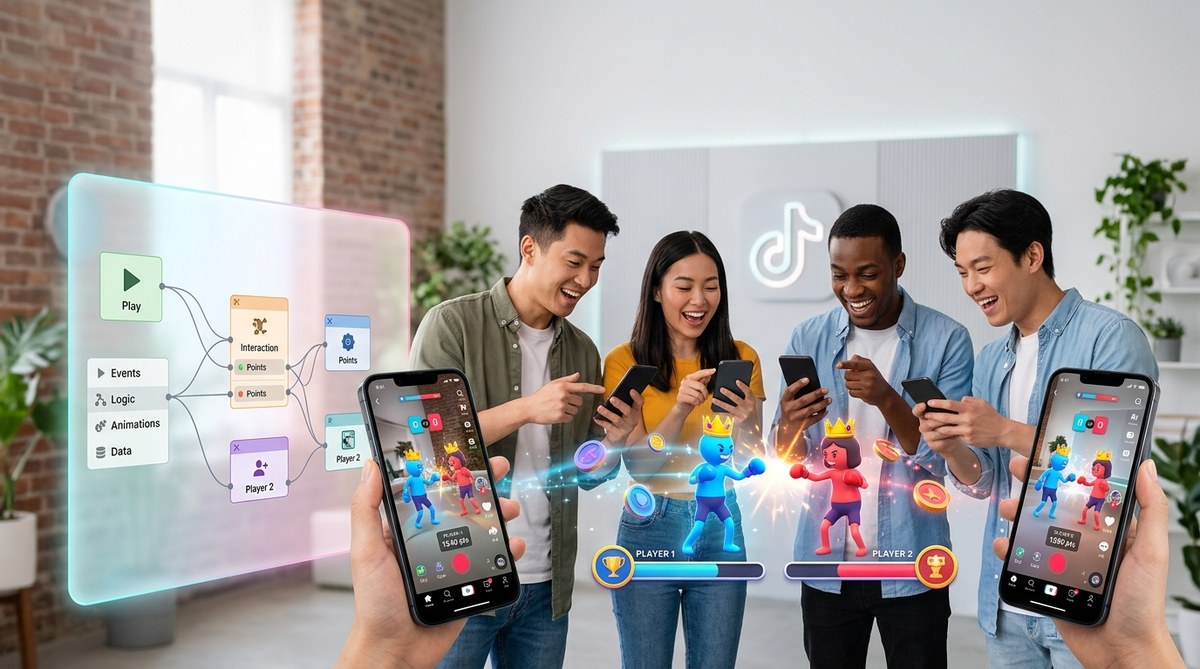
You want to build a TikTok AR game that friends can play together, but you have zero coding experience. That used to be a real barrier. Effect House changed everything. TikTok’s official AR creation tool now lets you build interactive, multiplayer experiences using a visual, drag and drop interface. No scripts. No programming logic. Just your creativity and a few smart design choices. This guide walks you through exactly how to create a multiplayer TikTok AR game without writing a single line of code.
Effect House makes multiplayer AR games possible for non-coders. You use visual logic blocks, pre-built templates, and interactive triggers to build a game that two or more players can play in the same TikTok session. The secret is combining face tracking, tap interactions, and shared screen elements. No code required. Just a free Effect House account and about two hours of focused work.
What Makes a TikTok AR Game Multiplayer?
Multiplayer in TikTok AR does not mean two people wearing headsets in a virtual room. It means two or more people appear in the same camera frame, and the effect tracks each person independently. Think of a game where players catch virtual objects, compete for points, or trigger different animations based on who moves first.
Effect House supports multiplayer through face tracking arrays. It can detect up to four faces at once. Each face becomes a separate player with its own set of interactions. You assign game logic to each detected face using visual condition blocks.
The core components you need are:
- Face detection nodes that identify each player
- Score tracking variables that store individual points
- Shared screen assets that both players can see and interact with
- Win condition logic that triggers an ending animation
Why Effect House Is Perfect for Non-Coders
Effect House was designed for TikTok creators, not software engineers. Its interface uses a node based system. You connect visual blocks instead of typing code. Each block represents an action, a condition, or a value. You drag them onto a canvas and link them together.
This approach removes the biggest hurdle for beginners. You do not need to understand syntax, loops, or functions. You just need to understand cause and effect. If a face is detected, then show a star. If the player taps the screen, then add one point. That is the entire logic model.
According to TikTok’s 2025 creator report, over 60% of published effects on the platform were built by creators with no formal coding background. The tool is that accessible.
Step by Step: Building Your First Multiplayer Game
Let us build a simple catch the object game. Two players appear on screen. Objects float around the frame. Each player tries to tap the objects near their own face. The player with the most taps after 30 seconds wins.
1. Set Up Your Effect House Project
Open Effect House and create a new project. Choose the face tracking template as your starting point. This gives you a face mesh and a face detection node already in place.
Name your project something descriptive like “Two Player Catch Game.” This helps you stay organized later.
2. Add a Second Face Detection Node
By default, the template tracks one face. You need a second node for player two.
- Go to the Add Node menu
- Select Face Detection
- Choose Face Index 2
This tells Effect House to track a second person independently. Each face index acts as a separate player.
3. Create Floating Objects
You need objects for players to catch. Use the Add Object menu to insert a simple 3D shape. A sphere works well for testing.
Duplicate the sphere three times so you have multiple objects on screen. Position them at different spots in the camera frame. Use the animate property to make them drift slowly. Set a random movement pattern so they do not stay still.
4. Add Tap Interaction to Each Player
This is where the game becomes interactive. You need to tell Effect House what happens when a player taps near an object.
- Select a sphere object
- Open the Interactions panel
- Choose On Tap
- Set a condition: If Face Index 1 is within 50 pixels of this object, then hide the object and add 1 point to Player 1’s score
Repeat the same process for the second sphere, but assign it to Face Index 2.
5. Build a Scoreboard
Players need to see their score. Use the Text tool to create two score displays.
- Create a Text element and label it “Player 1 Score”
- Link it to a variable called scoreOne
- Create another Text element for “Player 2 Score”
- Link it to a variable called scoreTwo
Every time a player taps an object, the variable updates and the text changes in real time.
6. Add a Timer and Win Condition
A game needs an ending. Use the Timer node to count down from 30 seconds.
- Add a Timer node from the Utilities menu
- Set the duration to 30 seconds
- Connect the timer to a condition: When timer reaches zero, compare scoreOne and scoreTwo
- If scoreOne is higher, show a “Player 1 Wins” animation
- If scoreTwo is higher, show a “Player 2 Wins” animation
- If equal, show a “Tie” animation
7. Test and Publish
Use the Preview button to test your game with a friend. Stand side by side in the camera frame. Both faces should be detected. Objects should appear. Taps should register.
If something does not work, check your node connections. A broken link is the most common issue in visual programming.
When everything runs smoothly, publish the effect to TikTok. Add relevant hashtags like #multiplayer and #arcade to help users find it.
Common Mistakes Beginners Make
Even with a no-code tool, you can run into problems. Here are the most frequent issues and how to avoid them.
| Mistake | Why It Happens | How to Fix It |
|---|---|---|
| Only one player is detected | Face Index 2 node is missing or disconnected | Add a second Face Detection node and set its index to 2 |
| Objects do not respond to taps | Tap interaction is not linked to the correct face index | Double check the On Tap condition and assign the right player |
| Scoreboard shows no numbers | Variables are not connected to the text elements | Link the score variable to the text display in the Properties panel |
| Timer does not trigger win screen | Timer output is not connected to the comparison node | Draw a connection from the Timer’s “End” output to the comparison block |
| Game runs poorly on older phones | Too many 3D objects or high resolution assets | Reduce object count to 3 or 4 and use lower resolution textures |
Design Tips for Higher Engagement
A working game is good. A game people want to play is better. These design principles will help your effect get more uses.
Keep the rules simple. Players should understand the game within five seconds of starting. If they have to read instructions, you lose them. Use visual cues instead. A glowing object means “tap me.” A flashing score means “you are winning.”
Use sound feedback. Every tap should make a satisfying noise. Effect House lets you attach audio clips to interactions. A short pop or chime confirms the action. This keeps players engaged.
Add a replay button. After the game ends, give players a way to restart without leaving the effect. A simple tap to play again button extends session time and increases the chance of shares.
Make the losing animation fun. Nobody likes to lose, but a funny or dramatic loss animation makes the moment shareable. Think of a cartoonish “Game Over” screen with confetti for the winner and a sad trombone for the loser.
What You Can Build Beyond a Simple Catch Game
Once you understand the node system, the possibilities grow. You can build:
- A trivia game where each player answers questions by tapping left or right
- A dance challenge that scores players on how well they match a sequence of poses
- A virtual basketball game where players tilt their heads to aim and tap to shoot
- A memory game where objects appear briefly and players tap the correct order
Each of these follows the same structure. Face detection for multiple players. Tap interactions for input. Variables for scoring. Timer for duration. The specific assets and conditions change, but the logic stays the same.
For more advanced ideas, check out this guide on advanced Effect House techniques for interactive games and challenges.
Tools and Assets to Speed Up Your Workflow
You do not need to create every asset from scratch. Several resources help you build faster.
- Free 3D object libraries. Sites like Sketchfab and Poly Pizza offer thousands of free 3D models you can import directly into Effect House.
- Pre-built templates. TikTok’s official Effect House template library includes multiplayer starter templates. Use them as a base and customize the visuals.
- Royalty free sound effects. Platforms like Pixabay and Freesound have short sound clips perfect for game feedback.
- Color palette generators. Tools like Coolors help you pick cohesive colors that make your game look polished.
If you want to compare Effect House with other AR platforms, read our breakdown of Effect House vs Spark AR: which platform should TikTok creators choose.
How to Promote Your Multiplayer Game
Building the game is only half the work. Getting people to use it matters just as much.
Post a demo video. Record yourself and a friend playing the game. Show the fun moments. Post it to TikTok with the effect attached. People who watch the video can try the effect themselves with one tap.
Use trending sounds. Attach a popular song to your effect. TikTok’s algorithm favors effects that pair with trending audio. This increases your effect’s visibility in the effects library.
Collaborate with other creators. Send your effect to five creators in your niche. Ask them to try it and tag you. A single post from a creator with 100,000 followers can drive thousands of uses.
Add a call to action in the effect. At the end of the game, display text that says “Tag a friend to play.” This encourages sharing and starts a chain reaction.
For more tips on getting your effects noticed, read how to make TikTok effects that actually get used by thousands.
Your Next Steps as a No-Code AR Creator
Building a multiplayer TikTok AR game without code is not a gimmick. It is a legitimate skill that brands, agencies, and creators are actively looking for. The demand for interactive AR content on TikTok has grown steadily since 2023, and 2026 shows no signs of slowing down.
Start with the simple catch game described here. Test it with friends. Publish it. Watch the analytics. Then iterate. Add new features. Try different game mechanics. The node based system makes experimentation fast and low risk.
If you get stuck, remember that every AR creator before you faced the same learning curve. The difference is that you have a visual tool that shows you exactly how your logic flows. There is no hidden syntax. No mysterious error messages. Just blocks and connections.
“The best AR effects on TikTok are not the most technically complex. They are the ones that make people laugh, compete, and share. Focus on the experience, not the technology.” — Maya Chen, AR creator with 12 published effects over 1 million uses
Building a multiplayer game is your entry point. Once you master the flow of nodes and interactions, you can apply the same principles to branded campaigns, educational tools, or interactive storytelling. The no-code barrier is gone. All that is left is your imagination.
Start Building Your Multiplayer Game Today
Open Effect House right now. Create a new project. Add that second face detection node. Place a few floating objects. Connect the tap interactions. Set a timer. Publish it. The whole process takes less than two hours for your first game, and each subsequent game gets faster.
You have everything you need. A free tool. A clear process. And a platform with over a billion monthly active users waiting to try your creation. Go build something fun.