
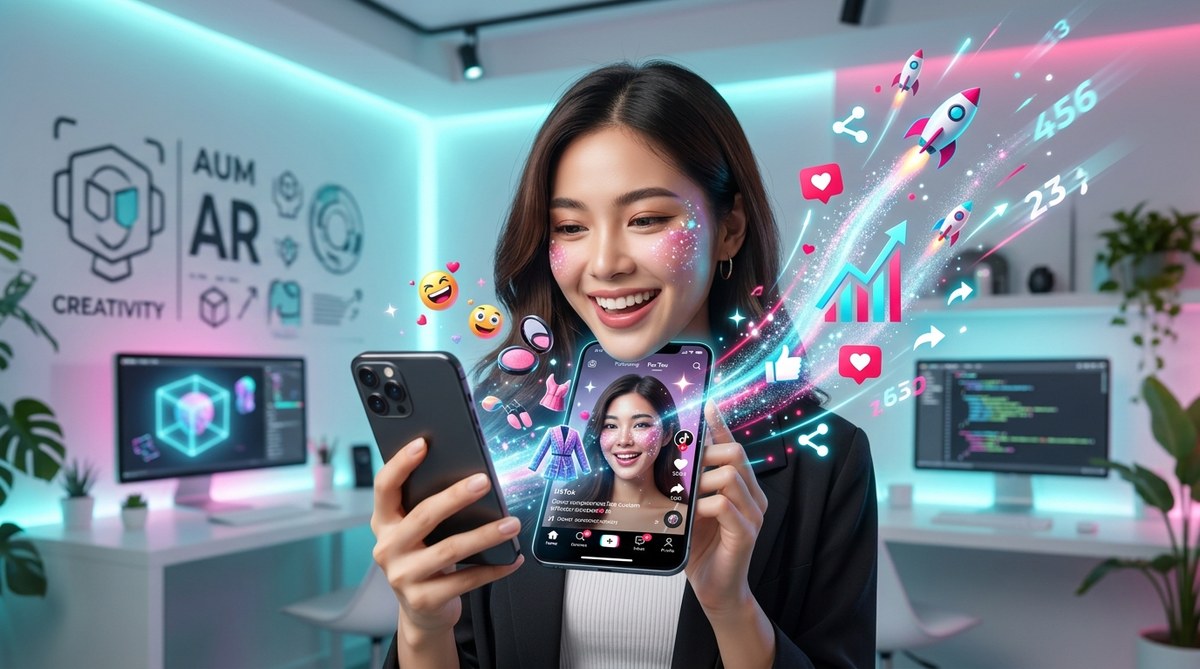
Getting your TikTok content to stand out requires more than just catchy videos. Custom effects created with Effect House in 2026 offer a fresh way to grab viewers’ attention and increase your reach. By designing eye-catching, interactive filters, you can make your content more engaging and encourage sharing. Whether you’re a beginner or have some experience, understanding how to develop TikTok effects in Effect House can transform your creative strategy. This guide walks you through the process, from setting up your workspace to publishing effects that go viral.
Creating TikTok effects in Effect House 2026 involves understanding the platform, designing effects with user engagement in mind, and publishing them strategically. Follow a step-by-step process to bring your ideas to life, avoid common mistakes, and boost your content reach through custom AR filters that resonate with your audience.
Understanding Effect House and Its Role in 2026
Effect House is TikTok’s dedicated platform for building augmented reality effects. It allows creators and brands to craft interactive filters that users can apply directly within the app. In 2026, Effect House continues to evolve, offering more tools and possibilities for effects that can go viral. Its user-friendly interface makes it accessible for beginners, while advanced features provide room for experimentation. Knowing how Effect House functions is the foundation for creating effects that stand out.
Preparing to Create Your First TikTok Effect
Before diving into effect creation, gather the essentials:
- A compatible computer with the latest Effect House software installed.
- Basic graphic design skills or access to design assets.
- Clear ideas about the effect you want to build.
- Familiarity with TikTok’s audience preferences and trending filters.
It’s helpful to review existing effects to understand what captures viewers’ attention. Browsing the Effect House community can inspire your creativity and inform your design choices.
Step-by-Step Guide to Building a TikTok Effect in Effect House 2026
Follow these steps to develop your custom effect:
1. Set Up Your Effect House Workspace
Download and install Effect House from TikTok’s official site. Launch the software and create a new project. Familiarize yourself with the interface, including the scene view, asset manager, and inspector panel.
2. Design Your Effect Assets
Create or import assets such as 3D models, textures, and animations. Keep in mind that effects optimized for mobile devices perform better. Use transparent backgrounds for overlays. Test assets in different lighting conditions to ensure they look good across various environments.
3. Build the Effect Logic
Use the visual scripting tools within Effect House to define how your effect behaves. For example, you can set triggers for when a user opens their mouth or nods their head. Incorporate interactive elements like tap gestures or facial expressions. Preview the effect frequently to refine its responsiveness and visual appeal.
4. Test and Optimize
Use the built-in simulator to test your effect on different face types and environments. Adjust as needed to improve stability and performance. Pay attention to issues like lag, glitches, or misaligned assets. Optimize file sizes to reduce load times.
5. Publish and Promote Your Effect
Once satisfied, submit your effect for review through Effect House. Follow TikTok’s guidelines to ensure approval. After approval, share your effect with your audience, encourage users to try it, and leverage trending hashtags to boost visibility.
Tips for Creating Viral TikTok Effects in 2026
- Keep effects simple but engaging. Overly complex effects might deter casual users.
- Incorporate trending themes or challenges to align with current TikTok culture.
- Use humor, surprises, or interactivity to increase shareability.
- Design effects that encourage user participation, such as dance or reaction filters.
- Regularly update effects based on user feedback and trends.
Common Mistakes to Avoid When Building Effects
| Mistake | Explanation | How to Avoid |
|---|---|---|
| Overloading assets | Effects become slow and cause lag | Use optimized assets and limit detail |
| Ignoring device compatibility | Effects don’t work well on older phones | Test on multiple devices before publishing |
| Not following guidelines | Effects get rejected | Review TikTok’s effect policies carefully |
| Poor user engagement design | Effects feel static | Add interactive triggers and animations |
| Lack of testing | Bugs slip through | Use the simulator and beta testers |
Expert tip: “Always consider the end user when designing effects. Effects that are fun, easy to use, and visually appealing tend to gain more traction in the TikTok community.”
Promoting Your Effects for Greater Reach
Creating great effects is only part of the equation. Once published, actively promote your filters:
- Use trending hashtags related to your effect.
- Collaborate with popular TikTok creators to showcase your design.
- Incorporate your effects into your own videos regularly.
- Encourage followers to try and share your effects.
- Analyze performance metrics to see what resonates and refine accordingly.
Tools and Software to Enhance Your Effect Creation
While Effect House is comprehensive, supplement your workflow with tools like Canva for quick graphics or Blender for 3D modeling. Many effects can benefit from high-quality assets that stand out. Keep an eye on updates from TikTok as Effect House 2026 introduces new features and templates.
Inspiring AR Campaigns and Effect Ideas
Some of the most successful effects in 2026 involve interactive storytelling or branded campaigns. For example, virtual try-on effects for fashion brands or holiday-themed filters generate high engagement. Look for inspiration in trending TikTok challenges, seasonal events, or viral videos.
Mastering Effect Optimization and Publishing Strategies
To maximize your effects’ potential:
- Ensure your effect loads quickly and works seamlessly.
- Use compelling thumbnails and descriptions.
- Publish effects during peak activity hours.
- Regularly check analytics to identify what drives usage.
- Iterate based on user feedback to enhance effect appeal.
Effect House Best Practices in 2026
- Keep effects compliant with TikTok policies.
- Use a consistent style to build your brand.
- Test effects thoroughly before publishing.
- Promote effects across your social media channels.
- Stay updated on new features and trends to keep your effects fresh.
Your Path to Creating Impactful TikTok Effects
Building effects in Effect House 2026 is accessible and rewarding. With patience, creativity, and a strategic approach, you can craft filters that go viral and significantly boost your reach. Remember, the key lies in designing effects that are fun, easy to use, and aligned with current trends. Practice regularly and learn from the community to refine your skills.
Bring Your Creativity to Life with Effect House
Now that you understand the process, start experimenting with your ideas. Use Effect House’s tools to bring your concepts into reality. As you develop more effects, you’ll discover what resonates most with your audience. Keep pushing your boundaries, and you’ll see your TikTok presence grow organically. Happy creating!