
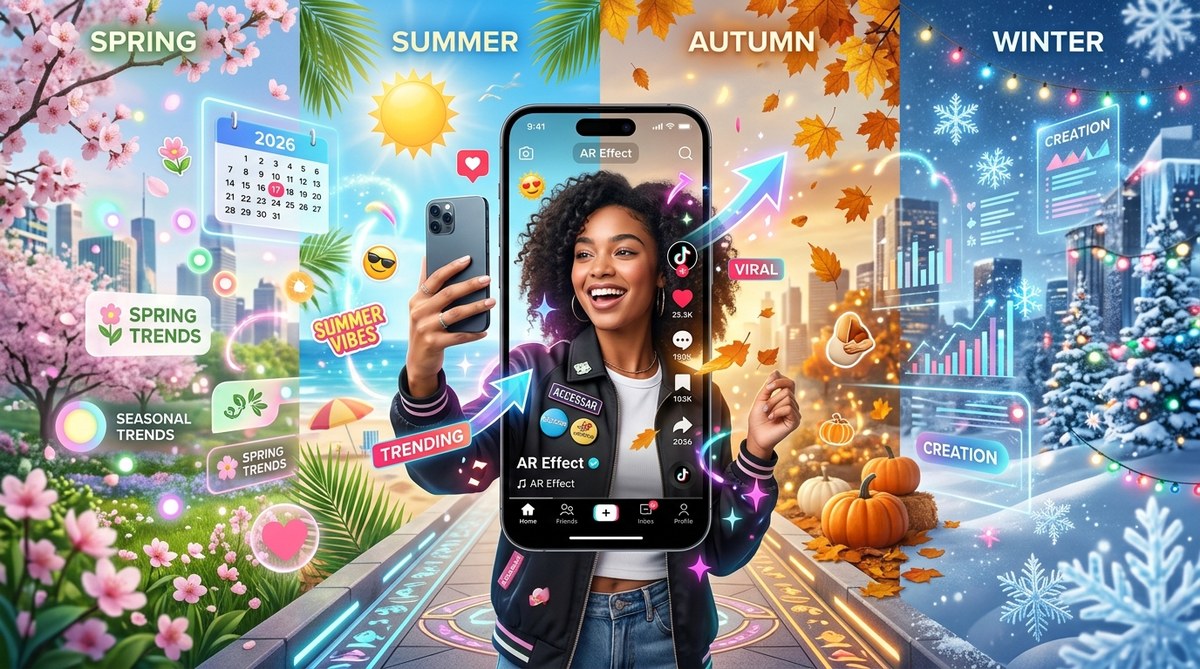
Every January, TikTok floods with confetti effects. By July, beachy AR frames dominate the platform. Then October rolls around, and spooky face filters take over. The pattern is obvious: seasons drive what people want to see and share. But here is the secret most creators miss. You do not have to chase trends. You can predict them. Seasonal cycles give you a built in calendar of viral moments. If you plan your AR effects around what millions of users already feel and celebrate, your work has a much higher chance of being discovered, saved, and remixed.
Seasonal trends give TikTok AR creators a repeatable playbook for virality. By aligning your effects with holidays, weather shifts, and cultural moments, you tap into pre existing user intent. This guide covers why seasonal AR works, a step by step process to build a seasonal effect in Effect House, a table of common mistakes, and expert advice from a top creator. Start small, test early, and publish two weeks before the event.
Why Seasonal AR Effects Take Off
TikTok users do not wake up looking for random filters. They search for content that matches their mood. When it is cold outside, they want cozy effects. When graduation season hits, they want cap throwing simulations. Seasonal AR effects solve a problem: how do I visually express this moment? Your filter becomes the tool they grab.
Seasonal trends also get organic boosts from TikTok itself. The algorithm favors effects attached to timely hashtags like #Halloween, #SummerVibes, or #NewYear. In 2026, TikTok is pushing even harder for event specific AR. Creators who publish a Valentine heart effect on February 1 will see way more traffic than someone posting it in July.
The math is simple. More people are already looking for seasonal content. Your effect rides that wave.
Break Down the Seasonal Calendar
To make this work, you need to map out the major moments a year ahead. Here is a look at the key seasons for TikTok AR in 2026:
- Winter Holidays (December – January): New Year countdown effects, snow overlays, holiday light frames, ugly sweater face masks.
- Valentine’s Day (February): Heart animations, love quizzes, couple filters, romantic color palettes.
- Spring & Easter (March – April): Flower crowns, egg hunts, pastel tones, bunny ears.
- Summer (May – August): Sunglasses, beach backdrops, pool floaties, sunset gradients.
- Back to School (August – September): Notebook doodles, classroom themes, countdown timers.
- Halloween (October): Spooky face morphs, ghost overlays, pumpkin hats, horror color grading.
- Thanksgiving (November): Turkey face filters, autumn leaves, gratitude frames.
- Cultural Events & Sports: Super Bowl, March Madness, Coachella, Pride Month. Each has its own visual language.
Do not try to cover every holiday. Pick four or five that match your style and audience. Focus on those.
How to Build a Seasonal TikTok AR Effect: A Step by Step Process
Let us walk through creating a summer themed effect in Effect House. You can apply these same steps to any season.
-
Choose one seasonal trigger. For summer, pick something universal like “sunset glow” or “beach day.” Make sure it is broad enough to appeal to millions, but specific enough to feel intentional.
-
Design the visual hook. In Effect House, start with a face mesh. Add a warm orange gradient that moves like a sunset. Then attach a subtle sparkle particle system. Keep the effect lightweight. Heavy effects crash older phones.
-
Pair it with a trending sound. Seasonal effects often work best when they react to audio. In Effect House, use the audio analyzer to sync the glow intensity with the beat. Users will try it with whatever song is popular that week.
-
Add an interactive element. Let users tap the screen to switch from day to night. This small interaction boosts engagement and encourages replays. You can find tutorials on interactive tap gestures in our guide to adding interactive tap gestures to your Instagram filters made simple, and the same principles apply to TikTok.
-
Test on real devices. Do not rely on the simulator. Use an iPhone 13 and an Android mid range model. Check that the face tracking is smooth and the colors do not clip.
-
Publish two weeks before the season peaks. If summer vibes hit in June, publish your effect in mid May. This gives time for TikTok’s review queue and early adopters to spread it.
-
Tag it with seasonal hashtags. Use #SummerGlow, #SunsetFilter, and #SummerAR. Also add niche tags like #BeachTok.
-
Create a promo video. Show a before and after. Post it on your own TikTok account. Encourage others to try it by using a call to action like “tag me if you use this.”
Common Mistakes That Kill Seasonal AR Effects
Even a perfectly timed effect can flop. Here is a table of what goes wrong and how to fix it.
| Mistake | Why it hurts | Fix |
|---|---|---|
| Publishing too late | Users are already saturated with similar effects | Set a calendar reminder 4 weeks before the event |
| Overcomplicating the design | Long load times cause users to swipe away | Use less than 5 materials and keep texture resolution at 512×512 |
| Ignoring platform rules | Effects with copyrighted music get rejected instantly | Use only royalty free audio from TikTok’s library |
| Forgetting accessibility | Colorblind users cannot tell your filter apart | Use high contrast shapes and add text overlays |
| No call to action in preview | Users do not know how to share the effect | Add a small text instruction within the first 2 seconds |
| Skipping device testing | Face tracking fails on certain Android models | Test on at least 3 different devices before submitting |
“The biggest mistake beginners make is thinking a seasonal effect is a one size fits all. You have to adjust the vibe for your specific audience. A Valentine effect for a horror account should be dark and ironic. A Valentine effect for a beauty account should be pink and glowy. Know your community.”
– Alex Cortez, TikTok AR creator with over 500 million effect uses in 2025
Use Effect House Templates to Save Time
Seasonal effects often share the same underlying mechanics: face tracking, particle systems, and color gradients. Instead of building from scratch, use templates. The platform Effect House offers seasonal templates. You can modify them quickly. Check out our roundup of 7 viral TikTok effect trends you can build in Effect House this month for specific ideas you can adapt.
If you are new to publishing, the complete beginner’s roadmap to publishing your first TikTok effect walks you through the entire process including the seasonal submission checklist.
Turn Seasonal Hits Into Recurring Revenue
Once you crack the code for one season, reuse the same formula for the next. A summer sparkle effect becomes a winter snow effect with a palette swap. A Halloween skeleton effect becomes a Day of the Dead filter for November. You can even offer custom seasonal effects to brands on a retainer. Learn how in monetizing your TikTok AR skills without a massive following.
Brands pay well for seasonal AR because they know the timing works. If you build a reputation for reliable holiday effects, you can charge premium rates.
Plan Ahead and Experiment Freely
Seasonal trends are not a gamble. They are a predictable pattern. The creators who dominate TikTok AR in 2026 will be the ones who set their alarms, open Effect House three weeks before Memorial Day, and ship a filter that feels fresh yet familiar. Do not overthink it. Pick one upcoming holiday. Build a simple effect. Publish it. Watch the data. Then do it again for the next season. That rhythm builds a library of assets that can go viral year after year.