
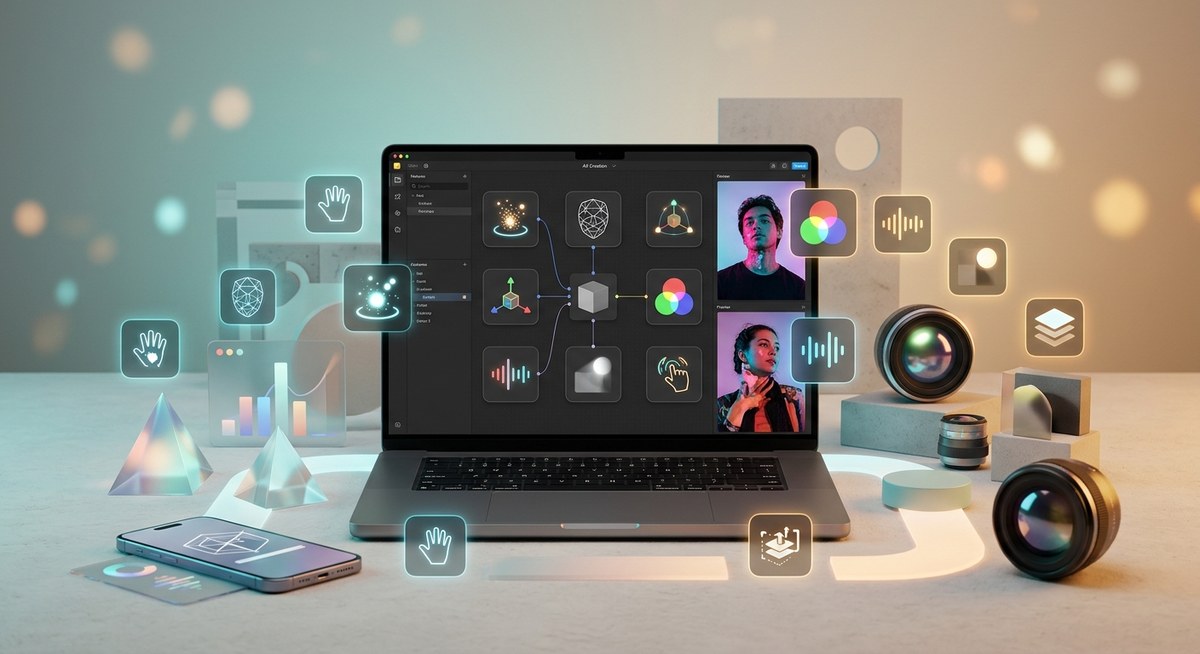
Creating eye-catching effects on TikTok is more than just a trend. It’s about pushing boundaries and standing out in a crowded feed. While many creators focus on popular tools, some of the most powerful features in TikTok Effect House often go unnoticed. These underrated features can help you craft more immersive, engaging effects that truly resonate. Mastering them can give your content an edge and inspire fresh ideas for your next viral hit.
Uncover underrated TikTok Effect House features that can revolutionize your effect creation process. Using these tools enhances interactivity, improves efficiency, and sparks creativity, helping your effects stand out and go viral more easily.
Hidden gems in TikTok Effect House that transform your effect creation
Many creators stick to familiar features like face tracking or basic animations. However, Effect House offers a suite of underrated tools that can significantly elevate your effects. From advanced scripting options to unique asset integrations, these features open new doors for creativity. Familiarity with these can help you develop effects that are more interactive, polished, and shareable.
Effect house’s underrated features that boost your effects
1. Custom scripting for dynamic effects
While Effect House provides a visual scripting interface, many creators overlook the depth of what scripting can do. With custom scripts, you can introduce complex interactions, conditional behaviors, and real-time responses. For example, scripting can enable effects to change based on user gestures or environment cues, making your effects more engaging.
2. Asset bundles for streamlined workflows
Asset bundles allow you to group related assets—like 3D models, textures, and sounds—into a single package. This feature simplifies managing and updating effects, especially when working on larger projects. It also makes collaboration smoother if you’re working with a team of designers or developers.
3. World effects with spatial awareness
Many creators focus on face effects but underutilize world effects that interact with the environment. Effect House’s spatial awareness tools let effects respond to real-world surfaces and objects. This opens possibilities for virtual try-ons, AR games, or interactive environments that integrate seamlessly with physical space.
4. Advanced face and body tracking options
Beyond basic face filters, Effect House offers detailed tracking options for various facial features and body parts. These can be used to create effects that respond to specific expressions or movements. For example, effects that animate based on eye blinks, head turns, or hand gestures can make your creations more lively.
5. Custom shaders and material effects
Shaders can add realism or stylistic flair to your effects. Effect House supports custom shaders, which many beginners overlook. Using shaders, you can create effects with glow, transparency, reflections, or animated textures that give your creations a professional touch.
6. Multi-effect layering and transitions
Layering effects and smooth transitions can make your effects more polished. Effect House’s underrated layering features allow you to combine multiple effects with seamless transitions. This is perfect for story-driven effects or effects that evolve during a user’s interaction.
7. Built-in AI tools for smarter effects
Recent updates include AI-powered features that can analyze user input or environment quickly. These tools can help you generate effects based on images or sounds, speeding up the creative process and enabling effects that adapt intelligently.
8. Multi-platform asset compatibility
Many effects are built with a single platform in mind. Effect House’s underrated feature is its ability to import assets compatible across different AR platforms. This flexibility means you can reuse assets and effects across TikTok, Instagram, or Snapchat, saving time and increasing reach.
9. Collaboration features for team projects
Creating effects often involves collaboration. Effect House’s collaboration tools, though less known, allow multiple designers or developers to work on the same project simultaneously. This speeds up workflow and brings diverse skills into one project.
10. Export options for optimized performance
Finally, the way you export your effects can impact their performance and reach. Effect House offers advanced export settings that optimize effects for different devices and network conditions. This ensures your effects load fast and run smoothly on various smartphones.
Practical steps to unlock Effect House’s hidden features
- Experiment with scripting: Start by exploring the scripting editor. Use simple conditional scripts to make effects respond to user gestures. There are plenty of tutorials online that can guide you through creating interactive scripts.
- Organize assets into bundles: When working on larger effects, group related assets into bundles. This makes updates easier and helps you keep your project tidy.
- Utilize spatial awareness tools: Try creating a world effect that reacts to surfaces like walls or tables. It’s a fun way to add realism to your effects.
- Dive into advanced tracking: Use the detailed face and body tracking options to animate effects based on specific movements or expressions.
- Incorporate shaders creatively: Play with custom shaders to add glow effects or reflections that make your effects pop.
- Layer multiple effects: Combine different effects with smooth transitions to tell a story or create a dynamic experience.
- Leverage AI tools: Use the AI features to generate effects from images or sounds for faster prototyping.
- Import cross-platform assets: Prepare assets in compatible formats so you can adapt your effects for other platforms.
- Collaborate with teammates: If working in a team, utilize the collaboration features to share progress and get feedback.
- Optimize your exports: Adjust export settings for performance, especially if targeting a wide range of devices.
| Technique | Mistake to Avoid |
|---|---|
| Overusing complex scripts | Making effects slow or unresponsive |
| Forgetting to organize assets | Losing track of project components |
| Ignoring spatial tools | Creating effects that don’t interact with real environments |
| Neglecting shader optimization | Causing effects to lag or crash |
| Overlayering effects without transitions | Resulting in jarring visual jumps |
Expert tip: “The key to creating standout effects is not just using the tools, but mastering how they work together. Small details like smooth transitions or environment responsiveness can turn a good effect into a viral one.”
Elevate your effects with these lesser-known features
Using these underrated features can set your effects apart. Whether it’s scripting complex interactions or managing assets efficiently, these tools give you more control and creativity. They also help you keep effects lightweight and fast, which is crucial for user satisfaction.
Final thoughts on unlocking the full potential
Tapping into the lesser-known features of TikTok Effect House opens a world of possibilities. They allow you to craft effects that are more interactive and visually impressive. Take time to experiment with scripting, shaders, and spatial tools. As you do, your effects will become more refined, engaging, and likely to catch on.
Becoming familiar with these features might require a bit of practice, but the results are worth the effort. Keep experimenting, learn from others, and push your creative boundaries. Your next viral effect could be just a feature away.