
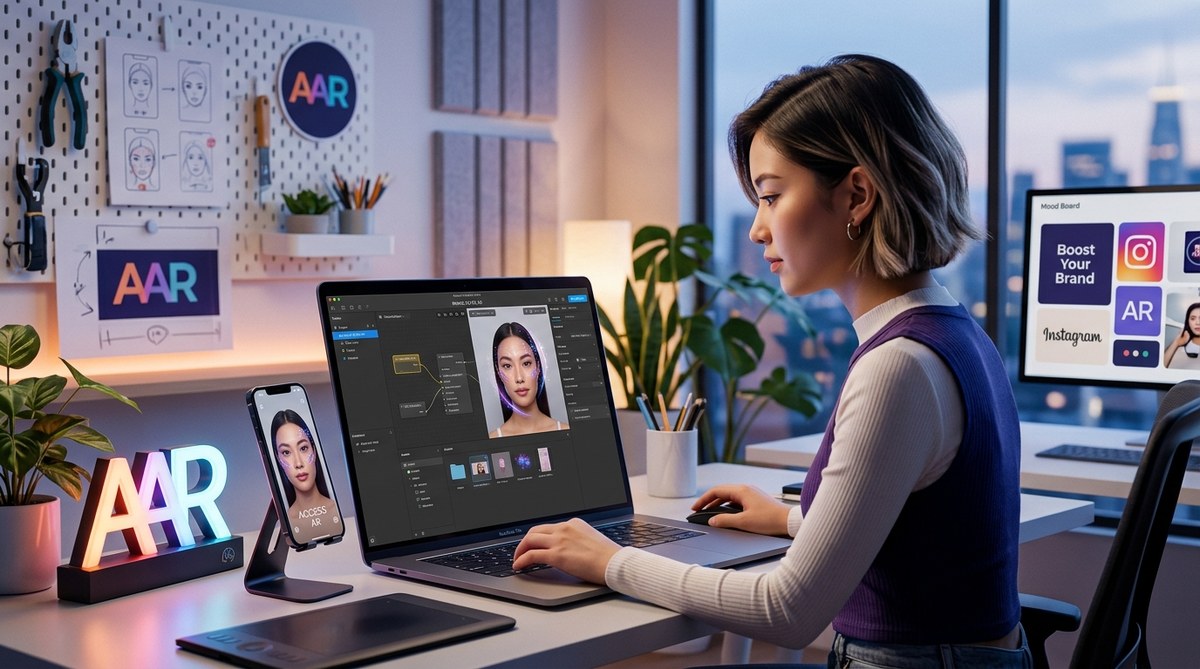
Creating custom Instagram filters is a fantastic way to make your content stand out. Whether you’re a content creator, social media marketer, or hobbyist, designing your own AR effects can give your brand a creative edge. Meta Spark Studio offers a user-friendly platform that makes it accessible even if you’re new to augmented reality. This guide will walk you through the process of creating Instagram filters using Meta Spark Studio, giving you all the tools to bring your ideas to life.
Mastering the art of creating Instagram filters involves understanding basic AR design principles, familiarizing yourself with Meta Spark Studio, and following a clear workflow. With patience and practice, you can craft engaging effects that elevate your social media presence and enhance your brand identity—no coding skills required.
Getting started with creating Instagram filters
Before jumping into designing your effect, it’s helpful to understand why AR filters are a game changer for social media. They add a layer of interactivity and fun that resonates with audiences. Meta Spark Studio has lowered the barrier for entry, allowing anyone to craft professional-looking filters.
Why create Instagram filters
- Boost brand recognition with unique effects
- Engage followers with interactive content
- Grow your audience through shareable effects
- Add a creative touch to your personal or business profile
What you need to begin
- A computer compatible with Meta Spark Studio (Windows or Mac)
- A smartphone with Instagram installed for testing
- Basic familiarity with graphic design (optional but helpful)
- A creative idea or theme for your filter
Step-by-step guide to creating Instagram filters with Meta Spark Studio
- Set up Meta Spark Studio
Start by downloading Meta Spark Studio from the official website. The software is free and offers a straightforward installation process. Once installed, open the platform and familiarize yourself with the interface.
- Create a new project
Click on “Create New” to start a fresh project. You’ll see a workspace where you can import assets, add effects, and preview your filter.
- Design your assets
Prepare the visual elements for your filter. This could include face overlays, backgrounds, animated objects, or text. Use graphic design tools like Photoshop or Canva to create transparent PNGs or animations. Keep in mind the size and placement to fit within the camera view.
- Import assets into Meta Spark Studio
Drag and drop your prepared files into the scene panel. You can add images, 3D objects, or sounds. For beginners, sticking to simple 2D overlays is a good start.
- Add interactions and effects
Use the built-in tools to add interactions like tap gestures or face tracking. For example, you can make an effect activate when the user taps the screen or place objects that follow facial movements.
“Remember, simplicity often yields the most viral effects. Focus on clear visuals and intuitive interactions.” — Expert AR designer
- Test your filter
Connect your smartphone via the Meta Spark Player app. Live testing allows you to see how your filter performs in real-world conditions. Make adjustments as needed to improve stability and visual appeal.
- Publish your filter
Once satisfied, click on “Upload” to submit your filter for review. Follow Instagram’s guidelines to ensure your effect aligns with community standards. After approval, your filter will be available for others to try and share.
Best practices for designing Instagram AR filters
- Prioritize a clear and simple concept that resonates with your audience
- Avoid cluttering the screen with too many elements
- Test on different devices to ensure compatibility
- Use high-quality assets to maintain a professional look
- Include an interactive element to increase engagement
- Consider the longevity of your effect; avoid overly trendy themes that quickly fade
Common mistakes to avoid
| Technique | Mistake to Avoid |
|---|---|
| Overloading with effects | Making the filter too busy can overwhelm users |
| Ignoring testing | Not testing on multiple devices causes issues |
| Not following guidelines | Submitting effects that violate policies results in rejection |
| Poor asset quality | Low-res images diminish the overall look |
| Forgetting interactivity | Static filters are less engaging |
How to maximize your filter’s reach
- Promote your filter on your social channels
- Use relevant hashtags to increase visibility
- Collaborate with influencers to showcase your effect
- Regularly update your filters to keep your audience engaged
Tips for success
- Study trending effects for inspiration
- Keep your effects aligned with your branding
- Encourage followers to share and tag your filter
- Track performance analytics to refine your designs
How to troubleshoot common issues
- If your filter gets rejected, review Instagram’s community guidelines
- Fix any technical glitches like lag or crashes
- Make sure your assets are optimized for mobile devices
- Re-test after making adjustments
| Issue | Solution |
|---|---|
| Filter not appearing in search | Re-upload after fixing naming or policy issues |
| Effects not tracking face properly | Adjust face tracking points or re-import assets |
| Slow loading or lag | Optimize assets and reduce complexity |
Inspiration to spark your creativity
Designing Instagram filters with Meta Spark Studio opens up endless possibilities. From playful face masks to immersive backgrounds, the key is to start simple and build your skills gradually. Many creators have launched viral effects that boosted their brand visibility and grew their followers. With consistent practice, you can develop effects that are both fun and strategic.
Your next step in AR creativity
Creating Instagram filters doesn’t require advanced coding skills. Meta Spark Studio empowers you to turn ideas into reality through a friendly, visual interface. Begin experimenting today by sketching your concept, gathering assets, and following the steps outlined. As you gain confidence, you can explore more complex effects and even collaborate with other designers.
Keep your creativity flowing
Whether you’re aiming to enhance your personal brand or develop effects for clients, mastering Meta Spark Studio is a valuable skill. The platform updates frequently with new features, so staying current will keep your filters fresh and engaging.
Remember, the most successful AR effects are those that resonate with your audience. Keep testing, learning, and refining your designs. Your unique perspective is what makes your filters stand out.
Happy designing, and don’t be afraid to put your personality into every effect you create!