
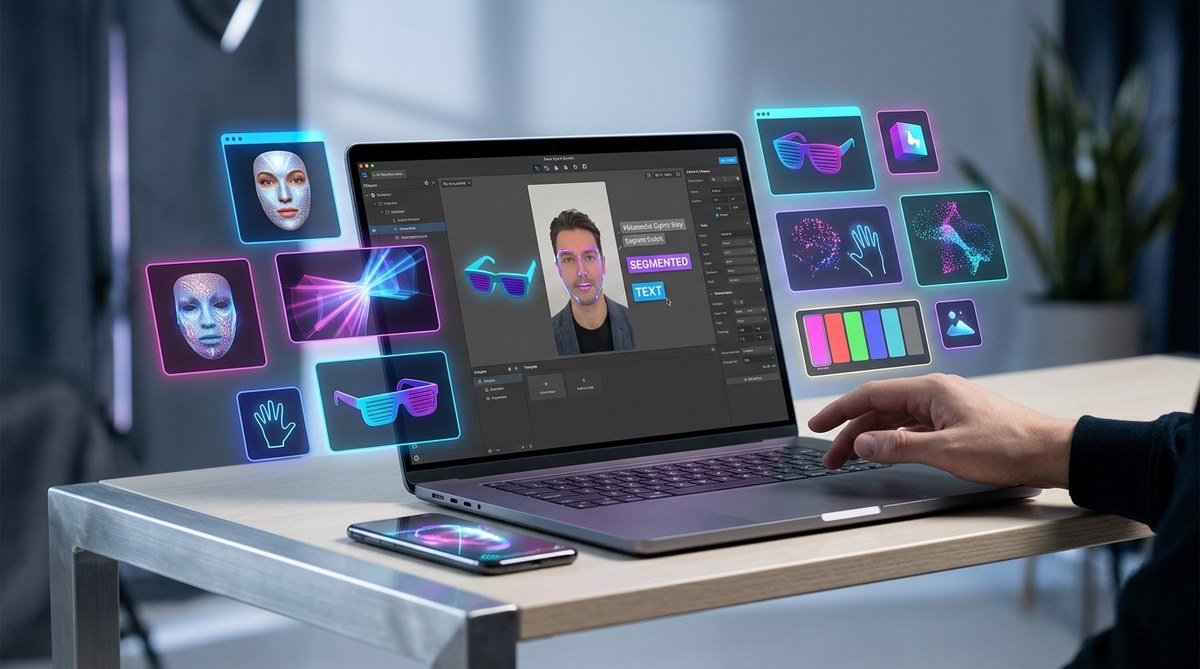
Creating engaging augmented reality effects has become more accessible than ever. If you want to craft eye-catching filters for social media or brand campaigns, you don’t need to be a coding expert. Instead, you can leverage free Spark AR templates, which provide ready-made assets and structures to help you design professional effects with ease. This guide will walk you through how these templates work, where to find the best ones, and how to use them to elevate your AR game.
Why Using Free Spark AR Templates Makes Sense
For newcomers and hobbyists, starting from scratch can feel overwhelming. Spark AR Studio is a powerful tool but requires time to learn its intricacies. Free templates act as a shortcut, offering a solid foundation that saves hours of work. They help you:
- Understand how effects are structured
- Experiment with design ideas
- Create polished effects without extensive coding
- Speed up your project timeline
Using these templates also boosts your confidence. You get a professional look without needing to master complex programming languages. As you become more comfortable, you can customize these templates further or even create your own effects from scratch.
How to Find the Best Free Spark AR Templates
The first step is to locate high-quality templates that fit your project goals. Here are some trusted sources:
-
Official Spark AR Community: The Spark AR Hub offers a library of free assets shared by the community and Facebook itself. You can browse through a variety of effects and download the ones that inspire you.
-
AccessAR: The website provides a curated selection of free Spark AR templates designed for different effects, from face masks to interactive games. You can find these templates at AccessAR.
-
Third-Party Websites & Creators: Platforms like GitHub or independent creators often share free Spark AR templates on their blogs or marketplaces. Always ensure these sources are trustworthy to avoid malware or low-quality assets.
-
YouTube Tutorials & Resource Pages: Many creators share free templates in their tutorials, often with links to download. These are great for seeing the templates in action before using them.
Step-by-Step Guide to Using Free Spark AR Templates
Once you’ve selected a template, follow these steps to customize and publish your AR effect:
1. Download and Import the Template
- Visit your chosen source and download the Spark AR template file (.arexport or .arex).
- Open Spark AR Studio and create a new project.
- Import the template by navigating to File > Import and selecting the downloaded file.
2. Understand the Structure
- Explore the layers and objects within the template.
- Identify key components like face effects, 3D objects, or interactions.
- Review the included scripts or patches to see how interactions are handled.
3. Customize the Assets
- Replace placeholder images or 3D models with your own.
- Adjust colors, sizes, and positions to match your style.
- Use Spark AR’s patch editor to tweak interactions or animations if needed.
4. Test Your Effect
- Use the Spark AR Player app on your mobile device to see how the effect looks in real time.
- Make adjustments based on how it performs and appears.
5. Optimize for Platforms
- Ensure your effect complies with platform guidelines, such as Facebook or Instagram.
- Simplify complex assets to reduce load times.
- Preview how the effect looks on different devices.
6. Publish and Promote
- Submit your effect through Spark AR Hub.
- Share it with your audience or clients.
- Promote your AR effect on social media to increase visibility.
“Using free templates is like having a professional scaffolding — it helps you build your effect faster and more confidently, even if you’re new to AR design.”
Common Techniques and Mistakes When Using Spark AR Templates
| Technique | What to Do | Common Mistake |
|---|---|---|
| Asset Replacement | Use high-resolution images and models | Using low-quality assets that look pixelated |
| Interaction Tuning | Adjust patch parameters carefully | Overcomplicating interactions that cause lag |
| Testing | Test on multiple devices | Only testing on your phone, missing issues on others |
| Optimization | Keep poly count low | Forgetting to optimize textures and scripts |
Tips for Customizing Templates Effectively
- Start simple: Focus on one feature at a time to avoid confusion.
- Use your own assets: Personalize effects with your branding or style.
- Follow tutorials: Many free resources provide step-by-step walkthroughs for customizing templates.
- Check platform guidelines: Make sure your effects meet the technical and content standards for Facebook or Instagram.
Common Pitfalls and How to Avoid Them
- Overloading assets: Large files slow down performance. Compress images and models.
- Ignoring testing: Always test on multiple devices. Effects may look different across screens.
- Not optimizing scripts: Excessive scripting can cause crashes. Keep scripts lean and efficient.
- Forgetting to update placeholders: Double-check that all placeholders are replaced with your content before publishing.
“A crucial tip is to keep your effects lightweight. Heavy effects can frustrate viewers and cause platform rejection. Focus on quality over quantity.”
Why Free Spark AR Templates Are a Game Changer
They lower the barriers to entry. Whether you’re a marketing professional, a hobbyist, or a student learning AR, templates give you a professional starting point. You can quickly produce effects that look polished and engaging. As your skills grow, you can modify templates or develop your own effects from scratch.
Wrapping Up Your AR Journey
Using free Spark AR templates is a smart way to accelerate your learning curve. They help you understand design principles, experiment with ideas, and produce effects that stand out. Remember, the key is to pick quality templates, customize them thoughtfully, and test thoroughly. With practice, you’ll be creating effects that capture attention and even inspire others.
Keep Creating and Personalizing Your AR Effects
Don’t hesitate to try different templates and tweak them to match your vision. The more you experiment, the better you’ll become at designing immersive AR experiences. Jump in, explore available resources, and start building effects that make you proud. Your journey to becoming a skilled AR designer begins with that first template you customize.