
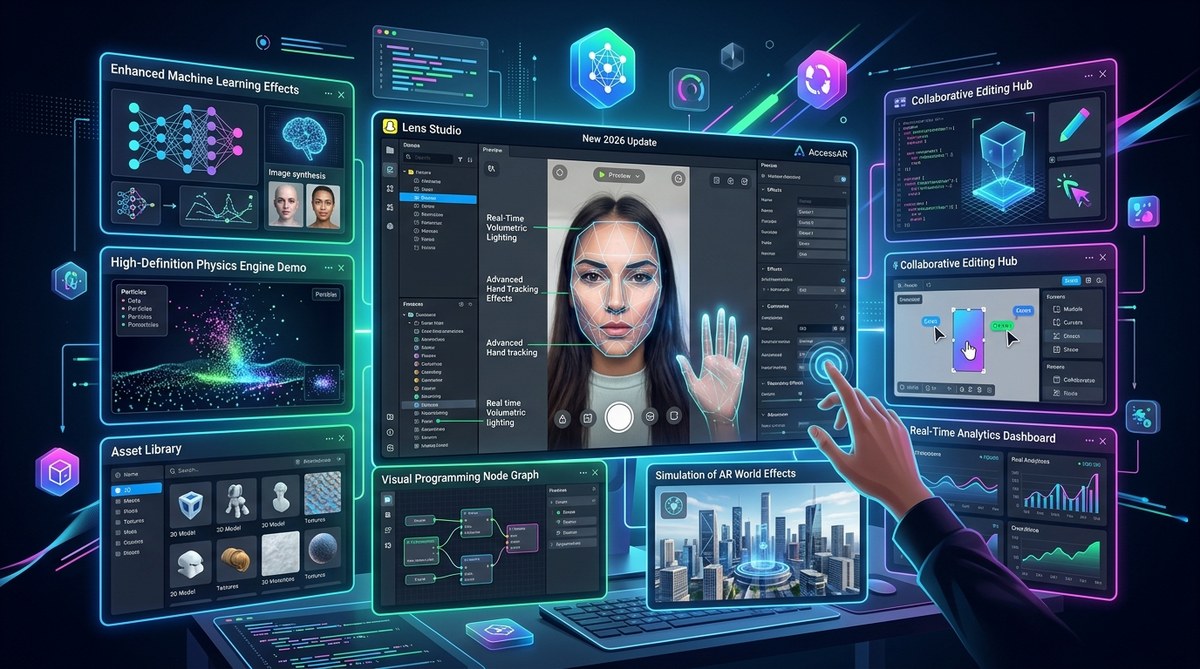
Snap just dropped a major update for Lens Studio, and it changes everything about how you build filters. If you have been creating AR effects for a while or you are just getting started, the new tools in this 2026 release make the process faster, smarter, and way more fun. No more wrestling with complex node graphs just to add a simple animation. The platform now understands plain English, tracks your hands with scary accuracy, and even listens for voice commands. Let us walk through the eight biggest features that are reshaping how Snapchat filters are made.
Snapchat Lens Studio’s 2026 update introduces eight major features that lower the barrier for beginners while giving advanced creators powerful new tools. The standout is Easy Lens, an AI feature that turns text descriptions into working AR effects. Hand tracking, voice commands, and improved segmentation open up fresh creative possibilities for filters that feel more interactive than ever before.
Easy Lens Turns Your Words Into Working Filters
The biggest news from the 2026 update is Easy Lens. This AI-powered tool lets you type a description of the filter you want, and Lens Studio builds it for you. Type “add a glowing crown that sparkles when I smile” and the software generates the entire effect, complete with face tracking and animation triggers.
This feature alone changes the game for beginners who feel intimidated by the node-based editor. Instead of learning how to wire up a face mesh from scratch, you can describe your idea and get a working prototype in seconds. From there, you can tweak the result manually or iterate with new prompts.
For experienced creators, Easy Lens works as a rapid prototyping tool. Describe a complex interaction, see how Lens Studio interprets it, and then refine the logic in the visual editor. It cuts the time between idea and test build from hours to minutes.
Hand Tracking That Actually Works in Real Time
Previous versions of Lens Studio offered basic hand detection, but the 2026 update brings full hand tracking with 21 key points per hand. The system tracks each finger joint independently and responds instantly to gestures like pinching, pointing, or making a fist.
This opens up new interaction patterns for filters. You can now build a lens that places a virtual object in someone’s palm and lets them rotate it by twisting their wrist. Or create a game where users catch falling items by closing their fingers. The tracking is smooth enough that the effect feels natural rather than laggy.
If you want to see practical examples of this in action, check out our guide on how to use snapchat lens studio’s new hand tracking features in 2026.
Voice Commands Let Users Talk to Filters
Snap added voice interaction support to Lens Studio, meaning your filters can now respond to spoken words. The system recognizes specific trigger phrases you define during creation. Say “start the countdown” and the lens begins a timer animation. Say “change color” and the background hue shifts.
This feature works best when paired with visual feedback. A filter that listens for “make it rain” and then drops emoji particles across the screen feels magical. The voice recognition runs on device, so there is no delay waiting for a server response. Users just speak, and the effect reacts instantly.
Advanced Background Segmentation With Depth Layering
Background segmentation has been around for a while, but the 2026 update adds depth layering. Instead of simply cutting the person out from the background, Lens Studio now identifies multiple depth planes. It can separate a person standing in front of a chair from the wall behind them, and apply different effects to each layer.
This makes filters like virtual try-ons much more convincing. A hat that sits behind a person’s hair but in front of the wall behind them looks real. You can also blur the background at different intensities depending on distance, creating a depth of field effect that mimics a professional camera lens.
For a deeper look at how to use this, read our article on how to use snapchat lens studio’s advanced segmentation to create immersive background effects.
Asset Store With Community Templates and 3D Models
Finding good 3D assets used to mean digging through free model sites or modeling them yourself. The new Asset Store inside Lens Studio gives you access to hundreds of community-created templates, 3D objects, textures, and animations. Everything is designed to work with Snapchat’s format, so you do not have to resize or convert files.
You can grab a pre-built neon sign, drop it into your scene, and adjust the color in seconds. The store also includes full lens templates that you can remix. Start with a working face filter, swap out the artwork, and publish it as your own. This is especially useful for social media marketers who need to produce branded lenses quickly.
If you want to save even more time, check out our collection of snapchat lens studio templates that save hours of design time.
Performance Optimizer for Smoother Filters
Nothing kills a filter’s popularity faster than lag. The 2026 update includes a built-in Performance Optimizer that analyzes your lens and suggests improvements. It flags things like oversized textures, too many particles, or inefficient logic loops that slow down the effect on older phones.
The tool shows you a performance score and gives you specific fixes. Reduce this texture from 2048 to 1024 pixels. Remove this unused animation node. Replace this particle system with a sprite sheet. Following its suggestions can double your filter’s frame rate without changing how it looks.
A smooth filter gets used more. A laggy one gets swiped away after two seconds. The Performance Optimizer helps you stay on the right side of that line.
Collaborative Editing for Team Projects
Lens Studio now supports real-time collaborative editing. Multiple creators can work on the same lens project at the same time. Changes sync instantly, and you can see which teammate is editing which node.
This is huge for agencies and brand teams where one person handles the 3D modeling, another manages the logic, and a third designs the color palette. Instead of passing files back and forth, everyone works in the same project. You can leave comments on specific nodes, and the chat feature lets you discuss changes without leaving the editor.
Expanded Analytics Dashboard for Published Lenses
The analytics section got a major overhaul in 2026. You can now see detailed data on how your lens performs, including average session time, re-scan rate, and geographic breakdown. The dashboard also shows which specific interactions users engage with most.
If your lens has a tap-to-change-color feature, the analytics tell you how many users actually tapped it. This data helps you understand what parts of your filter resonate and what parts people ignore. Use that insight to design better lenses in the future.
For a complete walkthrough of what these numbers mean, read our guide on instagram filter analytics decoded what your impressions really mean. The same principles apply to Snapchat analytics.
How to Get Started With the 2026 Update
Here is a simple process to start using these new features today:
- Update Lens Studio to the latest version from the official website.
- Open the Easy Lens panel and type a short description of a filter idea.
- Review the generated lens and tweak any elements in the visual editor.
- Add hand tracking or voice commands from the Interaction menu.
- Run the Performance Optimizer before publishing.
- Submit your lens and monitor its performance in the new analytics dashboard.
Common Mistakes to Avoid With the New Tools
| Mistake | Why It Hurts | Better Approach |
|---|---|---|
| Relying only on Easy Lens without manual tweaks | Filters look generic and lack polish | Use AI as a starting point, then customize |
| Adding hand tracking without testing on multiple devices | Gestures may not register on older phones | Test on at least three different phone models |
| Ignoring the Performance Optimizer warnings | Laggy filters get low engagement | Fix all optimization suggestions before publishing |
| Using too many voice triggers | Users get confused about what to say | Limit to one or two clear voice commands |
| Overcomplicating background layers | Filters become heavy and slow | Use depth layering only when it adds real value |
“The best Snapchat filters feel like magic, not work. The 2026 update removes friction from the creation process, letting you focus on the idea instead of the technical wiring.” – AccessAR team
What This Means for Your Filter Creation Workflow
The 2026 Lens Studio update shifts the focus from technical setup to creative experimentation. Easy Lens removes the blank page problem. Hand tracking and voice commands give you new ways to make filters interactive. The Performance Optimizer catches problems before users ever see them.
If you have been putting off learning Lens Studio because it seemed too complex, now is the time to jump in. The tools are more accessible than ever, and the results you can produce are genuinely impressive. Start with a simple idea, use Easy Lens to build the foundation, and layer in interactivity as you get comfortable.
For a step-by-step walkthrough of building your first filter from scratch, check out our tutorial on how to make your first snapchat lens in under 30 minutes.
Your Next Step With Snapchat Lens Studio 2026
Open Lens Studio today and try the Easy Lens feature. Type a simple description like “a filter that adds butterfly wings that flap when I blink” and see what the AI creates. Then tweak the colors, test the performance, and publish it. The gap between having an idea and sharing it with the world has never been smaller.
The tools are there. The audience is waiting. Go build something that makes people smile.