
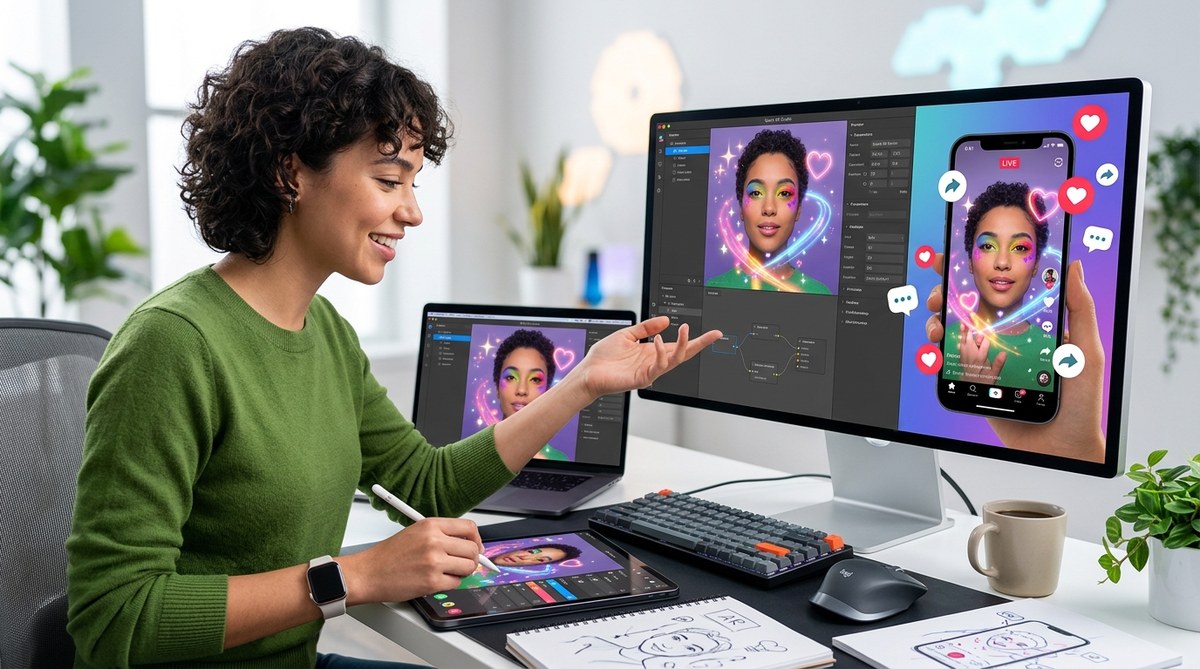
Creating a TikTok effect that truly resonates with viewers requires more than just technical skill. It’s about crafting something fun, shareable, and intuitive. As TikTok continues to dominate social media in 2026, understanding how to design effects that boost engagement naturally is essential for creators, brands, and marketers alike. This guide walks you through practical steps and insider tips to develop effects that users love to share and interact with, increasing your visibility and impact on the platform.
Designing TikTok effects that boost engagement involves understanding user psychology, creating visually appealing and easy-to-use filters, and leveraging platform features effectively. Follow clear steps, avoid common mistakes, and focus on shareability to maximize your filter’s success organically.
Understanding what makes TikTok effects engaging naturally
Before jumping into creation, it’s crucial to understand what makes effects popular. TikTok users respond well to effects that are visually striking, easy to use, and encourage participation. Effects that evoke humor, surprise, or self-expression tend to spread quickly. Additionally, effects that align with current trends or seasonal themes resonate more. Recognizing these patterns helps you design filters that feel authentic and compelling.
Step-by-step process to craft viral TikTok effects
Creating effects that naturally boost engagement involves a blend of creative design, technical know-how, and strategic thinking. Here are the key steps:
1. Define your effect’s purpose and target audience
Start by identifying what you want your effect to achieve. Is it meant to entertain, promote a brand, or encourage user participation? Knowing your audience helps you tailor the effect to their preferences. For instance, a playful face filter might appeal to younger users, while a more sophisticated AR effect could suit fashion brands.
2. Research current trends and popular effect styles
Spend time browsing TikTok’s trending hashtags, sounds, and effects. Notice which filters are getting lots of use and shares. Take note of color schemes, themes, and interactive elements. You can even analyze viral effects from brands or top creators to understand what works.
3. Plan your effect’s visual and interactive elements
Sketch out your effect’s look on paper or digital tools. Decide on key visual features, such as color palettes, shapes, or animations. Incorporate interactive components like tap gestures, blinking, or mouth tracking to keep users engaged. Making your effect intuitive and fun encourages users to try it repeatedly.
4. Use beginner-friendly AR tools and software
Choose a platform that matches your skill level. Effect House, TikTok’s official effect creation platform, offers a user-friendly interface with drag-and-drop features. For more advanced effects, software like Spark AR or Lens Studio can be useful. Many of these tools provide templates and tutorials that simplify the process.
5. Build and customize your effect
Follow step-by-step tutorials to assemble your effect. Focus on creating smooth animations and clear visuals. Test your effect frequently to identify bugs or awkward interactions. Remember, effects that are easy to use and look good on different face shapes or backgrounds tend to perform better.
6. Optimize for shareability and virality
Design your effect to encourage sharing. For example, include fun or surprising elements that users want to show to friends. Add a branded or personalized touch that aligns with your campaign. Incorporate trending sounds or hashtags when publishing to increase discoverability.
7. Test and gather feedback
Before releasing your effect broadly, share it with friends or a small audience. Observe how people interact with it. Use their feedback to refine visuals or interactions. A well-polished effect invites more shares and usage.
8. Publish and promote your effect
Once satisfied, publish your effect in Effect House or your chosen platform. Promote it across your social channels, encouraging followers to try it out. Collaborate with influencers to jumpstart its virality.
Common pitfalls to avoid
| Technique | Mistake to Avoid | Why it Matters |
|---|---|---|
| Overcomplicating effects | Making effects too complex or hard to use | Users prefer effects that are simple and quick to try |
| Ignoring platform guidelines | Uploading effects that violate TikTok policies | Effects may get rejected or removed, wasting effort |
| Focusing only on visuals | Forgetting about interactivity and shareability | Interactive effects boost engagement and sharing |
| Neglecting testing | Publishing without thorough testing | Bugs or glitches decrease user trust and usage |
| Not aligning with trends | Creating effects unrelated to current TikTok culture | Trends drive virality and organic reach |
Techniques for designing effects that naturally increase engagement
- Use bright, contrasting colors to attract attention
- Incorporate humor or surprises that make users laugh or gasp
- Enable easy interaction, such as tapping or blinking
- Add customizable elements so users can personalize the filter
- Include trending sounds or themes to boost relevance
- Design effects that encourage participation, like challenges or duets
Expert advice for creating viral effects
“The secret to crafting effects that go viral is understanding what motivates users to share. Keep it simple, fun, and relevant. When users feel they can easily express themselves or entertain others with your effect, sharing becomes effortless.”
Understanding your audience’s behavior helps you tailor effects that feel natural and engaging. Focus on effects that invite participation and make sharing effortless. Remember, the most successful filters are those that users want to use repeatedly and showcase to friends.
Common mistakes in effect design and how to avoid them
| Technique | Mistake | How to fix it |
|---|---|---|
| Overly complex visuals | Confusing or overwhelming effects | Simplify visuals and interactions |
| Lack of testing | Bugs or glitches that frustrate users | Test thoroughly before publishing |
| Not considering user comfort | Effects that cause discomfort or fatigue | Design effects to be visually gentle and quick to use |
| Ignoring mobile performance | Effects that load slowly or crash | Optimize assets and effects for mobile devices |
Making effects that grow organically
Creating effects that boost engagement naturally takes thoughtful design. Focus on visual appeal and ease of use. Incorporate trending themes and interactive elements that encourage users to participate. Remember to keep everything optimized for mobile and aligned with TikTok’s community standards. When effects are fun and effortless, users will share without prompting.
Final thoughts on designing TikTok effects for organic growth
Designing TikTok effects that resonate and spread organically involves a mix of creativity, understanding audience psychology, and platform knowledge. Keep visuals simple yet eye-catching and add interactive elements that invite participation. Stay current with trends and test your effects thoroughly. When you craft filters that are fun, easy, and shareable, you set the stage for natural virality.
Encourage yourself to start small, learn from what resonates, and gradually refine your effects. With patience and creativity, your filters can become a staple in TikTok’s vibrant community, helping your content stand out and grow authentically.
Keep creating effects that speak to your audience
Now that you know the key steps and best practices, it’s time to put your ideas into action. Focus on making effects that are fun, simple, and aligned with trends. Remember, the goal is to make effects users want to share naturally. Keep testing, refining, and listening to feedback. Your next viral effect could be just a few filters away.