
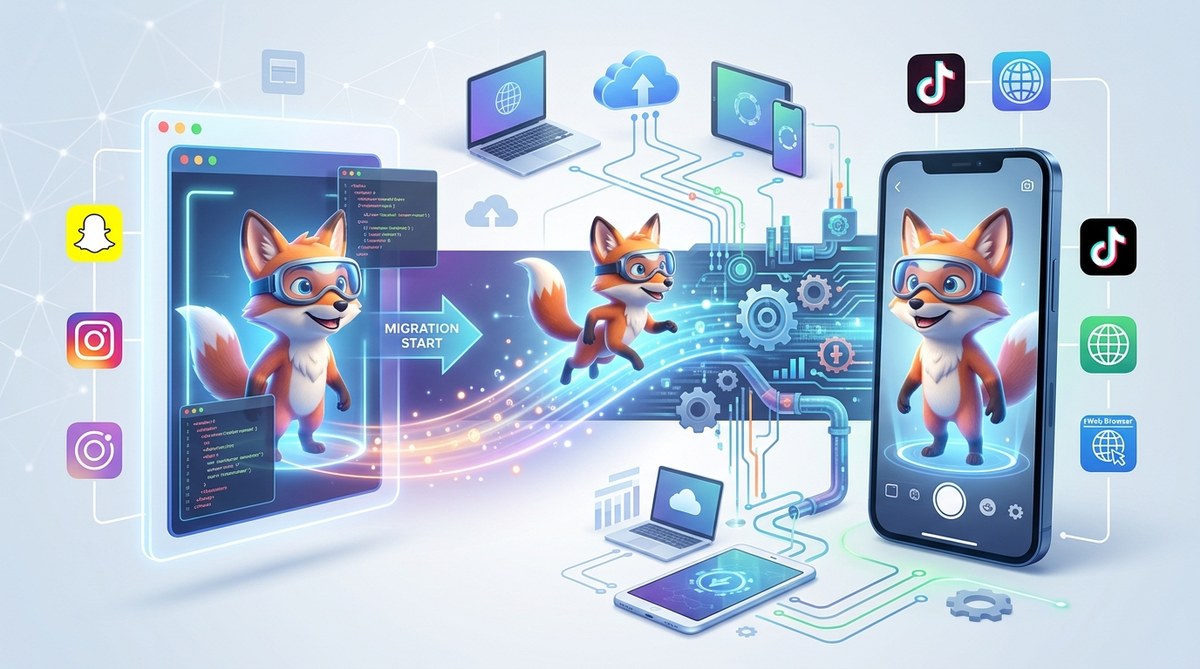
Switching your augmented reality (AR) platform can feel daunting. Maybe your current tool isn’t meeting your needs, or you’re eager to tap into new features. Whatever your reason, migrating without losing your work or starting from scratch is possible with the right approach. This AR platform migration guide walks you through practical strategies to make your switch smooth and efficient. You’ll learn step-by-step processes, common pitfalls, and expert tips to keep your projects on track.
Migrating AR platforms doesn’t mean abandoning your work. With careful planning, backing up assets, and understanding platform differences, you can transition smoothly and continue creating captivating AR experiences without starting over from scratch.
Understanding Why Platform Migration Matters
Switching AR platforms is more than just a technical change. It impacts your workflow, your assets, and your ability to deliver engaging content. Whether you’re moving from Lens Studio to Effect House or transitioning between Meta Spark and Spark AR, understanding the reasons behind migration helps you plan better. You might need better compatibility, access to advanced features, or improved performance. Knowing the ‘why’ keeps you motivated and focused during the process.
Preparing for a Hassle-Free Transition
Before you begin, gather all your existing assets, including 3D models, scripts, textures, and project files. Organize your files neatly in folders so you can easily locate them during migration. Check if your current platform allows exporting projects or assets. If not, consider exporting individual components or recreating parts of your project.
To avoid losing progress, create a comprehensive backup of your entire project. Use cloud storage or external drives for added security. Also, review the new platform’s compatibility with your current assets. For example, some platforms might not support certain file formats or scripting languages.
The Step-by-Step Process for Migrating Your AR Projects
-
Research Your New Platform
Understand its features, limitations, and supported asset formats. Review tutorials to familiarize yourself with its interface. For example, if you’re transitioning from Lens Studio to Effect House, check out their official guides to grasp key differences. -
Export Assets from Your Current Platform
Save 3D objects, textures, and other media in compatible formats like OBJ, FBX, or PNG. For scripts, note any platform-specific code that may need rewriting. Some platforms allow exporting entire projects, while others require manual asset export. -
Set Up Your New Environment
Install and update your new AR platform. Create a new project, and set up directories for assets. Import your exported assets into the new environment, making sure to place them correctly within the project structure. -
Rebuild or Migrate Scripts and Effects
Scripts often need adjustments due to platform differences. Review any code snippets and adapt them accordingly. For effects that rely on platform-specific features, find the equivalent functions or workarounds in your new platform. -
Test Extensively
Run your project within the new environment. Check for asset compatibility, script errors, and overall performance. Conduct thorough testing on different devices if possible. Use platform-specific debugging tools to identify issues early. -
Optimize and Finalize
Fine-tune your assets and scripts. Optimize textures, reduce polygon count if needed, and tweak effects for smooth performance. Once satisfied, prepare your project for deployment or publishing.
Practical Tips and Best Practices
-
Document Your Assets and Scripts
Keep detailed notes about how assets are used and how scripts interact. This documentation speeds up adaptation during migration. -
Use Platform Compatibility Tools
Some platforms offer import/export tools or compatibility checkers. Use these to identify potential issues early. -
Engage with Community Forums
Platforms often have active user communities. Search for migration tips or ask questions if you encounter specific issues. -
Stay Updated on Platform Changes
AR platforms evolve quickly. Keep an eye on updates, new features, and deprecation notices to future-proof your work.
“Never underestimate the power of thorough testing. It saves time and effort in the long run,” advises seasoned AR developers. Testing across multiple devices and scenarios reveals hidden issues and ensures your project remains engaging and functional.
Common Mistakes and How to Avoid Them
| Mistake | How to Avoid |
|---|---|
| Skipping backups | Regularly save multiple copies of your project during each phase of migration. |
| Ignoring platform-specific features | Study the new platform’s capabilities to adapt effects and scripts accordingly. |
| Rushing through asset import | Take your time to verify each asset’s quality and compatibility after import. |
| Not testing thoroughly | Test on different devices and scenarios to catch issues early. |
| Overlooking script adjustments | Review and rewrite scripts to match the new platform’s scripting language and API. |
Troubleshooting and Fine-Tuning Your Migration
Migration rarely goes perfectly on the first try. Expect some hiccups with asset compatibility or scripting errors. When faced with issues, revisit your backups and compare platform documentation. Use debugging tools provided by your new platform to identify errors quickly. For scripts, consult community forums or official resources for platform-specific advice.
If certain effects don’t translate well, consider recreating them with platform-specific features. Sometimes, a fresh approach yields better results and a more polished experience.
Final Thoughts: Keep Moving Forward
Switching AR platforms is a learning curve but one that pays off in the long run. By preparing properly, backing up your work, and understanding platform differences, you can migrate confidently. Remember, the goal is to continue creating immersive, engaging AR experiences without wasting time starting from zero.
Take your time, test diligently, and don’t hesitate to reach out to community resources. Over time, you’ll gain new skills and insights that elevate your AR projects. Happy creating!
Elevate Your AR Projects with a Seamless Platform Switch
Transitioning between AR platforms doesn’t have to be overwhelming. With a clear plan, organized assets, and patience, you can make the switch smoothly. Keep experimenting with new tools and features. Every migration is an opportunity to refine your craft and produce even more captivating AR experiences.