
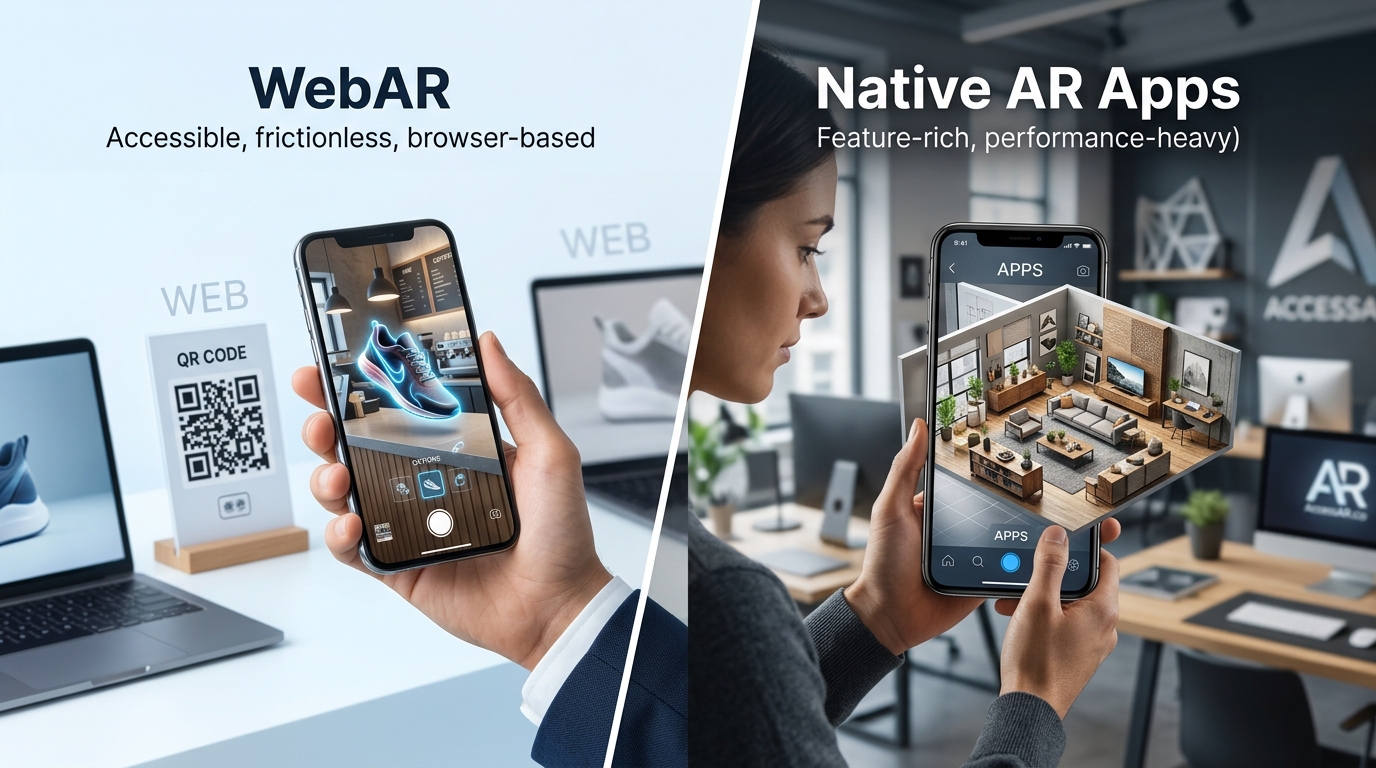
Your marketing team just approved budget for an AR campaign. Now you need to decide how to build it.
Should you create a WebAR experience that works instantly in any browser? Or invest in a native AR app that users download from an app store?
The answer depends on your goals, audience, and timeline. Both technologies deliver impressive augmented reality experiences, but they work in fundamentally different ways.
WebAR runs directly in mobile browsers without downloads, offering instant access and broader reach. Native AR apps require installation but deliver more advanced features and better performance. Choose WebAR for marketing campaigns and product visualization. Pick native apps for complex experiences requiring persistent user engagement. Most brands see 8x higher engagement with WebAR due to zero friction access.
Understanding the core difference between WebAR and native AR apps
WebAR experiences launch directly from a URL.
Users tap a link, and the AR experience loads in their mobile browser. No app store. No download. No installation prompts.
Native AR apps require users to find your app in the App Store or Google Play, download it, install it, and then open it. Only after these steps can they access your AR content.
This fundamental difference shapes everything else about how these technologies perform.
Think of WebAR like a website. Anyone with a compatible browser can access it immediately. Native apps work like traditional software. They need to live on the device before users can interact with them.
Both approaches use your phone’s camera and sensors to overlay digital content on the real world. The technology powering the AR experience is similar. The delivery method is completely different.
When WebAR makes the most sense for your brand
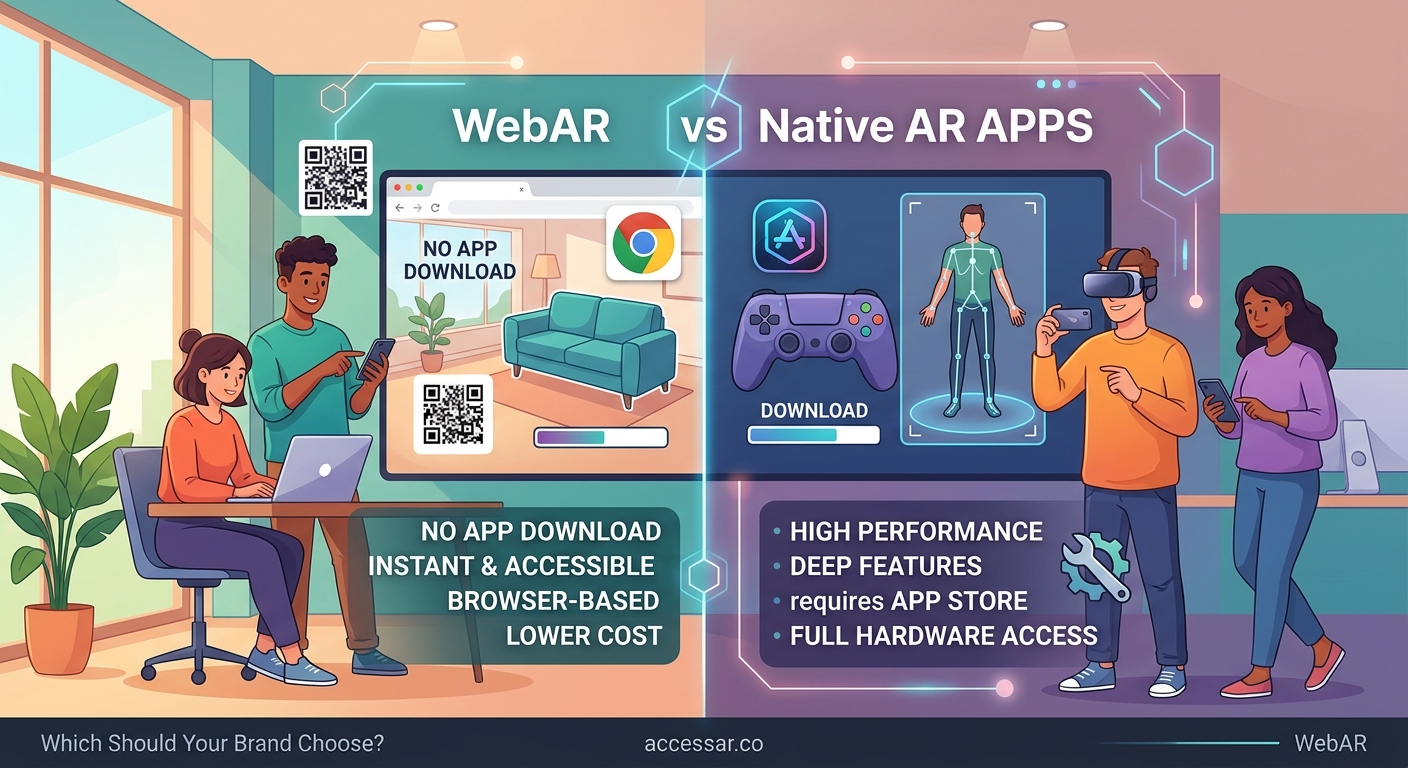
WebAR shines in scenarios where friction kills conversion.
Product visualization campaigns benefit enormously from WebAR. A furniture brand can let shoppers see a couch in their living room by scanning a QR code on a print ad. No download barrier means more people actually try the experience.
Why WebAR is the future of mobile shopping experiences explores this advantage in detail.
Social media campaigns gain massive reach with WebAR. Share a link on Instagram, and followers can instantly try your AR filter or product configurator. The path from discovery to engagement takes seconds instead of minutes.
Event activations work beautifully with WebAR. Print a QR code on booth signage, and attendees can launch an AR game or product demo without cluttering their phones with another app they’ll delete next week.
Time-sensitive promotions need WebAR. A limited-time AR treasure hunt or seasonal campaign doesn’t justify asking users to download an app they’ll only use once.
WebAR removes the biggest obstacle in mobile AR adoption: the download barrier. Every additional step in the user journey cuts your audience by 20 to 40 percent.
Where native AR apps still dominate
Complex experiences need the power and persistence of native apps.
Gaming applications require native development. Multiplayer AR games, persistent world-state tracking, and advanced physics simulations push beyond what browser-based AR can handle reliably.
Long-term user relationships justify the download friction. If you’re building an AR app users will open weekly or daily, the installation barrier becomes irrelevant after the first use.
Offline functionality matters for some use cases. Native apps can cache 3D models and assets locally, allowing AR experiences to work without an internet connection.
Advanced features like LiDAR scanning, precise spatial mapping, and cloud anchors work better in native environments. These capabilities exist in WebAR but often with limitations or reduced performance.
Professional tools and utilities benefit from native development. An AR interior design app or construction visualization tool serves users who expect app-level polish and reliability.
Comparing development costs and timelines
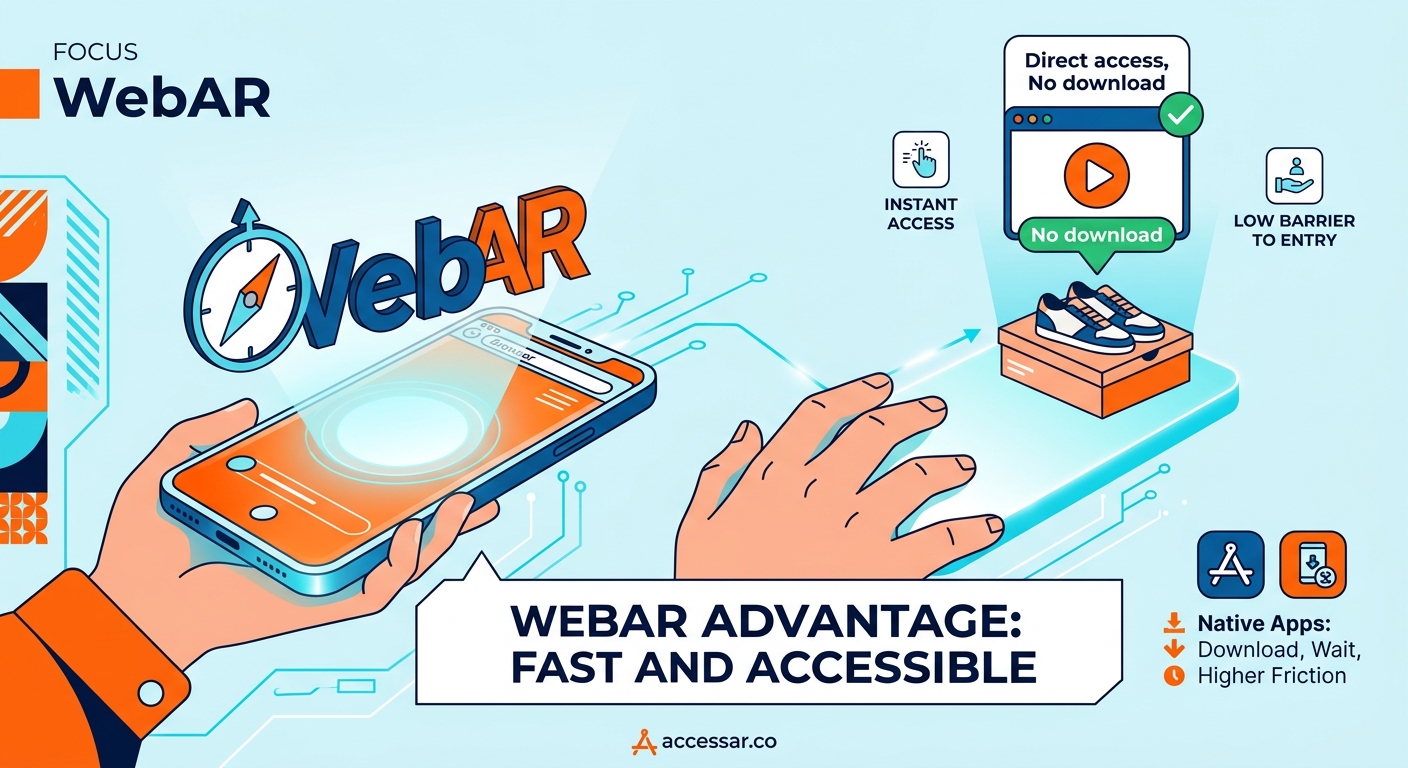
Budget conversations need realistic numbers.
WebAR development typically costs 30 to 50 percent less than native AR apps. You’re building for one platform (the web) instead of two separate codebases for iOS and Android.
Timeline differences are significant:
- WebAR experiences can launch in 2 to 6 weeks for simple campaigns
- Native AR apps usually require 3 to 6 months minimum for initial release
- Updates deploy instantly with WebAR versus app store review delays for native apps
Maintenance costs favor WebAR too. Browser updates happen automatically. Native apps need testing and updates every time iOS or Android releases major changes.
7 no-code WebAR platforms that let you build AR experiences in minutes can reduce costs even further for straightforward projects.
| Factor | WebAR | Native AR Apps |
|---|---|---|
| Development cost | $5,000 to $30,000 | $50,000 to $200,000+ |
| Time to launch | 2 to 6 weeks | 3 to 6 months |
| Update speed | Instant | 1 to 3 days app review |
| Maintenance | Lower | Higher |
| Platform reach | iOS and Android from one codebase | Separate builds required |
Performance and capability trade-offs
Technology limitations matter for certain experiences.
WebAR runs inside a browser, which adds a performance layer between your AR content and the device hardware. This means slightly lower frame rates and less complex 3D models compared to native apps.
Native apps access device capabilities more directly. Better tracking accuracy. Smoother animations. More detailed 3D assets without performance degradation.
Battery drain differs too. WebAR experiences typically consume less power because they don’t run background processes. Native apps can be more power-hungry, especially with continuous AR tracking.
File size constraints affect WebAR more severely. Large 3D models take longer to load over mobile networks. Native apps download assets once during installation, then access them locally.
For most marketing and e-commerce applications, WebAR performance is more than adequate. Users won’t notice the difference between 30fps and 60fps when they’re trying on virtual sunglasses or placing furniture in their room.
How user behavior impacts your choice
Real-world usage patterns tell an important story.
WebAR experiences see 8 to 10 times higher engagement rates than comparable native AR apps. The reason is simple: most people who see an AR app download prompt abandon the experience entirely.
Conversion funnels look dramatically different:
- WebAR: 100 people see link → 70 people tap → 60 people engage
- Native AR: 100 people see app → 15 people download → 8 people open → 6 people engage
Session length favors native apps among users who actually install them. Someone who downloaded your app is already invested. They’ll spend more time per session.
Repeat usage strongly favors native apps. Once installed, apps sit on the home screen as a persistent reminder. WebAR requires users to find the link again or bookmark it.
Social sharing works better with WebAR. Users can text a link to friends instantly. Sharing a native app requires explaining where to find it in the app store.
Platform compatibility and browser support
Technical requirements shape your audience reach.
WebAR works on most modern smartphones:
- iPhone 6S and newer (iOS 11+)
- Most Android phones from 2017 onwards
- Safari, Chrome, and Firefox mobile browsers
Native AR apps have more specific requirements:
- ARKit requires iPhone 6S or newer for basic AR, iPhone 12+ for advanced features
- ARCore supports select Android devices (not all Android phones)
- Separate development for iOS and Android
Browser-based AR is improving rapidly. WebXR standards are maturing. Device support expands with every browser update.
Native AR capabilities advance faster in some areas. Apple’s ARKit and Google’s ARCore receive major feature updates annually, often ahead of what WebAR can match.
Building for social media integration
Distribution channels matter enormously.
Instagram and Snapchat filters run on proprietary platforms that blend aspects of both approaches. They’re technically native to each app but distribute like WebAR through shareable links.
How to publish your first Instagram filter and get it approved fast covers this hybrid approach.
TikTok effects work similarly. Creators build effects in Effect House, users discover them through the app, and sharing happens through native TikTok mechanisms.
Standalone WebAR experiences integrate with social platforms through standard web sharing. Users can share links to your AR experience on any platform.
Native AR apps face sharing friction. You can’t directly share an in-app AR experience. Users share screenshots or videos instead, which removes the interactive element.
Analytics and measurement capabilities
Tracking performance differs between approaches.
WebAR analytics work like website analytics. Google Analytics, Mixpanel, and similar tools track:
- Link clicks and session starts
- Time spent in experience
- Interaction events (button taps, model changes)
- Completion rates
- Device and browser data
Native apps offer deeper analytics through platforms like Firebase or Amplitude:
- More granular user behavior tracking
- Cohort analysis and retention metrics
- In-app purchase tracking
- Push notification engagement
- Crash reporting and performance monitoring
For marketing campaigns, WebAR analytics answer the important questions. How many people engaged? What did they interact with? Where did they come from?
For product applications, native app analytics provide richer insights into long-term user behavior and feature usage patterns.
Common mistakes brands make when choosing
Decision-making errors cost time and money.
Choosing native apps for one-time campaigns wastes budget. If users won’t open your app more than once or twice, the development investment doesn’t make sense.
Picking WebAR for complex persistent experiences creates frustration. Users expect app-level performance and features from experiences they’ll use repeatedly.
Underestimating the download barrier is the most common mistake. Marketing teams assume their audience will download an app. Reality proves otherwise. Conversion rates tell the truth.
Ignoring maintenance costs creates problems later. Native apps require ongoing updates for OS compatibility. Budget for the full lifecycle, not just initial development.
Failing to test on actual devices leads to poor experiences. Both WebAR and native AR perform differently across device generations. Test on older phones, not just the latest flagship models.
5 common mistakes every AR beginner makes and how to avoid them covers broader pitfalls in AR development.
Making the decision for your specific use case
Framework for choosing the right approach.
Choose WebAR if you need:
- Maximum reach and accessibility
- Marketing campaigns or product launches
- Social media integration
- Lower development costs
- Faster time to market
- One-time or occasional user engagement
Choose native AR apps if you need:
- Advanced AR features and performance
- Persistent user relationships
- Offline functionality
- Gaming or complex interactions
- Professional tools or utilities
- Long-term user engagement
Many brands use both approaches for different purposes. A furniture retailer might use WebAR for product visualization on their website while building a native app for their design consultation service.
How to embed WebAR experiences directly into your website helps implement the WebAR path.
Real-world examples from successful brands
Learning from companies that got it right.
IKEA uses both technologies strategically. Their IKEA Place native app serves serious furniture shoppers willing to download for extensive room planning. Their WebAR product viewers on the website catch casual browsers who want to see one item in their space.
Warby Parker built WebAR virtual try-on for their website. No download required means more people actually try glasses. Conversion rates increased 250 percent for users who engaged with the AR feature.
Pokemon GO demonstrates when native apps make sense. The game requires persistent world state, multiplayer interaction, and regular engagement. Users open it repeatedly. The download barrier is justified.
Beauty brands like Sephora and L’Oreal lean heavily on WebAR for makeup try-on. Shoppers want to test multiple products without downloading an app. The instant access drives higher engagement and sales.
5 beauty brands that mastered Instagram AR filters and boosted sales by 300% shows platform-specific success stories.
Testing both approaches before committing
Start small to validate assumptions.
Build a simple WebAR prototype first. Most no-code platforms let you create basic experiences in days, not months.
Test with real users in your target audience. Watch how they interact. Measure completion rates. Ask about their experience.
Compare engagement metrics against your goals. If 60 percent of users complete your WebAR experience but industry benchmarks for app downloads in your category sit at 8 percent, the math becomes clear.
Consider a phased approach. Launch with WebAR to prove concept and gather data. If engagement and retention metrics justify it, invest in a native app later.
Run A/B tests when possible. Send half your audience to a WebAR experience and half to an app download page. Conversion data will guide your decision better than assumptions.
Choosing the right technology for your brand’s AR future
The WebAR versus native AR apps debate doesn’t have a universal answer.
Your choice depends on your specific goals, audience behavior, and use case requirements. Marketing campaigns almost always benefit from WebAR’s instant access. Complex applications with repeat usage justify native development.
Most brands starting their AR journey should begin with WebAR. Lower costs, faster deployment, and higher engagement rates make it the safer bet for proving AR’s value to your business.
As you learn what resonates with your audience, you’ll know whether a native app makes sense for your next phase. The data from your WebAR campaigns will guide that decision with real user behavior, not guesses.
Start with the technology that gets AR experiences in front of your audience fastest. You can always build something more complex once you’ve proven the concept works.