
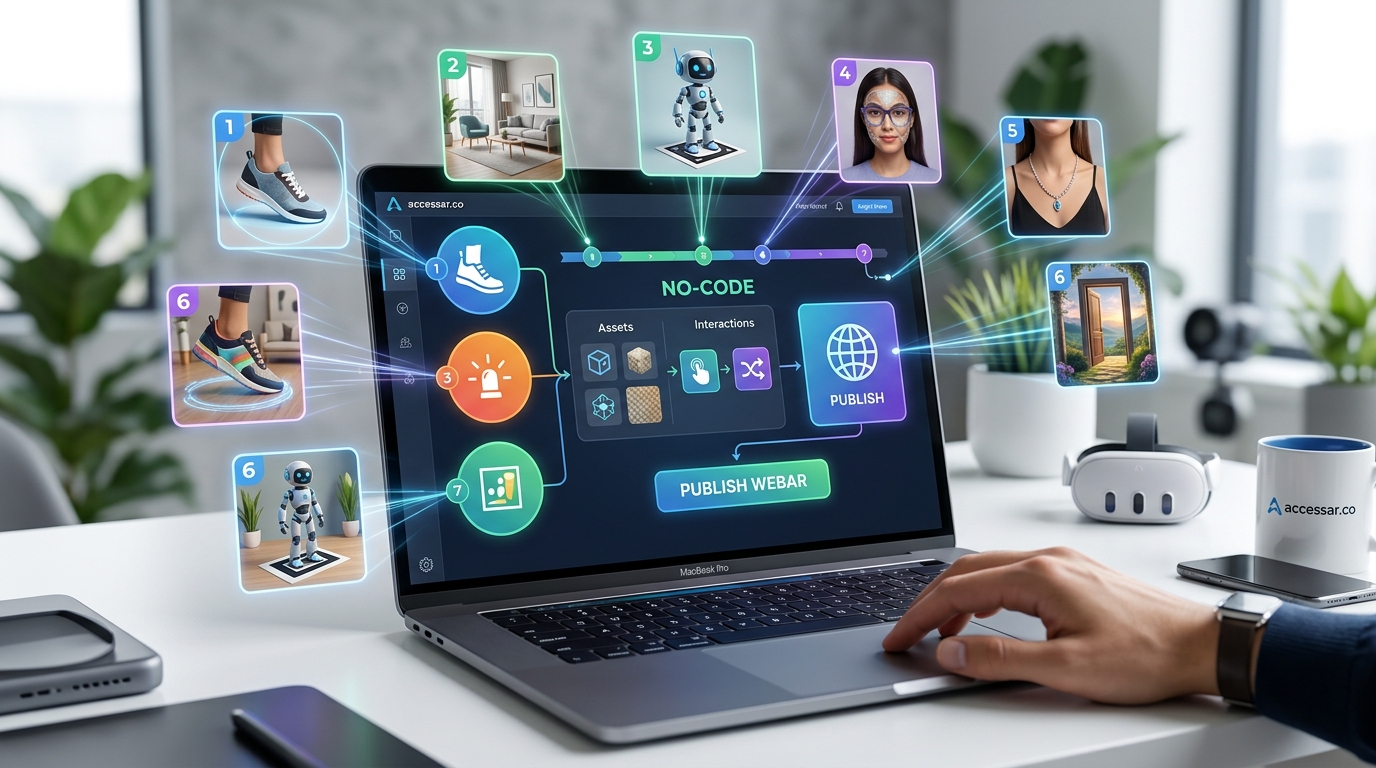
Building augmented reality experiences used to require a team of developers and a budget that could make your CFO faint. Not anymore. No code WebAR platforms have changed the game completely, putting AR creation tools directly into the hands of marketers, designers, and small business owners who want to create immersive experiences without writing a single line of code.
No code WebAR platforms enable marketing professionals and creative agencies to build browser-based augmented reality experiences without programming knowledge. These tools offer drag-and-drop interfaces, pre-built templates, and instant deployment options that work across devices. Most platforms provide free tiers for testing, with pricing scaling based on views, features, and customization needs. Teams can launch AR campaigns in days instead of months.
What Makes WebAR Different from App-Based AR
WebAR runs directly in mobile browsers without requiring users to download an app.
That single difference changes everything about adoption rates.
When someone scans a QR code or clicks a link, they get instant access to your AR experience. No app store friction. No storage space concerns. No update notifications.
App-based AR filters on platforms like Snapchat and Instagram are fantastic for social sharing. But they live inside walled gardens. WebAR breaks down those walls and lets you control the entire experience from discovery to conversion.
The technology uses WebGL, WebXR, and device cameras to render 3D objects and effects right in Chrome, Safari, or any modern mobile browser. Users on both iOS and Android get the same experience without platform-specific development.
Why Marketing Teams Are Switching to No Code Solutions
Traditional AR development required Unity skills, 3D modeling expertise, and months of testing.
No code platforms compress that timeline dramatically.
A marketing manager can now prototype an AR product visualizer on Monday and have it live on the website by Friday. The tools handle the technical complexity behind visual interfaces that feel more like Canva than a development environment.
Budget considerations matter too. Hiring AR developers costs anywhere from $80 to $200 per hour. A no code platform subscription typically runs $50 to $500 per month depending on traffic and features. For most marketing campaigns, the math favors the platform approach.
Creative agencies benefit even more. They can pitch AR concepts to clients, build working prototypes during the sales process, and deliver finished experiences without expanding their technical team. That flexibility opens up new revenue streams without the overhead of specialized hiring.
Core Features Every No Code WebAR Platform Should Offer
Not all platforms are created equal.
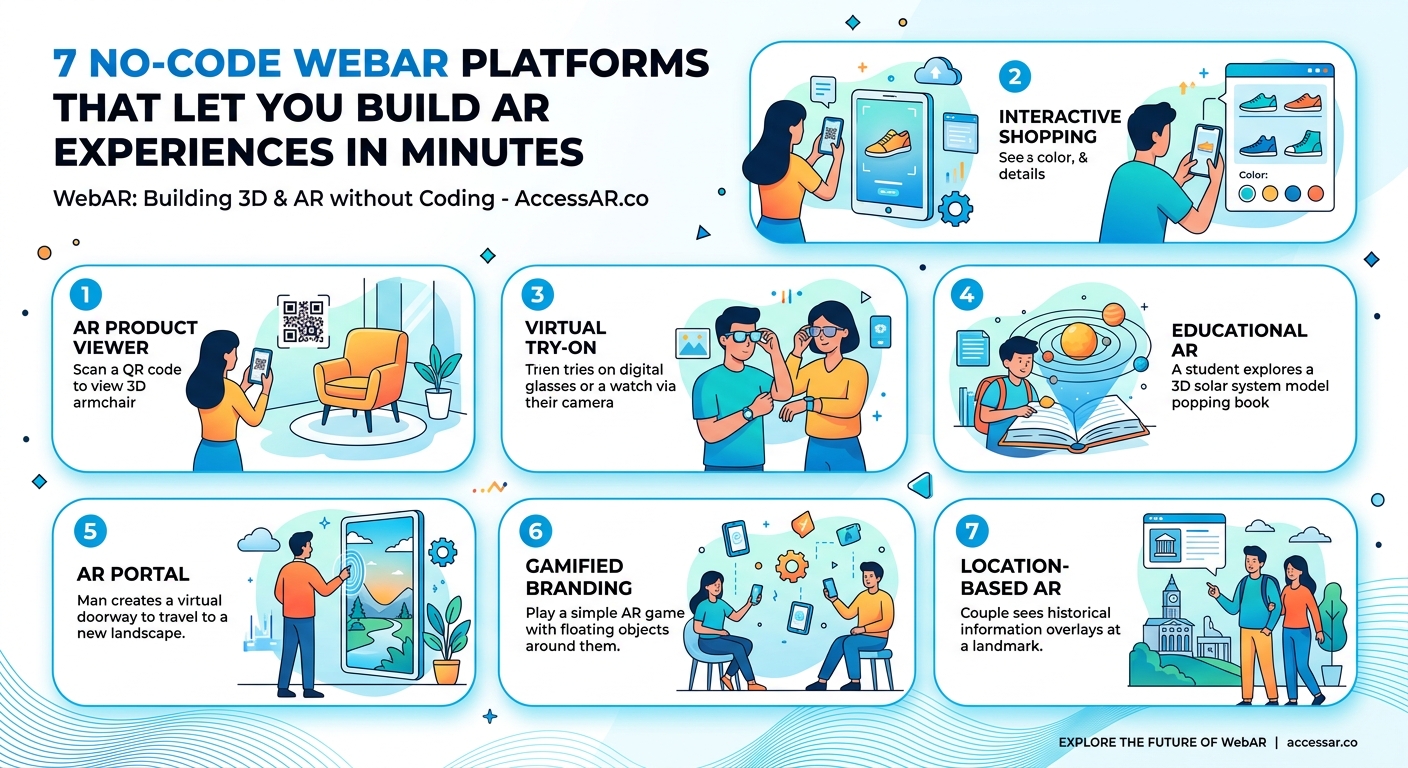
Some focus on product visualization for e-commerce. Others specialize in location-based experiences or gamification. Understanding what features matter for your use case helps narrow down the options.
Here are the essential capabilities to look for:
- 3D model support with common formats like GLB, GLTF, and FBX
- Surface tracking that anchors virtual objects to real-world floors and tables
- Image tracking that triggers AR content when users scan specific images or logos
- Face effects for try-on experiences with makeup, glasses, or accessories
- Analytics dashboard showing views, engagement time, and interaction rates
- Custom branding options to remove platform watermarks
- Mobile optimization with automatic compression and loading states
- QR code generation for easy campaign distribution
- Web embed options to place AR viewers directly on product pages
The best platforms combine multiple tracking modes in one experience. You might start with image tracking to trigger content, then switch to surface tracking so users can place a 3D product model on their desk.
How to Choose Between Platform Types
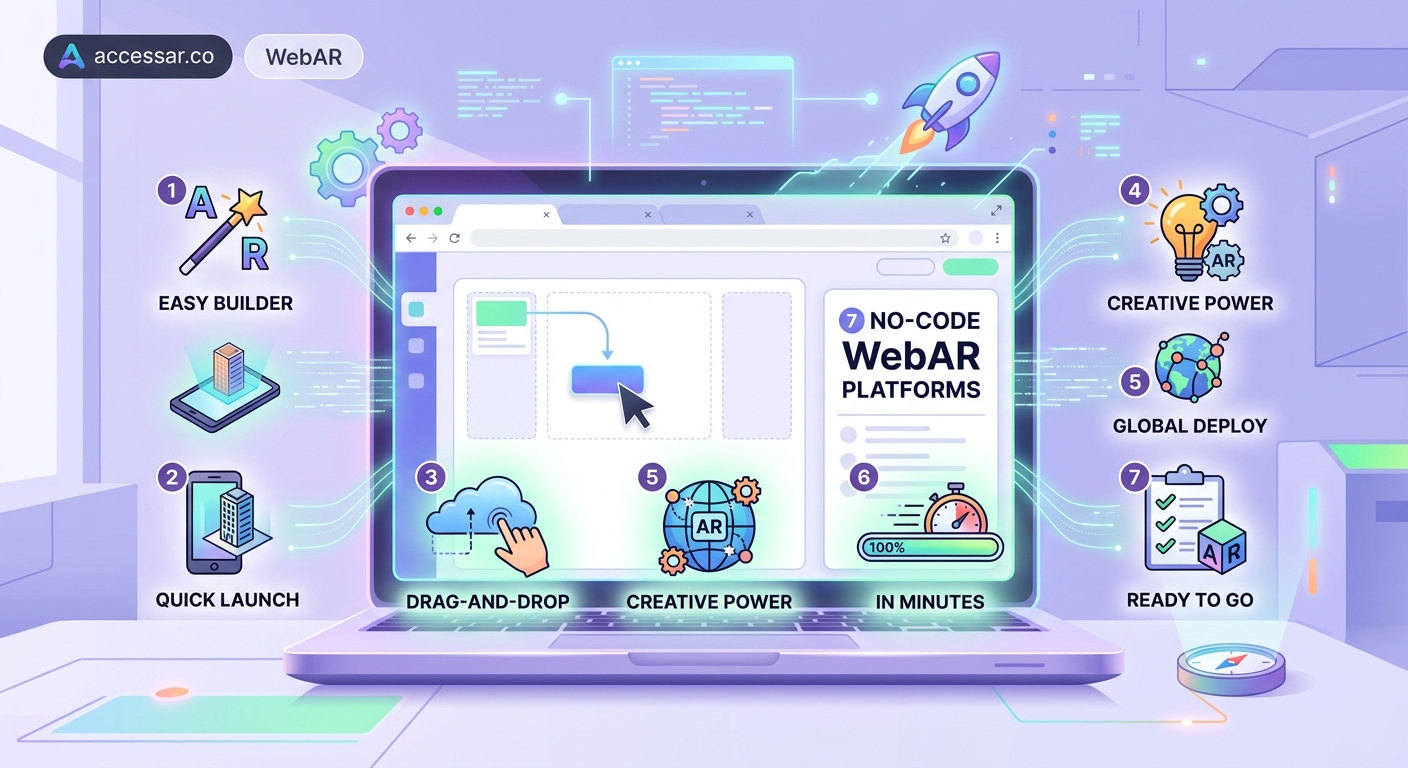
No code WebAR platforms fall into three main categories.
General-purpose builders like 8th Wall, Zappar, and Blippar offer the widest range of features. They work for product visualization, games, educational content, and marketing campaigns. These platforms give you the most flexibility but come with steeper learning curves and higher price points.
E-commerce specialists like Threekit, Vertebrae, and Shopify AR focus specifically on product visualization and virtual try-on. They integrate directly with product catalogs and shopping carts. If you’re selling physical products online, these platforms offer the smoothest path from AR experience to checkout.
Social AR tools like Lens Studio and Spark AR technically require some coding for advanced features, but they offer template-based creation for beginners. Can you really build Snapchat filters without coding skills? Absolutely, if you stick to template modifications and visual scripting.
Your choice depends on three factors: budget, technical comfort level, and campaign goals.
| Platform Type | Best For | Typical Monthly Cost | Learning Time |
|---|---|---|---|
| General-purpose | Marketing campaigns, custom experiences | $99-$500 | 2-4 weeks |
| E-commerce focused | Product visualization, virtual try-on | $150-$1000 | 1-2 weeks |
| Social AR tools | Viral filters, brand awareness | Free-$50 | 3-7 days |
| Template marketplaces | One-off projects, testing concepts | $0-$200 | 1-3 days |
Building Your First WebAR Experience Step by Step
Let’s walk through the actual creation process.
Most no code platforms follow a similar workflow, even if the interface details differ. This approach works whether you’re building a product visualizer, a scavenger hunt, or a virtual showroom.
-
Define your trigger method. Will users scan a QR code, click a link, or point their camera at a specific image? This decision affects how you distribute the experience.
-
Upload your 3D assets. Most platforms accept GLB files, which compress well for web delivery. If you don’t have 3D models, many platforms offer asset libraries or integrate with stock 3D marketplaces.
-
Set up tracking. Choose surface tracking for placing objects on floors or tables. Use image tracking if you want AR content to appear when users scan a magazine ad or product packaging.
-
Add interactions. Let users rotate, scale, or change colors on 3D models. Include hotspots that reveal product details when tapped. Consider adding a “take photo” button so users can share their AR moment.
-
Test on multiple devices. What looks perfect on your iPhone might load slowly on an Android device with less processing power. Check loading times, 3D model scale, and button placement across device types.
-
Publish and distribute. Generate a QR code for print materials. Embed the AR viewer on your website. Create shortened links for social media posts.
The entire process can take anywhere from two hours for a simple product viewer to two weeks for a complex branded game. The key is starting simple and adding complexity as you learn the platform.
“The biggest mistake we see is brands trying to build elaborate AR experiences on their first attempt. Start with a single 3D product model and surface tracking. Get that working smoothly. Then add features in your next iteration. Walking before running prevents abandoned projects and wasted budgets.” – AR Strategy Consultant, Fortune 500 Retail Implementation Team
Common Mistakes That Slow Down Your AR Projects
Even with no code tools, certain pitfalls trip up first-time creators.
File size problems top the list. A 3D model that looks gorgeous at 50MB will never load on a mobile browser. Aim for under 5MB for the entire experience, including models, textures, and any audio files. Most platforms automatically compress assets, but starting with optimized files prevents quality loss.
Ignoring lighting conditions creates unrealistic AR. Your 3D model needs to match the lighting in the user’s environment. Good platforms handle this automatically with environmental lighting and shadow casting. But you still need to test in bright sunlight, dim restaurants, and typical office lighting.
Overcomplicating the user interface confuses people. Remember that users are holding their phone with one hand while trying to interact with AR content. Keep buttons large, instructions minimal, and the core interaction obvious within three seconds.
Skipping analytics setup means flying blind. You need to know if users are bouncing after two seconds or spending three minutes with your AR experience. That data informs everything from 3D model optimization to marketing message refinement.
Forgetting about older devices excludes a significant portion of your audience. Not everyone has the latest iPhone. Test on devices that are three to four years old to ensure acceptable performance across your target demographic.
Real Campaign Examples That Generated Results
Theory is nice, but results matter more.
A furniture retailer used WebAR to let customers visualize sofas in their living rooms before buying. The AR experience reduced return rates by 35% and increased average order value by $200. Customers who used the AR feature converted at twice the rate of those who only viewed photos.
A cosmetics brand launched a virtual try-on experience for lipstick shades. They embedded the AR viewer directly on product pages instead of requiring a separate app. Mobile conversion rates jumped 28%, and the feature got mentioned in 15 beauty blogger reviews without any outreach from the brand.
A museum created an AR scavenger hunt for a special exhibition. Visitors scanned QR codes throughout the gallery to reveal hidden content and collect virtual badges. Average visit duration increased from 45 minutes to 90 minutes, and social media mentions tripled during the campaign period.
These examples share common elements. Each solved a specific problem for the user. Each integrated seamlessly into the existing customer journey. And each provided clear value that justified the interaction cost.
Why WebAR is the future of mobile shopping experiences becomes obvious when you see conversion rate improvements like these.
Pricing Models and What You Actually Get
Free tiers exist, but they come with limitations.
Most platforms offer a free plan that lets you test the tools and build basic experiences. Expect watermarks, limited monthly views (usually 100-500), and restricted access to advanced features like custom analytics or white-label options.
Starter paid plans typically run $50 to $150 per month. You get more views (5,000 to 25,000), watermark removal, basic analytics, and email support. This tier works well for small businesses testing AR for the first time or agencies building experiences for local clients.
Professional plans cost $200 to $500 monthly. View limits jump to 50,000 to 100,000. You gain access to advanced tracking modes, priority support, custom domains, and detailed analytics with user behavior tracking. Most marketing teams doing regular AR campaigns land in this tier.
Enterprise pricing is custom and starts around $1,000 per month. You get unlimited views, dedicated account management, custom feature development, and SLA guarantees. Large retailers and major brands typically operate at this level.
Pay attention to overage fees. Some platforms charge $0.01 to $0.05 per view beyond your plan limit. That adds up fast if an AR experience goes viral. Others offer unlimited views but restrict features instead.
Technical Requirements You Need to Know About
WebAR works on most modern smartphones, but not all.
iOS devices need Safari 12 or later, which means iPhone 6S and newer. Android devices need Chrome 81 or later with ARCore support. That covers about 85% of smartphones currently in use, but it means 15% of potential users can’t access your experience.
Internet connection speed matters more than most people realize. A 3D model that loads in two seconds on WiFi might take 15 seconds on a weak cellular connection. Always include a loading indicator and consider offering a fallback 2D experience for users on slow connections.
Camera permissions create another friction point. Browsers now require explicit user permission to access the camera. Your AR experience needs a clear permission request screen that explains why camera access is necessary. About 20% of users deny camera permissions on first request, so consider adding a retry option with better explanation.
Device processing power affects frame rate and tracking quality. Older phones struggle with complex 3D models or multiple simultaneous tracking modes. Test on devices from different price points to ensure acceptable performance across your audience.
Integrating WebAR into Your Existing Marketing Stack
AR experiences work best when connected to your other tools.
Most no code platforms offer webhook integrations that fire when users complete specific actions. You can send AR engagement data to Google Analytics, trigger email sequences in your marketing automation platform, or update CRM records when someone interacts with a product in AR.
QR code generation built into the platform simplifies print campaign creation. Generate unique codes for different placements to track which magazine ad, poster, or product package drives the most AR engagement. That attribution data informs future media buying decisions.
Website embedding options vary by platform. Some provide simple iframe embeds that work anywhere. Others offer JavaScript SDKs that give you more control over the AR viewer appearance and behavior. What equipment do you actually need to start creating AR filters depends partly on whether you plan to build from scratch or use platform tools.
Social media integration helps experiences spread organically. Include share buttons that let users post photos of themselves with your AR content. Some platforms generate preview images automatically that look good in social feeds and drive click-through.
Learning Resources That Actually Help
Platform documentation quality varies wildly.
The best platforms offer video tutorials that walk through complete project builds from start to finish. Look for content that shows real use cases, not just feature demonstrations. A 20-minute tutorial building an actual product visualizer teaches more than ten 2-minute feature videos.
Community forums provide peer support when you get stuck. Active communities mean faster answers to specific questions. Check forum activity before committing to a platform. Dead forums suggest either a dying platform or terrible user experience that drove everyone away.
Template libraries accelerate your learning curve. Starting with a working template and modifying it teaches platform mechanics faster than building from scratch. Many platforms offer free templates for common use cases like product viewers, face filters, or location-based games.
Certification programs exist for major platforms. While not required, completing a certification course gives you structured learning and proves competency to clients or employers. Some agencies require team members to earn platform certifications before billing AR work to clients.
Best no-code AR platforms for social media creators in 2024 includes detailed platform comparisons with learning curve assessments.
Performance Optimization Techniques That Matter
Slow-loading AR experiences kill engagement.
The three-second rule applies here. If your AR content doesn’t start appearing within three seconds, you’ll lose 40% of users. Optimization starts with 3D model file size but extends to texture compression, polygon count reduction, and smart asset loading strategies.
Progressive loading helps manage user expectations. Show a simple placeholder model immediately, then swap in the high-quality version once it loads. Users tolerate longer load times when they see something happening right away.
Texture atlasing combines multiple texture files into one, reducing HTTP requests and speeding up load times. Most 3D modeling tools support atlas generation, and some WebAR platforms handle this automatically during upload.
Level of detail (LOD) systems show simplified models when objects are far away and detailed versions when users zoom in close. This technique maintains visual quality while reducing processing load. Not all no code platforms support LOD, but it’s worth checking for if you plan complex scenes.
Measuring Success Beyond View Counts
Views tell you reach, not impact.
Engagement time reveals actual interest. Someone who spends 90 seconds interacting with your AR product viewer is far more valuable than ten people who bounce after three seconds. Most platforms track average session duration and engagement rate automatically.
Interaction depth shows how thoroughly users explored your experience. Did they rotate the 3D model? Change colors? Tap on hotspots? Track these micro-interactions to understand what features resonate and which get ignored.
Conversion tracking connects AR engagement to business outcomes. Set up goals for actions like “add to cart after AR view” or “store locator click from AR experience.” This data proves ROI and justifies continued AR investment.
Social sharing metrics indicate viral potential. Count how many users shared photos of your AR experience and where those shares happened. User-generated content from AR experiences often outperforms brand-created content in engagement rates.
How Nike’s AR sneaker try-on campaign generated 12.5 million impressions demonstrates how proper measurement turns AR experiments into proven marketing channels.
Future-Proofing Your AR Strategy
WebAR technology evolves constantly.
New browser capabilities arrive every few months. WebXR standards improve. Device cameras get better. Choosing platforms that update regularly ensures your experiences benefit from these improvements without rebuilding from scratch.
Cross-platform consistency becomes more important as AR spreads. Your experience should work similarly on iOS and Android, even though the underlying technology differs. Good no code platforms handle these differences automatically.
Accessibility considerations will matter more as AR goes mainstream. Think about users with limited mobility who can’t easily move their phone around. Consider color-blind users who might miss important visual cues. The best platforms are starting to build accessibility features into their core tools.
Privacy regulations continue to tighten around camera usage and data collection. Choose platforms that handle consent management properly and store user data in compliance with GDPR, CCPA, and emerging regulations.
Making Your First WebAR Project Happen This Month
Start smaller than you think necessary.
Pick one product or one marketing campaign. Build a simple AR viewer that lets users see that product in their space. No games, no complex interactions, no elaborate branding. Just a clean 3D model with surface tracking.
Set a deadline of two weeks from today. That constraint forces focus and prevents feature creep. You can always build a more complex version 2.0 after you learn from version 1.0 user behavior.
Get feedback from real users, not just your team. Your colleagues know too much about the project to give unbiased reactions. Hand your phone to someone in your target demographic and watch them try the experience without guidance. Their confusion points are your improvement priorities.
5 common mistakes every AR beginner makes and how to avoid them covers the pitfalls that derail most first projects.
The gap between wanting to use AR and actually launching an experience is smaller than ever. No code WebAR platforms removed the technical barriers. Now the only thing standing between you and an augmented reality marketing campaign is the decision to start building.