
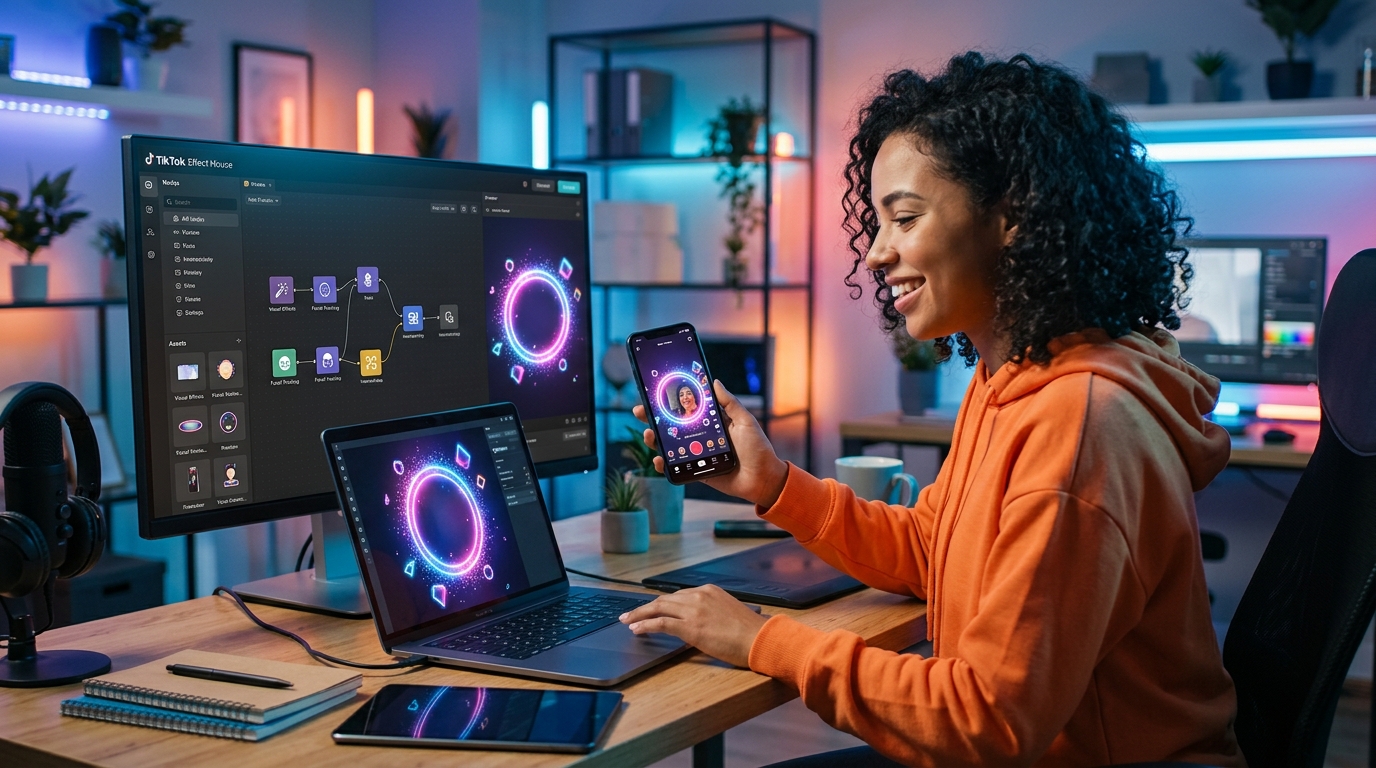
TikTok effects can turn an unknown creator into a household name overnight. The platform’s AR filters have become social currency, with the most popular effects racking up billions of views. But here’s what most people don’t realize: you don’t need a computer science degree or expensive software to build them. You just need the right tools, a solid idea, and a willingness to learn the basics.
Creating TikTok effects requires Effect House, TikTok’s free AR creation platform. Download the software, choose a template or start from scratch, design your visual elements, test on your device, and submit for approval. Most effects get reviewed within 48 hours. Focus on simple, interactive concepts that encourage user participation. The best effects solve a problem, make people laugh, or help them express themselves in new ways.
Understanding Effect House and What It Can Do
Effect House is TikTok’s official AR development platform. It’s free to download and runs on both Mac and Windows.
The software gives you access to face tracking, hand tracking, body tracking, and world effects. You can add 2D and 3D objects, apply color filters, create interactive games, and build effects triggered by gestures or movements.
Most creators start with face tracking because it’s the easiest to understand. Your effect responds to facial features like eyes, mouth, and head position. Think beauty filters, face distortions, or accessories that follow your movements.
Hand tracking lets you build effects that respond to hand gestures. Users can “catch” objects, trigger animations with finger movements, or interact with virtual elements.
Body tracking maps the entire body, perfect for costume effects or dance challenges. World effects place virtual objects in the real environment, like adding floating text or 3D characters to a room.
The platform includes a visual scripting system. You don’t write traditional code. Instead, you connect nodes that represent different actions and behaviors. If you can follow a recipe, you can build an effect.
Setting Up Your First Effect Project
- Download Effect House from the official TikTok website and install it on your computer.
- Open the application and create a new project by selecting a template or starting with a blank canvas.
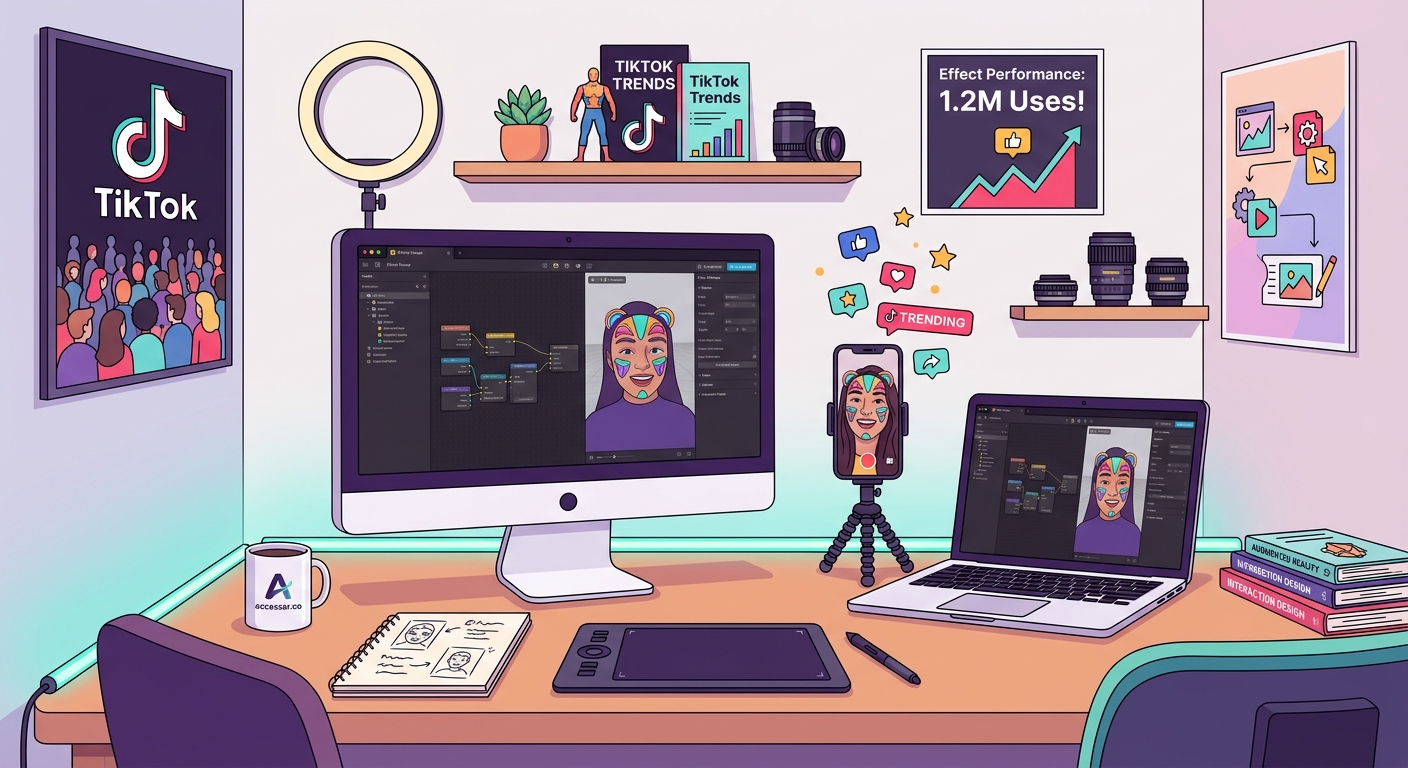
- Familiarize yourself with the interface, which includes a preview window, hierarchy panel, inspector panel, and assets library.
- Import any custom assets you want to use, such as images, 3D models, or audio files.
- Add a face tracker component to your scene if you’re building a face effect.
- Test your effect in real time using your computer’s webcam or by connecting your phone through the companion app.
The Effect House interface feels similar to video editing software. The preview window shows what your effect looks like in real time. The hierarchy panel lists all elements in your scene. The inspector panel lets you adjust properties for selected objects.
Templates provide a head start. TikTok offers pre-built effects for common use cases like makeup try-ons, color grading, or simple games. You can customize these templates by swapping assets and adjusting parameters.
Starting from scratch gives you complete control but requires more learning. You’ll manually add tracking components, create visual elements, and set up interactions.
Designing Effects That People Want to Use
The best TikTok effects have a clear purpose. They either transform how you look, add entertainment value, or help you create specific content styles.
Beauty and makeup effects remain consistently popular. These include smooth skin filters, virtual makeup, hair color changes, and face shape adjustments. Users love effects that make them look their best without obvious editing.
Comedy effects thrive on absurdity. Distorted faces, unexpected animations, or effects that react to your expressions can generate millions of uses. The key is making people laugh or surprising them in some way.
Interactive effects encourage participation. Games where you catch falling objects, quizzes that reveal results, or effects that respond to specific movements keep users engaged longer.
Trend-aligned effects capitalize on current moments. When a song goes viral or a challenge takes off, effects that complement that trend get massive adoption. Timing matters here.
The effects that go viral aren’t always the most technically complex. They’re the ones that give users a reason to share. Think about what story your effect helps someone tell.
Here are elements that make effects shareable:
- Clear visual impact that shows up well in thumbnails
- Easy to understand without instructions
- Works well with popular music or sounds
- Encourages multiple takes or variations
- Looks good on different face shapes and skin tones
- Performs well on mid-range phones
Building Your Effect Step by Step
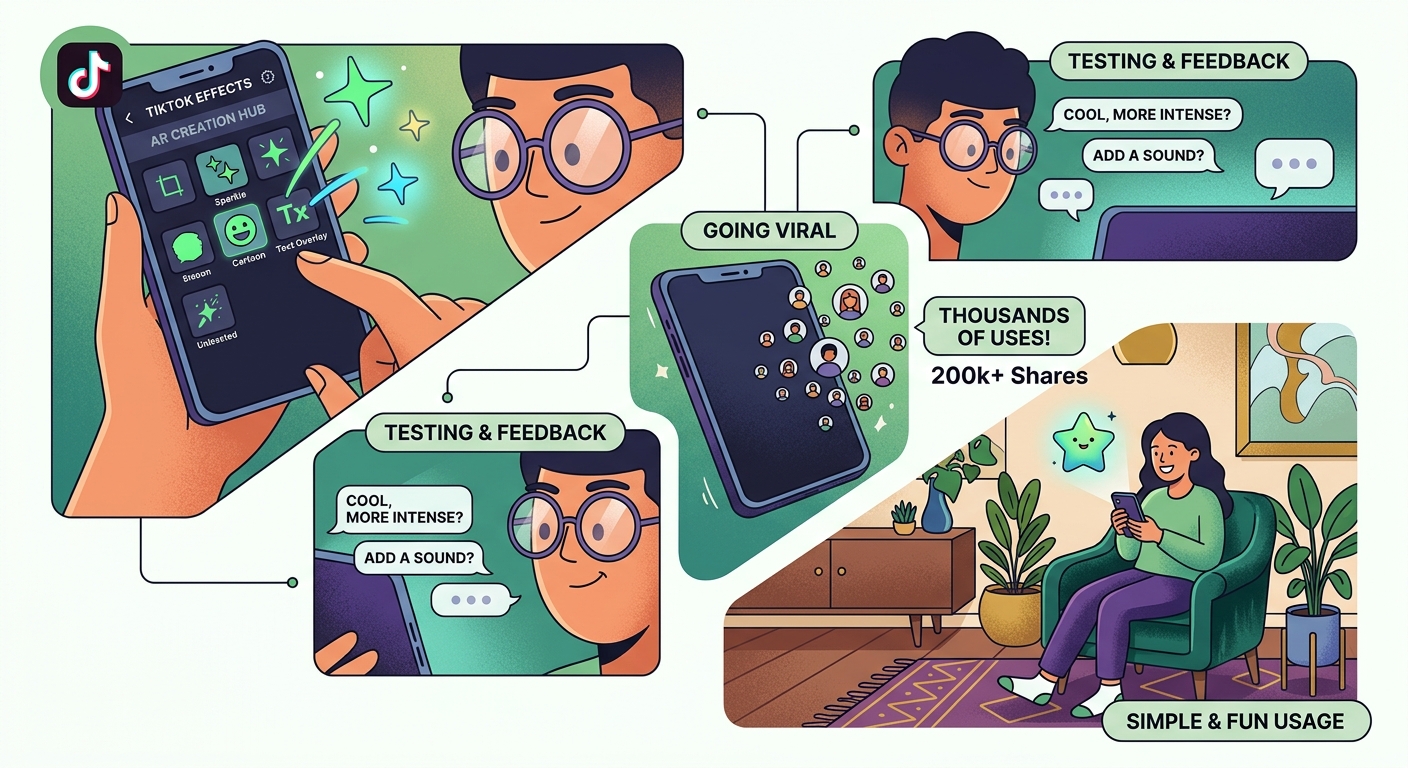
Start with a simple concept. Let’s say you want to create a sparkle effect that appears when someone smiles.
Add a face tracker to your scene. This component detects facial features and movements. You’ll find it in the add component menu.
Import or create your sparkle graphic. PNG files with transparency work best for 2D elements. Make sure your image resolution is appropriate for mobile devices.
Attach your sparkle image to a face anchor point. The mouth anchor works well for smile-triggered effects. Position the sparkle where you want it to appear.
Set up a trigger based on facial expressions. Effect House includes built-in expression detection for smiles, raised eyebrows, open mouth, and more. Connect the smile detection to your sparkle visibility.
Add animation to make the sparkle appear and disappear smoothly. You can use the built-in animation tools or import animated sequences.
Test your effect using the preview window. Smile at your webcam to see if the sparkles appear correctly. Adjust positioning, timing, and size as needed.
If you’re working with 3D objects, the process is similar but requires 3D modeling knowledge. You can use free tools like Blender to create models, then import them as FBX or OBJ files.
Many creators use templates that save hours of design time when starting out, though Effect House has its own template library built in.
Testing and Optimizing Performance
Your effect needs to run smoothly on older phones. TikTok’s audience uses a wide range of devices, and a laggy effect won’t get used.
Effect House includes a performance monitor. Watch the frame rate and resource usage while testing. Aim for 30 frames per second minimum on lower-end devices.
Reduce file sizes wherever possible. Compress images without losing quality. Simplify 3D models by reducing polygon counts. Remove unnecessary assets from your project.
Test on actual devices, not just the desktop preview. The companion app lets you see how your effect performs on your phone. Try it in different lighting conditions and environments.
Check how your effect looks on different face shapes, ages, and skin tones. An effect that only works well on one type of face will limit your audience.
Pay attention to battery drain. Effects that use complex calculations or high-resolution assets will drain phone batteries faster. Users abandon effects that kill their battery.
| Optimization Technique | Impact on Performance | When to Use |
|---|---|---|
| Image compression | Reduces load time and memory usage | Always, for all 2D assets |
| Polygon reduction | Improves frame rate for 3D objects | When models exceed 10k polygons |
| Texture atlasing | Decreases draw calls | When using multiple small images |
| Conditional rendering | Saves processing power | For complex effects with multiple states |
| Asset preloading | Eliminates mid-effect stuttering | For effects with sequential elements |
Publishing and Getting Your Effect Approved
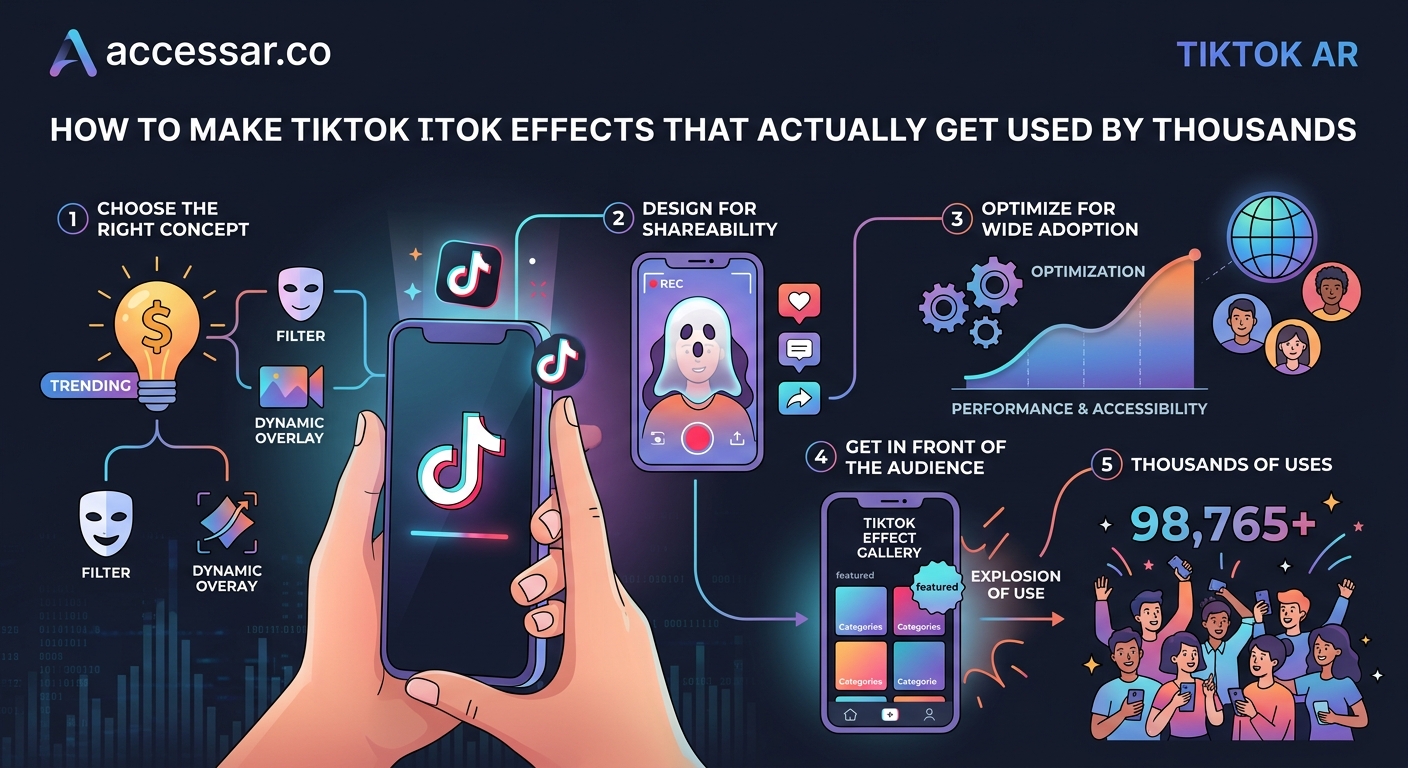
Before submitting, review TikTok’s effect guidelines. The platform prohibits effects that promote violence, contain explicit content, mislead users, or violate intellectual property rights.
Make sure your effect has a clear name and description. The name should be searchable and describe what the effect does. The description can include hashtags and usage tips.
Create an eye-catching icon. This thumbnail appears in the effects gallery and search results. Use a clear image that shows what your effect looks like in action.
Record a demo video showing your effect in use. This helps reviewers understand your effect and gives potential users a preview. Keep it under 15 seconds and show the effect’s key features.
Submit your effect through the Effect House publishing panel. You’ll need a TikTok creator account. Fill in all required fields including name, description, category, and tags.
The review process typically takes 24 to 48 hours. TikTok checks for technical issues, policy violations, and overall quality. If your effect gets rejected, you’ll receive feedback on what needs fixing.
Once approved, your effect goes live on TikTok. Share it with your followers and encourage them to try it. The more initial uses your effect gets, the more likely it is to appear in recommendations.
If you’re interested in creating effects for other platforms, check out guides on publishing your first Instagram filter or building Snapchat lenses for comparison.
Promoting Your Effect for Maximum Reach
Creating the effect is only half the battle. Getting people to use it requires promotion.
Use your effect in your own videos. Post content that showcases what makes your effect special. Tag the effect clearly so viewers can find it.
Collaborate with other creators. Reach out to TikTokers in your niche and ask them to try your effect. Even small creators can help spread awareness.
Time your launch strategically. Release effects that align with upcoming holidays, events, or trending topics. A Halloween effect published in October will perform better than one released in March.
Engage with users who try your effect. Comment on videos, share the best ones, and build a community around your creation. This encourages more people to participate.
Track your effect’s performance in the Effect House analytics dashboard. You’ll see total views, unique users, and geographic distribution. Use this data to understand what’s working.
Consider creating a series of related effects. If one takes off, users will look for your other creations. Build a recognizable style or brand around your effects.
Some creators find success by studying viral TikTok effect trends and putting their own spin on popular concepts.
Common Mistakes That Kill Effect Adoption
Making your effect too complicated reduces usage. If people need a tutorial to understand it, most won’t bother. The best effects are intuitive.
Ignoring mobile performance means your effect crashes or lags on most devices. Always test on older phones before publishing.
Using copyrighted content will get your effect rejected or removed. This includes music, brand logos, or characters you don’t have rights to use. Create original assets or use licensed materials.
Forgetting about different lighting conditions causes effects to fail in real-world scenarios. Test in bright sunlight, dim rooms, and everything in between.
Skipping the demo video leaves potential users confused about what your effect does. A clear preview dramatically increases adoption rates.
Neglecting accessibility means some users can’t enjoy your effect. Consider how it works for people with different abilities, face shapes, and features.
Poor naming and tagging makes your effect invisible in search. Use descriptive, searchable terms that match what users would type to find effects like yours.
The common mistakes every AR beginner makes apply to TikTok effects just as much as other AR platforms.
Advanced Techniques for Standout Effects
Once you master the basics, you can add sophisticated features that set your effects apart.
Particle systems create dynamic visual elements like snow, confetti, or sparkles that respond to movement. These add polish and visual interest.
Custom shaders let you manipulate how surfaces and colors appear. You can create unique visual styles that aren’t possible with standard filters.
Segmentation separates the person from the background, enabling effects that only apply to specific parts of the scene. This opens up creative possibilities for background replacements and layered effects.
Physics simulations make objects behave realistically. Bouncing balls, falling items, or cloth-like materials add believability to your effects.
Audio reactivity syncs visual elements to music or sound. Effects that pulse, move, or change based on audio create engaging, dynamic experiences.
Multi-user effects allow two or more people to interact within the same effect. These are perfect for duets or collaborative content.
Machine learning features enable advanced recognition and classification. You can build effects that identify objects, read text, or respond to specific scenarios.
Understanding the differences between platforms helps too. Comparing Effect House with other AR tools reveals unique strengths and limitations.
Turning Effect Creation Into a Career
Brands pay creators to build custom effects for marketing campaigns. As you build a portfolio of successful effects, you can pitch your services to companies.
Join the TikTok Creator Marketplace to connect with brands looking for AR creators. Having verified, high-performing effects strengthens your profile.
Offer effect creation as a freelance service on platforms like Fiverr or Upwork. Many businesses want custom effects but lack the skills to build them.
Create educational content teaching others how to build effects. You can monetize through courses, YouTube ad revenue, or coaching services.
Build effects for influencers and content creators who want unique branded filters. This niche market values custom work that helps them stand out.
Some creators have found success studying how major brands approach AR, like beauty brands that mastered Instagram AR filters and applying similar strategies to TikTok.
Equipment and Resources You Actually Need
You don’t need expensive hardware to create TikTok effects. A mid-range computer from the last five years will work fine.
Effect House runs on Mac OS 10.14 or later, or Windows 10 64-bit or later. 8GB of RAM is the minimum, but 16GB provides a smoother experience.
A webcam helps for testing face effects during development. Your laptop’s built-in camera works, though an external webcam offers better quality.
A smartphone for testing is essential. The Effect House companion app lets you preview effects on your actual device. Test on the oldest phone you have access to.
Graphics software like Photoshop, GIMP, or Canva helps create 2D assets. Free options work perfectly fine for most effects.
3D modeling software like Blender enables you to create custom 3D objects. Blender is free and has extensive tutorials available.
Learning resources include Effect House’s official documentation, YouTube tutorials, and community forums. TikTok regularly updates their learning center with new guides and examples.
For a broader perspective on what equipment you actually need, the basics remain similar across AR platforms.
Your First Effect Starts Today
Creating TikTok effects isn’t reserved for tech experts or professional developers. It’s a skill anyone can learn with practice and patience.
Start small. Build a simple face tracking effect that adds a single element. Get comfortable with the interface and workflow. Publish that first effect even if it’s basic.
Learn from each project. Pay attention to what works and what doesn’t. Study effects you admire and figure out how they might have been built.
The TikTok creator community is welcoming and helpful. Don’t hesitate to ask questions in forums or comment sections. Most successful effect creators remember being beginners and are happy to help.
Your first effect probably won’t go viral. That’s perfectly normal. Each project teaches you something new and improves your skills. The creator who published 20 effects has learned far more than someone still perfecting their first one.
Download Effect House today and start experimenting. The platform is free, the learning curve is manageable, and the potential reach is massive. Your effect could be the next one to hit a billion views.