
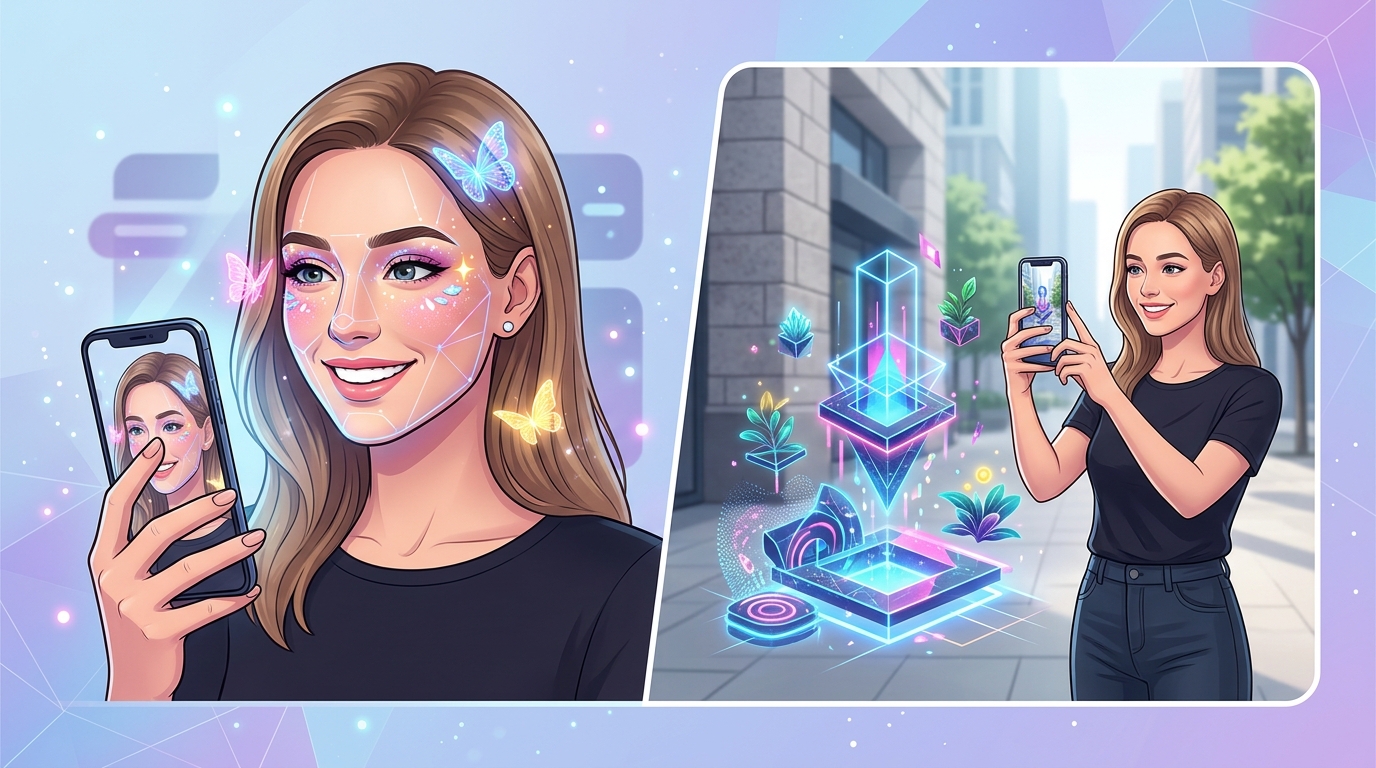
You open Meta Spark Studio for the first time and see dozens of templates staring back at you. Face masks, background segmentation, target tracking, world effects. The options feel endless. Which format actually fits your creative vision? More importantly, which one will your audience actually use?
Understanding Instagram AR filter types isn’t just about knowing what exists. It’s about matching technical capabilities to creative goals. The wrong choice means hours of wasted work. The right choice means effects that people share, save, and remember.
Instagram supports six core AR filter types: face tracking, world effects, target tracking, segmentation, sky effects, and hand tracking. Each serves different creative purposes. Face tracking dominates user engagement but world effects offer immersive brand experiences. Your choice depends on whether users interact with their face, environment, or physical objects. Understanding these differences before building saves time and increases approval chances.
Face Tracking Filters Lead User Engagement
Face tracking remains the most popular Instagram AR filter type for good reason. These effects detect facial features and anchor virtual elements to your face in real time.
The technology tracks up to 468 facial landmarks. Eyes, nose, mouth, cheekbones, jawline. This precision lets you add makeup, masks, accessories, or distortions that move naturally with facial expressions.
Beauty brands love face tracking because it turns Instagram into a virtual try-on counter. Users test lipstick shades, eyeshadow palettes, and blush tones without visiting a store. The conversion rate speaks for itself. Brands using AR try-on filters see engagement rates three times higher than static posts.
Face tracking filters also dominate entertainment categories. Think puppy ears, flower crowns, and face distortions. These effects spread fast because they’re instantly shareable. Users see themselves transformed and immediately want to show friends.
The technical requirements stay manageable for beginners. You don’t need advanced 3D modeling skills. Simple 2D graphics work perfectly for many face tracking effects. A PNG file with transparency can become a working filter in minutes when you follow the right tutorial.
Face tracking effects succeed because they answer a simple question: what would I look like with this? That instant curiosity drives shares, saves, and profile visits.
World Effects Create Immersive Environments
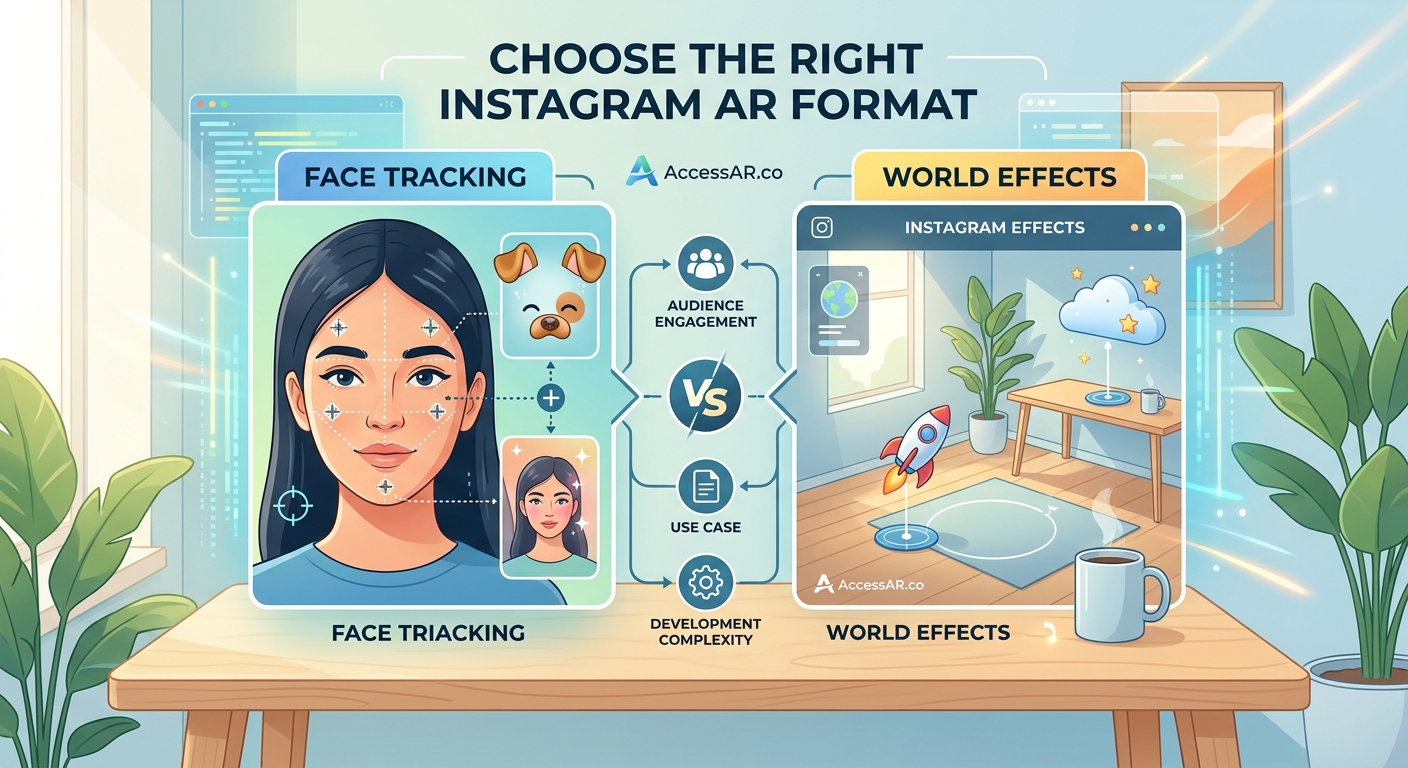
World effects place virtual objects in the physical space around you. Instead of attaching to your face, these AR elements anchor to surfaces, floors, or the air itself.
Point your camera at a table and a virtual product appears on top. Aim at the floor and a 3D character walks across your room. These experiences feel magical because they blend digital content with real environments.
Furniture brands use world effects to let customers visualize products at home. A sofa appears in your living room at actual size. You walk around it, checking proportions and colors. This reduces return rates because customers make informed decisions before purchasing.
Entertainment campaigns favor world effects for creating shareable moments. A movie studio places a life-size character in your space. You pose next to it, snap a photo, and share the moment. The effect becomes free marketing as thousands of users recreate the experience.
The technical challenge increases with world effects. You need to understand plane detection, surface tracking, and scale. Objects must appear grounded and realistic. Floating furniture or oddly sized characters break the illusion immediately.
Performance optimization matters more with world effects too. Complex 3D models can lag on older phones. You’ll spend time reducing polygon counts, optimizing textures, and testing across devices. But when done right, world effects generate memorable brand experiences that static content never achieves.
Target Tracking Brings Print Materials to Life
Target tracking effects activate when your camera recognizes a specific image. Point at a movie poster and the trailer plays. Scan a product package and assembly instructions appear.
This Instagram AR filter type bridges physical and digital marketing. Brands print markers on packaging, posters, business cards, or magazine ads. Users scan them with Instagram and unlock exclusive content.
The technology requires you to upload a reference image during effect creation. Meta Spark analyzes the image and creates a tracking profile. When a user’s camera sees that image, your AR content appears anchored to it.
Target tracking works best with high-contrast images that have distinct features. Logos with sharp edges track better than blurry photographs. Text-heavy designs often fail because letters look similar. The ideal target image has unique shapes, strong colors, and clear boundaries.
Retail campaigns combine target tracking with product information. Scan a wine label and see tasting notes, food pairings, and vineyard history. Scan a shoe box and watch a video of the design process. This added value turns packaging into an interactive experience.
The limitation is obvious. Users need access to the physical trigger image. Unlike face tracking effects that work anywhere, target tracking requires specific conditions. But for product launches, event marketing, and limited releases, this specificity creates exclusivity that drives engagement.
Segmentation Filters Separate Foreground and Background
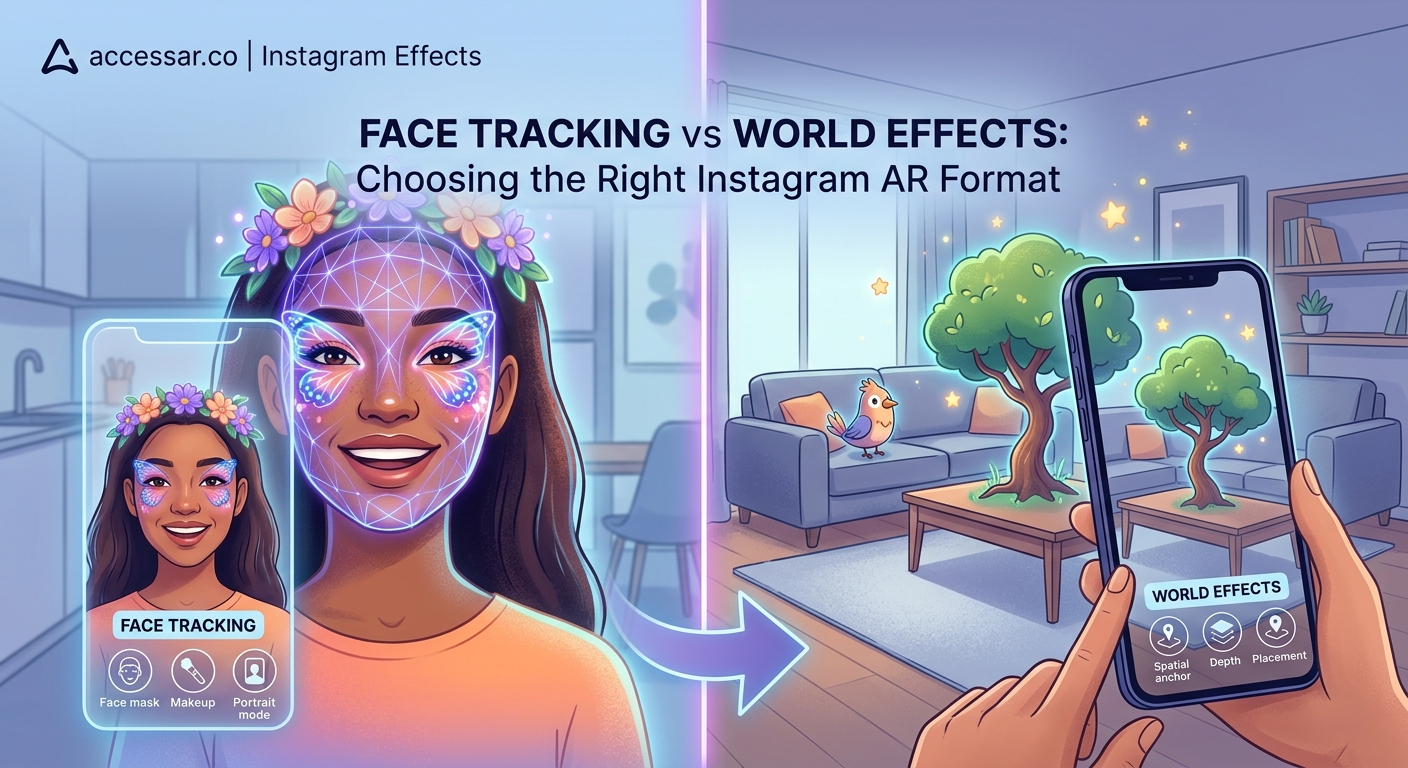
Segmentation effects use AI to distinguish between you and everything behind you. The technology creates an invisible mask around your body, letting you apply different effects to foreground and background separately.
Background replacement is the most common use. Remove your actual surroundings and place yourself on a beach, in space, or inside a fantasy landscape. The effect updates in real time as you move.
Hair segmentation adds another layer. The AI detects individual strands and applies color changes that look natural. Users test pink hair, blue highlights, or rainbow gradients without commitment or damage.
Body segmentation enables virtual clothing try-ons. The effect tracks your torso and overlays different outfits. You see how a jacket fits, how a dress flows, and how colors look against your skin tone.
The challenge with segmentation is edge accuracy. Hair presents the biggest problem. Fine strands, curly textures, and flyaways confuse the AI. You’ll see flickering edges or background bleeding through. Outdoor lighting helps. Indoor lighting with strong shadows creates artifacts.
Performance varies across devices too. Newer phones handle segmentation smoothly. Older models struggle with the processing demands. Your effect might work perfectly on your iPhone 14 but lag terribly on a three-year-old Android device. Testing across different hardware configurations becomes essential.
Sky Effects Transform Overhead Environments
Sky effects specifically target the area above the horizon line. Point your camera upward and watch clouds change color, stars appear, or auroras dance across the sky.
This Instagram AR filter type detects the sky using color and brightness analysis. Blue tones and high luminosity signal sky pixels. The effect then applies your chosen transformation to those areas only.
Weather apps use sky effects to visualize forecasts. Point at the sky and see tomorrow’s predicted conditions overlaid in real time. Cloudy, rainy, sunny. The effect makes abstract data tangible.
Artistic filters transform ordinary skies into fantastical scenes. Add floating islands, flying creatures, or cosmic phenomena. Users create surreal photos that stand out in crowded feeds.
The technical limitation is environmental. Sky effects need visible sky to work. Indoor spaces, nighttime shots, and overcast days reduce effectiveness. The AI struggles to identify sky when everything looks uniformly gray.
Color grading also affects accuracy. Sunset skies with orange and pink tones sometimes get misidentified as foreground elements. You’ll need to adjust detection thresholds and test in various lighting conditions before publishing.
Hand Tracking Enables Gesture-Based Interactions
Hand tracking effects detect your hands and fingers in three-dimensional space. The technology identifies 21 points per hand, tracking knuckles, fingertips, and palm position.
This opens gesture-based controls. Pinch your fingers to spawn particles. Point at objects to select them. Make a fist to trigger animations. The interactions feel intuitive because they mimic real-world movements.
Gaming experiences benefit most from hand tracking. Users catch virtual objects, solve spatial puzzles, or control characters through hand movements. The physical engagement increases time spent with the effect.
Educational filters use hand tracking for interactive learning. Point at different fingers to see anatomy labels. Make specific gestures to practice sign language. The hands-on approach improves information retention.
The technical demands are significant. Hand tracking requires substantial processing power. Effects must run at high frame rates to feel responsive. Lag between movement and response breaks the experience immediately.
Lighting conditions affect accuracy dramatically. Bright, even lighting produces clean tracking. Dim environments or harsh shadows create detection failures. Your hands might disappear mid-gesture or get confused with background objects.
Comparing Instagram AR Filter Types Side by Side
| Filter Type | Best Use Case | Technical Difficulty | User Engagement | Device Requirements |
|---|---|---|---|---|
| Face Tracking | Beauty try-ons, entertainment masks | Beginner | Very High | Low |
| World Effects | Product visualization, branded experiences | Intermediate | High | Medium |
| Target Tracking | Product packaging, print campaigns | Intermediate | Medium | Low |
| Segmentation | Background replacement, virtual clothing | Advanced | High | High |
| Sky Effects | Artistic photos, weather visualization | Beginner | Medium | Low |
| Hand Tracking | Interactive games, gesture controls | Advanced | Medium | High |
Building Your First Effect Based on Filter Type
Choosing the right Instagram AR filter type starts with understanding your audience behavior. Are they more likely to take selfies or explore their environment? Do they have newer phones or older models?
-
Define your core interaction. What action do you want users to perform? Looking at the camera suggests face tracking. Moving around a space points toward world effects.
-
Assess your technical skills honestly. Face tracking and sky effects forgive beginner mistakes. Hand tracking and segmentation demand experience with advanced AR concepts.
-
Consider performance constraints. Complex world effects with multiple 3D models drain battery and cause lag. Simple face tracking effects run smoothly on any device.
-
Test your concept quickly. Build a basic prototype before investing hours in polish. Meta Spark’s preview tools let you test on your phone immediately.
-
Gather feedback from real users. What feels intuitive to you might confuse others. Watch people use your effect without instruction to identify friction points.
The most successful creators match filter types to campaign goals rather than forcing ideas into inappropriate formats. A makeup brand gains nothing from world effects. A furniture company wastes potential with face tracking.
Common Mistakes When Selecting Filter Types
New creators often choose Instagram AR filter types based on what looks impressive rather than what serves users. A technically stunning hand tracking effect fails if your audience just wants a simple beauty filter.
-
Overcomplicating the interaction model. Users shouldn’t need instructions to understand your effect. If it takes more than three seconds to figure out, you’ve lost them.
-
Ignoring platform limitations. Instagram compresses effects aggressively. High-resolution textures get downsampled. Complex animations get simplified. Design within constraints from the start.
-
Skipping device testing. Your effect might work perfectly on your flagship phone but crash on budget devices. Test on at least three different models before submitting for approval.
-
Forgetting about lighting conditions. Face tracking performs consistently across lighting. Segmentation and hand tracking struggle in dim environments. Consider where and when users will actually use your effect.
-
Neglecting performance optimization. Effects that drain battery or cause overheating get deleted immediately. Users won’t tolerate technical problems no matter how creative your concept.
The gap between concept and execution grows with filter complexity. Start simple. Master one filter type thoroughly before attempting hybrid effects that combine multiple tracking methods.
Hybrid Effects Combine Multiple Filter Types
Advanced creators mix Instagram AR filter types within single effects. Face tracking controls one element while world effects populate the environment. Segmentation removes the background while sky effects transform the upper portion.
These hybrid approaches create richer experiences but multiply technical challenges. Each tracking method demands processing power. Combine too many and your effect becomes unusable on most devices.
The approval process also gets stricter with hybrid effects. Meta reviews complex effects more carefully. Any instability, flickering, or performance issues triggers rejection. Your submission might get delayed while reviewers test edge cases.
Strategic combinations work when each element serves a clear purpose. Face tracking for makeup application plus segmentation for background removal creates a cohesive try-on experience. Random mixing of features just for novelty confuses users and dilutes your creative vision.
Platform-Specific Considerations for Instagram Effects
Instagram’s implementation of AR differs from Snapchat and TikTok in meaningful ways. Understanding these platform quirks helps you choose appropriate filter types.
Instagram users scroll feeds rapidly. Your effect needs to grab attention within two seconds. Face tracking effects with immediate visual impact perform better than world effects requiring setup time.
Story placement favors vertical compositions. World effects that rely on landscape orientation feel cramped. Design for 9:16 aspect ratios from the beginning.
Instagram’s discovery algorithm promotes effects based on usage time and shares. Effects that encourage multiple attempts or variations see better distribution. A face tracking filter with randomized results keeps users engaged longer than a static world effect.
The platform also restricts certain features. Audio reactivity works differently than on other platforms. Some shader effects available in Lens Studio don’t exist in Meta Spark. Research platform capabilities before committing to a filter type.
Measuring Success Across Different Filter Types
Each Instagram AR filter type generates different engagement metrics. Face tracking effects rack up high impression counts because they’re easy to use. World effects get longer average session times because setup takes effort.
Track these metrics to understand performance:
- Impressions show how many people saw your effect
- Opens indicate actual usage attempts
- Captures measure how many people saved photos or videos
- Shares reveal viral potential
- Retention tracks return usage over time
Face tracking effects typically achieve 40-60% open rates from impressions. World effects see 20-30% because they require more commitment. These benchmarks help you set realistic goals based on filter type.
Demographic data reveals which filter types resonate with different audiences. Younger users favor entertainment face effects. Older demographics engage more with practical world effects like furniture visualization. Tailor your filter type selection to your target market.
Future Trends in Instagram AR Filter Development
Instagram continues expanding AR capabilities with each Meta Spark update. Understanding upcoming filter types helps you stay ahead of trends.
Full body tracking is coming. Effects will anchor to your entire body, not just your face or hands. This enables virtual fashion shows, dance challenges, and fitness applications.
Multi-user effects are expanding. Soon multiple people in the same physical space can interact with shared AR elements. Collaborative games and social experiences will emerge.
Environmental understanding is improving. Future world effects will recognize specific objects and surfaces automatically. Place virtual art only on walls or spawn characters only on chairs without manual positioning.
The creators who master current Instagram AR filter types while experimenting with emerging capabilities will dominate the next wave of social AR. Start building with today’s tools while keeping one eye on tomorrow’s possibilities.
Choosing Your Path Forward in AR Creation
You now understand the six core Instagram AR filter types and their strategic applications. Face tracking for immediate engagement. World effects for immersive experiences. Target tracking for physical marketing. Segmentation for background control. Sky effects for atmospheric transformation. Hand tracking for interactive gameplay.
The choice isn’t about which filter type is objectively best. It’s about which serves your specific creative goal and audience needs. A viral entertainment effect needs different technology than a brand campaign or educational tool.
Start with one filter type and build three effects using it. Master the technical requirements, understand the limitations, and learn what resonates with users. Then expand your toolkit gradually. The creators who build consistently rather than sporadically develop skills that translate into client work and viral effects.
Your first effect won’t be perfect. That’s expected. But choosing the right filter type from the start means you’re solving creative challenges rather than fighting technical limitations. Open Meta Spark, pick your filter type, and start building. The learning happens through creation, not endless research.