
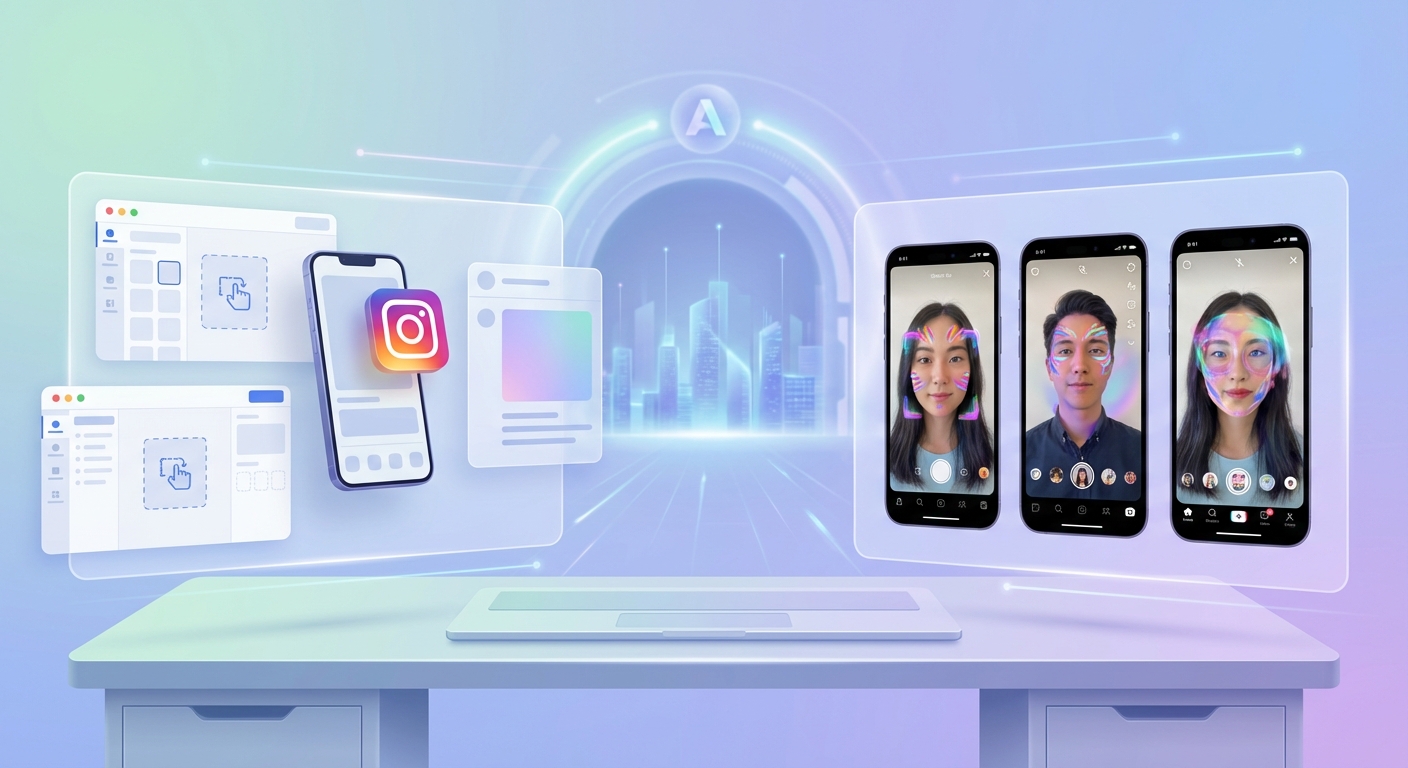
Creating augmented reality filters used to require a computer science degree and months of training. Not anymore. Today’s no-code AR platforms put professional filter creation in your hands, even if you’ve never written a line of code. You can build face filters, world effects, and interactive experiences that millions of people will use on Instagram, TikTok, and Snapchat.
No-code AR platforms enable creators to build professional filters without programming knowledge. Spark AR Studio, Lens Studio, and Effect House lead the market, each optimized for different social platforms. Your choice depends on your target audience, creative style, and desired features. Most creators start with one platform, master its workflow, then expand to others as their skills grow.
Understanding no-code AR creation tools
No-code platforms replace traditional programming with visual interfaces. You drag and drop elements, adjust sliders, and preview results in real time. The platform handles the complex code behind the scenes.
These tools matter because they democratize AR creation. A makeup artist can design a virtual lipstick try-on. A small business owner can build a product visualization filter. A musician can create an interactive album cover experience.
The learning curve varies by platform. Some tools feel like advanced photo editors. Others require understanding 3D space and animation principles. None require you to write JavaScript or C++.
Top platforms for social media AR filters
Each major social network offers its own creation tool. These platforms are free, powerful, and directly integrated with their respective apps.
Spark AR Studio for Facebook and Instagram
Meta’s Spark AR Studio dominates the Instagram filter ecosystem. The platform supports face tracking, hand tracking, and world effects. You can add animations, particle systems, and interactive elements.
The interface feels familiar if you’ve used design software before. A patch editor connects visual blocks to create logic. An asset library stores your 3D models, textures, and audio files. A preview panel shows how your effect looks on different faces and devices.
Spark AR excels at beauty and fashion filters. The face tracker identifies 468 facial landmarks with precision. You can map makeup to specific features, add realistic hair color changes, or create dramatic face morphing effects.
Publishing takes three to five days for review. Meta checks for technical issues, policy violations, and user experience problems. Approved effects appear in your Instagram profile and can reach millions of users organically.
Lens Studio for Snapchat
Snap’s Lens Studio pioneered no-code AR for social media. The platform offers the most mature toolset, with features that rival professional game engines.
Lens Studio includes machine learning templates for body tracking, pet recognition, and style transfer. A visual scripting system called Script Graph lets you build complex interactions without code. The asset library provides free 3D models, animations, and sound effects.
The platform shines for gaming and interactive experiences. You can create multiplayer lenses, location-based effects, and augmented reality games. Snapchat’s younger audience loves playful, experimental filters.
Snapchat also offers better monetization options. Creators can earn money through the Lens Creator Rewards program. Brands pay for sponsored lens campaigns. Some creators make thousands of dollars monthly from popular lenses.
Effect House for TikTok
TikTok’s Effect House launched in 2022 but caught up fast. The platform focuses on trends, music integration, and viral potential.
Effect House uses a node-based visual scripting system. You connect blocks to create cause and effect relationships. The interface feels cleaner and simpler than competitors, perfect for beginners.
TikTok effects spread faster than other platforms. A single viral video can bring millions of views to your filter. The algorithm favors novel, entertaining effects that encourage user participation.
The platform includes templates for common effect types. You can customize a face distortion filter in minutes. Advanced creators build gesture-triggered animations, background segmentation effects, and AR mini-games.
Choosing the right platform for your goals
Your platform choice should match your audience and content style. Here’s how to decide:
| Platform | Best For | Audience Age | Approval Time | Monetization |
|---|---|---|---|---|
| Spark AR Studio | Beauty, fashion, brand campaigns | 25-35 | 3-5 days | Brand partnerships |
| Lens Studio | Gaming, interactive, experimental | 13-24 | 1-3 days | Creator rewards, sponsorships |
| Effect House | Viral trends, music-based, dance | 16-30 | 2-4 days | Creator fund (limited) |
Consider where your existing audience spends time. An Instagram influencer should start with Spark AR. A TikTok creator needs Effect House. A Snapchat-first creator benefits from Lens Studio’s advanced features.
Think about your creative vision too. Complex 3D animations work better in Lens Studio. Simple face filters deploy faster in Effect House. Brand collaborations often require Spark AR for Instagram reach.
Getting started with your first AR filter
Building your first filter follows a similar process across platforms:
- Download and install the creation software on your computer (Mac or Windows).
- Choose a template that matches your vision or start from scratch.
- Import your assets like 3D models, images, or audio files.
- Use the visual editor to position elements and create interactions.
- Test your effect on your own face using your webcam or phone.
- Submit for review and wait for platform approval.
- Share your published effect with your audience and track performance.
Start simple. Your first filter might just add a color tint or place a 3D object in the world. Build confidence before attempting complex face morphing or full-body tracking.
Most creators spend 2-4 hours on their first simple filter. That includes learning the interface, watching tutorials, and troubleshooting issues. Your tenth filter might take 30 minutes.
Essential features across platforms
Successful AR filters share common elements. Understanding these features helps you plan better effects:
- Face tracking detects facial features and expressions in real time
- World tracking places objects in physical space around the user
- Segmentation separates the person from the background
- Animation brings static elements to life with movement
- Particle systems create effects like sparkles, smoke, or confetti
- Audio reactivity makes visuals respond to music or voice
- Tap interactions let users trigger actions by touching the screen
Advanced features include hand tracking, body tracking, and custom machine learning models. These require more technical knowledge but create standout experiences.
Focus on one platform and master its core features before expanding to others. A creator who deeply understands Spark AR will build better filters than someone who dabbles in all three platforms superficially.
Common mistakes new creators make
Learning from others’ errors saves time and frustration. Here are the biggest pitfalls:
Overcomplicating your first project. Ambitious ideas sound exciting but lead to abandoned projects. Start with one feature done well. Add complexity in version two.
Ignoring performance optimization. Heavy filters drain phone batteries and cause lag. Users delete slow effects immediately. Keep file sizes under 4MB and test on older devices.
Skipping the testing phase. Your effect might look perfect on your face but fail on different skin tones, lighting conditions, or face shapes. Test extensively before publishing.
Forgetting about user experience. Beautiful effects that confuse users get ignored. Add clear instructions. Make interactions obvious. Guide users through your creation.
Neglecting platform guidelines. Each platform has strict rules about content, branding, and technical requirements. Read the guidelines before building to avoid rejection.
Building an audience for your AR effects
Creating great filters is half the battle. Getting people to use them requires strategy:
Post a video using your filter with clear instructions on how others can find it. Tag it properly so the algorithm surfaces it to interested users. Engage with comments and encourage sharing.
Collaborate with other creators who have established audiences. They showcase your filter to thousands of potential users. You gain exposure and credibility.
Time your releases around trends, holidays, or cultural moments. A Valentine’s Day filter published in February gets more traction than the same effect in July. A filter tied to a viral sound or challenge rides that wave.
Create series or themed collections. Users who love one of your filters will try others. Build a recognizable style that becomes your signature.
Advanced techniques for experienced creators
After mastering the basics, these techniques separate amateur from professional work:
Custom 3D modeling in Blender creates unique assets nobody else has. Generic templates look generic. Original models make your filters memorable.
Advanced scripting unlocks features the visual editor can’t achieve. Both Spark AR and Lens Studio support JavaScript for complex logic. You don’t need to become a programmer, but learning basic scripting expands possibilities.
Material design and texture work elevate visual quality. Understanding PBR (physically based rendering) materials makes objects look realistic. Proper UV mapping ensures textures apply correctly.
Animation principles from traditional animation apply to AR. Timing, anticipation, and follow-through make movements feel natural. Stiff, robotic animations break immersion.
Monetizing your AR creation skills
Successful creators turn their skills into income through several paths:
Brand partnerships pay the most. Companies hire AR creators to build custom filters for product launches, campaigns, or events. Rates range from $500 for simple effects to $10,000+ for complex branded experiences.
Freelance platforms like Upwork and Fiverr connect creators with clients. Build a portfolio of diverse effects to showcase your range. Start with competitive pricing to build reviews, then raise rates.
The Snapchat Creator Marketplace connects verified creators with brands. You need strong analytics and an approved portfolio to join. Successful creators earn consistent monthly income from campaigns.
Teaching others through courses, tutorials, or coaching creates passive income. Record your process, explain your techniques, and help beginners avoid your early mistakes.
Resources for continuous learning
AR technology evolves constantly. Staying current requires ongoing education:
Official documentation from each platform provides the most accurate, updated information. Bookmark the Spark AR, Lens Studio, and Effect House help centers.
YouTube tutorials from experienced creators show real workflows. Watch how professionals approach projects, organize assets, and solve problems.
Online communities on Discord, Reddit, and Facebook Groups connect you with other creators. Ask questions, share work, get feedback, and learn from peers.
Free asset libraries save time and money. Sketchfab, Poly Pizza, and platform-specific asset stores offer thousands of 3D models and textures.
Your path forward in AR creation
The best time to start creating AR filters was yesterday. The second best time is today.
Pick one platform based on where your audience lives. Download the software tonight. Follow a beginner tutorial tomorrow. Publish your first simple filter by the weekend. Each project teaches you something new. Each published effect reaches real people who interact with your creativity. The learning curve feels steep at first, but you’ll surprise yourself with how fast you progress. Six months from now, you’ll look back at your first filter and smile at how far you’ve come. Start building.