
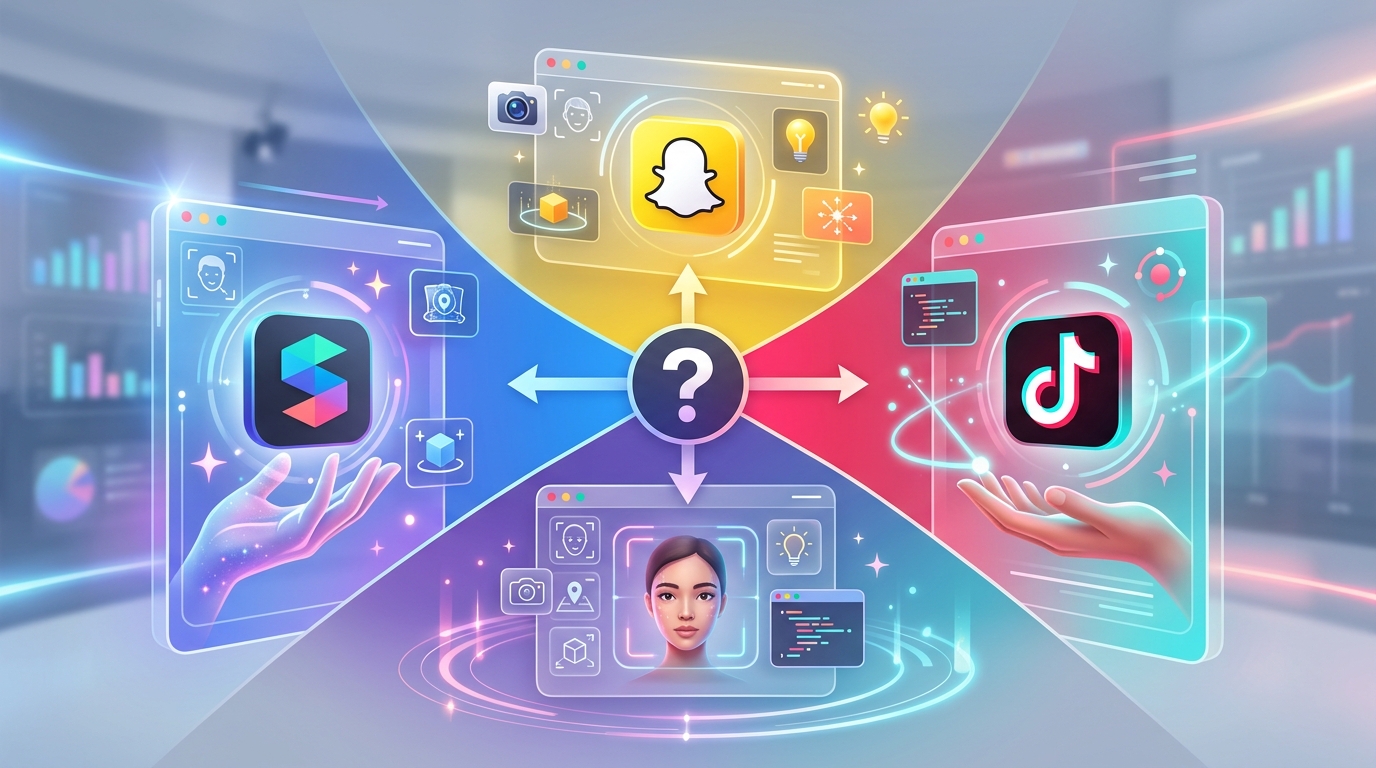
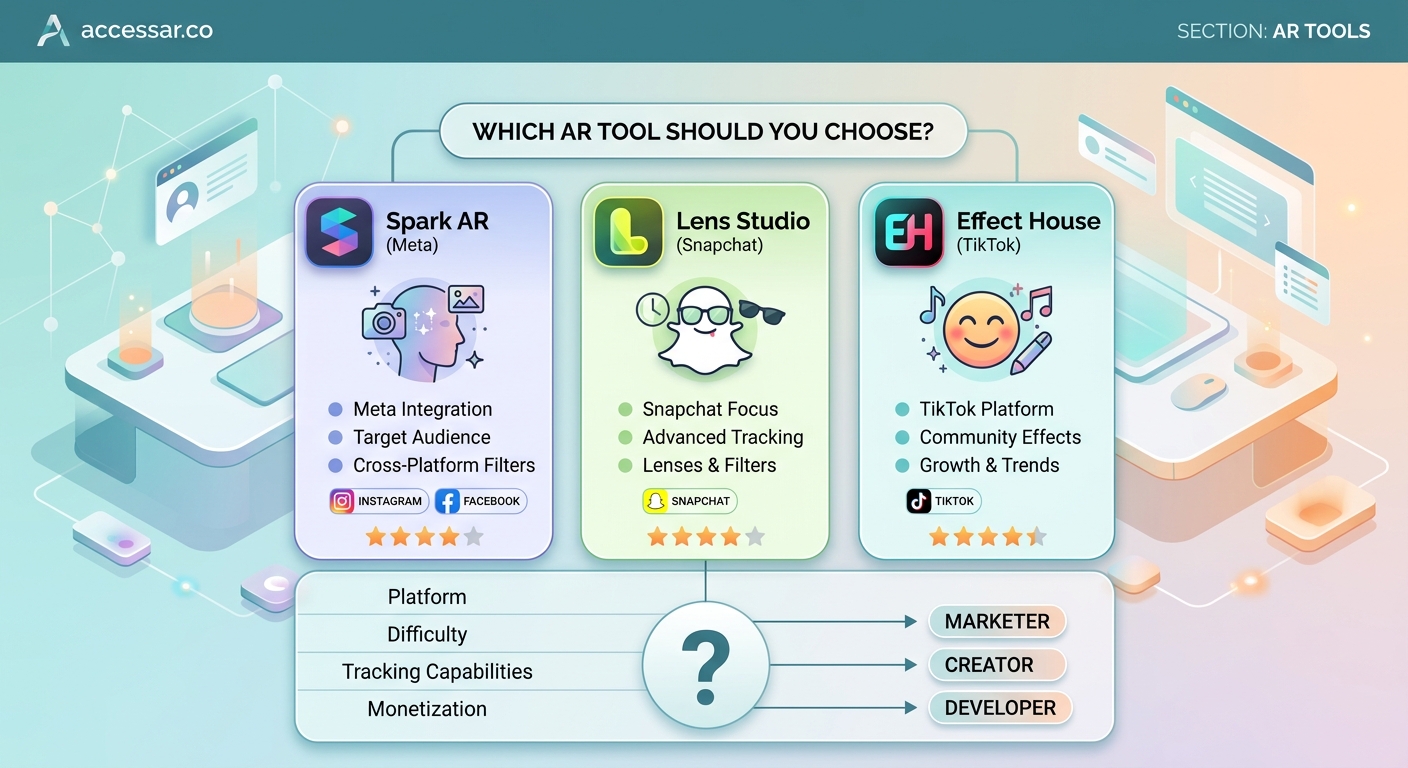
Choosing between Spark AR and Lens Studio feels like picking a college major. Both paths lead somewhere valuable, but they take you to different destinations. Meta’s Spark AR powers Instagram and Facebook filters, while Snap’s Lens Studio creates effects for Snapchat’s massive Gen Z audience. The platform you pick shapes everything from your creative workflow to your potential reach.
Spark AR excels for Instagram creators targeting broad demographics with visual effects and brand campaigns. Lens Studio dominates Snapchat’s younger audience with advanced 3D capabilities and gaming features. Your choice depends on where your audience lives, your technical comfort level, and whether you prioritize ease of use or creative depth. Most professionals eventually learn both platforms.
Platform reach and audience demographics
Spark AR connects you to Instagram’s 2 billion monthly users and Facebook’s aging but enormous user base. Your filters appear in the camera interface where people already spend hours scrolling and posting.
Lens Studio taps into Snapchat’s 400 million daily active users, with 75% under age 34. The platform skews younger and more engaged with AR features as a core part of the experience.
The numbers tell only part of the story. Instagram users treat filters as enhancement tools for photos and Stories. Snapchat users see Lenses as the main event, often opening the app specifically to play with new effects.
Your target demographic matters more than total user counts. A beauty brand targeting millennials might find better engagement on Instagram. A gaming company launching a character promotion would likely see stronger performance on Snapchat.
Interface design and learning curve
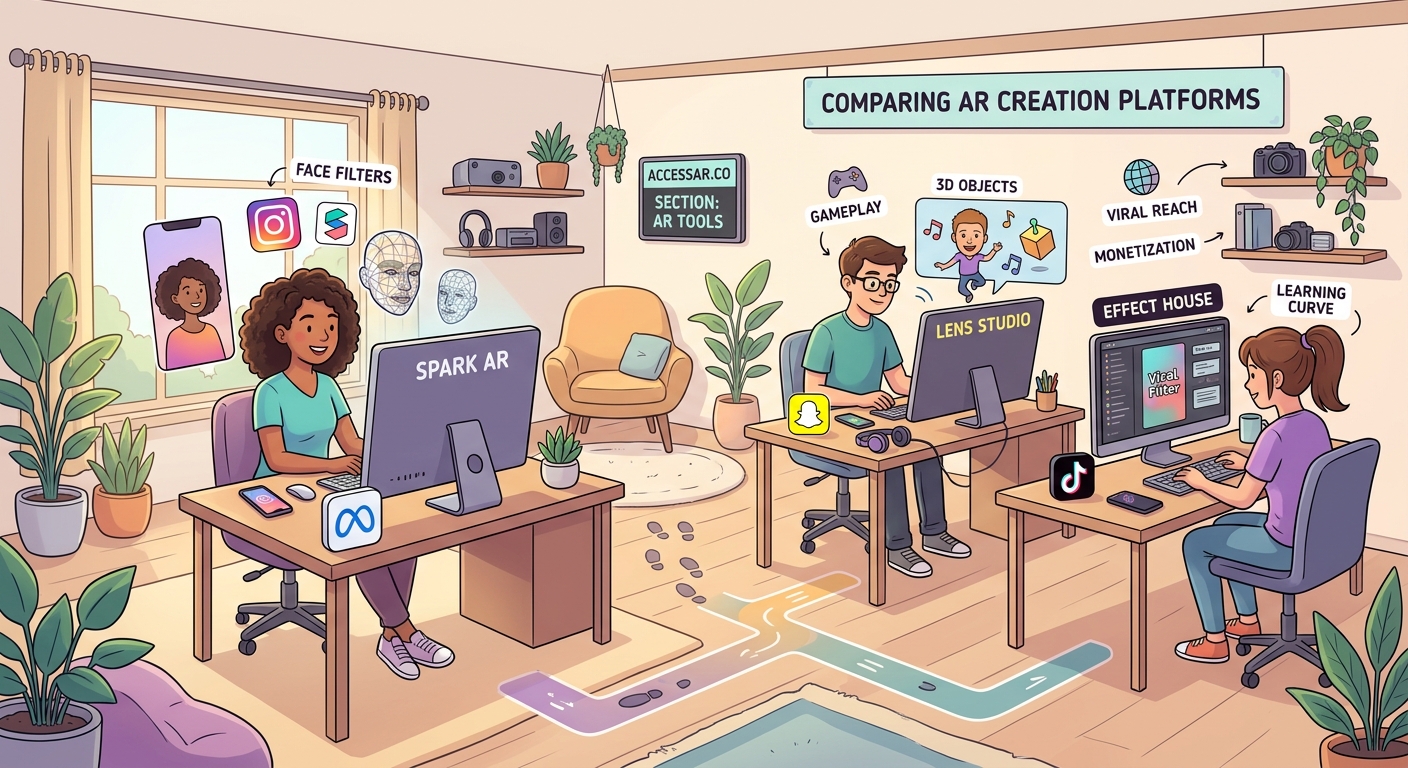
Spark AR feels like a streamlined creative tool. The interface uses a node-based patch editor that visually connects effects without writing code. You can build Instagram filters without coding skills using pre-built templates and drag-and-drop logic.
Beginners create their first face filter in under an hour. The asset library includes hundreds of free 3D objects, animations, and audio clips. The learning curve stays gentle until you need custom scripting.
Lens Studio presents a more robust development environment. The interface resembles professional 3D software like Unity or Blender. You get more control over every aspect of your effect, but that power comes with complexity.
New users spend more time learning the basics. The payoff shows up when you need advanced features like full-body tracking, custom shaders, or multiplayer experiences. Templates help, and you can start creating Snapchat Lenses in under 30 minutes using guided projects.
Technical capabilities comparison
| Feature | Spark AR | Lens Studio |
|---|---|---|
| Face tracking points | 468 landmarks | 468 landmarks |
| Hand tracking | Limited | Full hand mesh |
| Body tracking | Basic pose | Full skeleton |
| World effects | Plane detection | Advanced SLAM |
| Scripting language | JavaScript | JavaScript |
| 3D model support | FBX, glTF | FBX, OBJ, glTF |
| Max file size | 4MB | 8MB |
| Audio support | Yes | Yes with spatial audio |
Spark AR handles standard AR features beautifully. Face effects, color correction, and 2D animations work flawlessly. The platform shines for beauty filters, brand effects, and visual enhancements that don’t require complex interactions.
Lens Studio pushes technical boundaries further. Full-body tracking enables dance challenges and virtual try-ons for clothing. Advanced world tracking lets you place persistent 3D objects that stay anchored as users move around.
The scripting environments differ in subtle ways. Both use JavaScript, but Lens Studio’s API offers more low-level access to rendering and physics. Spark AR’s scripting focuses on connecting visual elements and handling user interactions.
Performance optimization matters differently on each platform. Instagram users expect filters to load instantly while scrolling. Snapchat users tolerate slightly longer load times for more impressive effects.
Template libraries and resources
Spark AR provides dozens of official templates covering common use cases. You find examples for face masks, background segmentation, mini-games, and shopping experiences. Each template includes detailed comments explaining how components work together.
The Spark AR community shares thousands of custom patches and scripts. Facebook groups and Discord servers offer troubleshooting help. Official documentation covers every feature with video tutorials and written guides.
Lens Studio’s template collection focuses on trending effect types. You get templates that save hours of design time for popular categories like face morphing, try-on experiences, and location-based games.
Snap’s Creator Portal publishes case studies showing how successful Lenses achieved viral reach. The company invests heavily in educational content, including a structured learning path from beginner to advanced creator.
Third-party marketplaces sell premium assets for both platforms. You can buy custom 3D models, particle effects, and complete project files to accelerate development.
Publishing and approval process
Getting your Spark AR filter live requires these steps:
- Test your effect thoroughly using the mobile app preview
- Submit through Spark AR Hub with effect name and preview video
- Wait 1-3 days for Meta’s review team to check guidelines compliance
- Receive approval or feedback on required changes
- Share your published effect link or make it discoverable in the Instagram camera
Meta’s review focuses on brand safety and technical performance. Effects can’t mislead users, promote harmful behavior, or crash frequently. The approval rate runs high for effects following published guidelines.
Publishing a Lens Studio effect follows a similar path but with different requirements. Snap reviews effects for quality, performance, and community standards. The process typically takes 1-2 days.
Both platforms let you update published effects. You can fix bugs, add features, or refresh seasonal content without losing your existing user base or analytics.
The biggest mistake new creators make is building an effect they love without researching what actually performs well on each platform. Study trending effects, understand the culture, then create something that fits naturally into how users already interact with the app.
Analytics and performance tracking
Spark AR Hub shows impressions, opens, captures, and shares for each effect. You see demographic breakdowns by age, gender, and location. The data helps you understand which effects resonate with specific audiences.
Instagram’s algorithm promotes effects that generate high engagement. Effects with strong share rates appear more prominently in the camera interface. This creates a viral loop where popular effects become more discoverable.
Lens Studio Analytics provides similar metrics with additional depth. You track session duration, which shows how long users play with your Lens. Retention metrics reveal if people come back to use your effect multiple times.
Snapchat’s Lens Explorer features top-performing Lenses, giving exceptional effects massive organic reach. A single feature can generate millions of views overnight.
Both platforms let you add UTM parameters and track conversions for brand campaigns. You can measure how AR experiences drive website visits, product purchases, or app installs.
Monetization and career opportunities
Spark AR creators earn through brand partnerships and sponsored effects. Companies pay creators to build custom filters promoting products, events, or campaigns. Rates vary from a few hundred dollars for simple effects to five figures for complex branded experiences.
Meta occasionally runs creator funds and challenges with cash prizes. The platform doesn’t offer direct monetization like ad revenue sharing, so most income comes from client work.
Lens Studio offers the Snap AR Creator Marketplace, where brands browse creator portfolios and commission work. Top creators earn consistent income building effects for major advertisers.
Snapchat’s Lens Creator Rewards program pays creators based on Lens performance. Effects that meet minimum engagement thresholds earn money from Snap’s advertising revenue. Payments range from hundreds to thousands of dollars monthly for viral Lenses.
The job market values both skill sets differently. Marketing agencies often need Spark AR creators for Instagram campaigns. Gaming and entertainment companies prefer Lens Studio experience for interactive campaigns.
Community and support systems
Spark AR’s official Facebook group has over 100,000 members sharing tips, troubleshooting issues, and showcasing work. Meta employees actively participate, answering technical questions and gathering feedback.
The platform’s documentation stays current with regular updates. Video tutorials cover everything from basic concepts to advanced techniques. Live workshops and webinars happen monthly.
Lens Studio’s community centers around the Official Lens Studio Discord and Snapchat’s Creator Portal forums. The atmosphere feels more focused on pushing creative boundaries and technical innovation.
Snap hosts annual Lens Fest events where creators network, learn new features, and hear directly from the product team. Regional meetups happen in major cities worldwide.
Both communities welcome beginners. You’ll find creators willing to review your work, suggest improvements, and collaborate on projects. The supportive atmosphere helps newcomers overcome the initial learning curve.
Making your platform decision
Start by mapping where your target audience spends time. Building viral Instagram AR filter ideas makes sense if your followers live on Meta’s platforms. Creating viral TikTok effect trends might serve you better if your audience skews younger.
Consider your technical background. Designers and visual artists often find Spark AR more intuitive. Developers and 3D artists appreciate Lens Studio’s advanced capabilities.
Think about your goals. Brand partnerships and marketing work flow steadily through Spark AR. Gaming integrations and entertainment campaigns lean toward Lens Studio.
Budget matters too. Both platforms are free, but you might need to purchase 3D assets, hire designers, or invest in learning resources. Equipment needs for creating AR filters stay minimal for both platforms.
Time investment differs. You’ll create basic Spark AR effects faster. Lens Studio requires more upfront learning but unlocks more creative possibilities later.
Your first effect determines your path
Most successful AR creators eventually learn both platforms. The skills transfer reasonably well, and diversifying your capabilities opens more opportunities.
Start with the platform matching your immediate goals. Build three to five effects to understand the workflow and community. Track performance data to see what resonates with users.
After mastering one platform, learning the second becomes significantly easier. You already understand AR concepts, user behavior patterns, and creative best practices. The new platform just becomes a different tool for expressing similar ideas.
The choice between Spark AR and Lens Studio isn’t permanent. Your first effect is just the beginning of a creative journey that can expand across multiple platforms as your skills grow. Pick the one that excites you most right now, and start building something people will love using.