
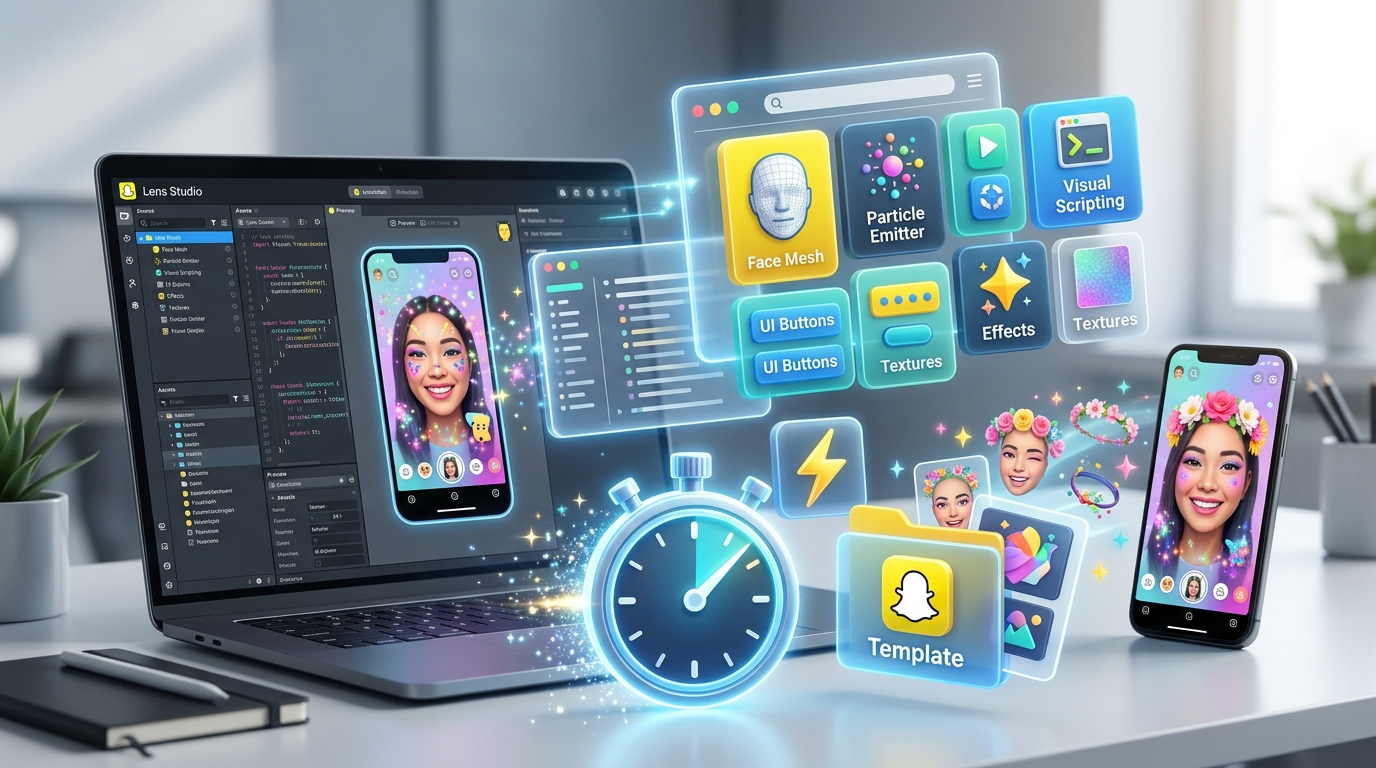
Creating Snapchat filters from scratch takes time you probably don’t have. Between learning 3D modeling, scripting interactions, and testing across devices, a single lens can eat up days of work. That’s why smart creators turn to pre-built templates.
Snapchat Lens Studio templates provide ready-made frameworks for AR filters, letting creators customize effects without building from zero. Templates include face tracking, world effects, and interactive games. Most are free through Lens Studio’s library, community marketplaces, or creator portfolios. Customization involves swapping assets, adjusting scripts, and testing across devices. Common mistakes include ignoring performance optimization and skipping proper attribution.
Why Templates Matter for AR Creators
Building a lens from a blank project means setting up face mesh tracking, configuring materials, writing scripts for interactions, and troubleshooting why your 3D object won’t align with someone’s nose.
Templates handle the technical foundation.
You get working face tracking, pre-configured lighting, optimized scripts, and tested performance. Your job shifts from infrastructure to creativity. Swap the 3D model. Change the colors. Adjust the animation timing. Launch.
This matters when you’re managing multiple client projects or trying to catch a trending moment. A template cuts production time from days to hours.
Where to Find Quality Lens Studio Templates
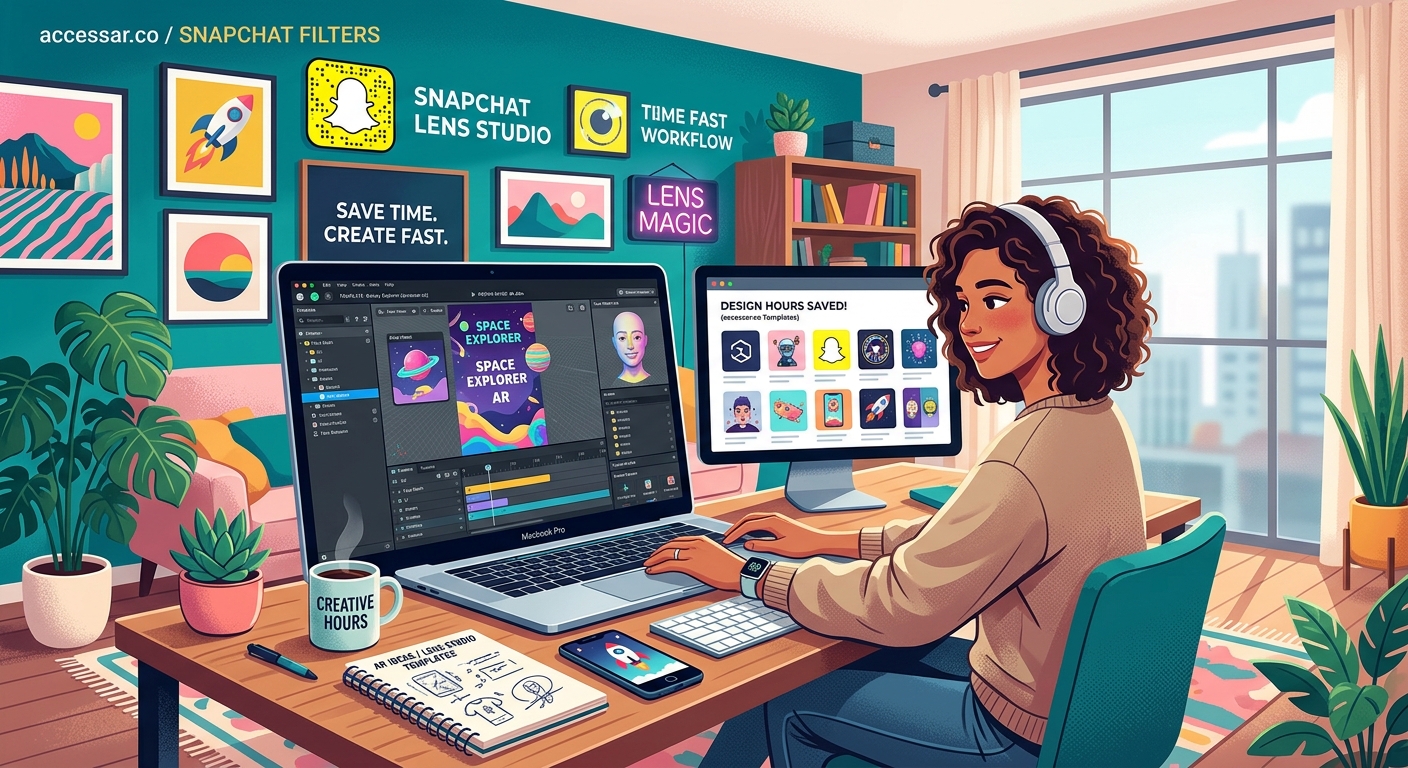
Snapchat offers an official template library inside Lens Studio. Open the software, click “New Project,” and browse categories like Face Effects, World Effects, or Games.
These templates come from Snap’s own team. They’re optimized, well-documented, and updated for the latest software version.
Community marketplaces host creator-made templates. Sites like Gumroad, Creative Market, and individual creator portfolios offer specialized effects. Some are free. Others cost between $10 and $100 depending on complexity.
GitHub repositories from AR developers provide open-source options. Search for “Lens Studio template” and filter by recent activity. Read the documentation before downloading. Not all repos maintain compatibility with current software versions.
Template quality varies wildly. Check reviews, preview videos, and file sizes. A 50MB template for a simple color filter suggests poor optimization.
Template Categories That Save the Most Time
Face tracking templates handle the hardest part of AR creation. They include pre-mapped face meshes, eye tracking, mouth movement detection, and head rotation tracking. You can build Snapchat filters without coding skills by starting with these foundations.
World effect templates set up plane detection, surface tracking, and environmental lighting. Use these for placing 3D objects in real spaces or creating portals to different scenes.
Game templates include tap interactions, score systems, timers, and win/loss conditions. Perfect for branded campaigns or viral challenges.
Beauty and makeup templates provide skin smoothing, color correction, and cosmetic overlays. These need careful customization to avoid looking generic.
Here’s how different template types compare:
| Template Type | Best For | Customization Difficulty | Performance Impact |
|---|---|---|---|
| Face tracking | Accessories, masks, effects | Low to medium | Medium |
| World effects | Product placement, environments | Medium to high | High |
| Games | Interactive campaigns | High | Variable |
| Beauty filters | Cosmetics, skincare brands | Low | Low |
| Text and graphics | Announcements, promotions | Very low | Very low |
How to Customize Templates Without Breaking Them
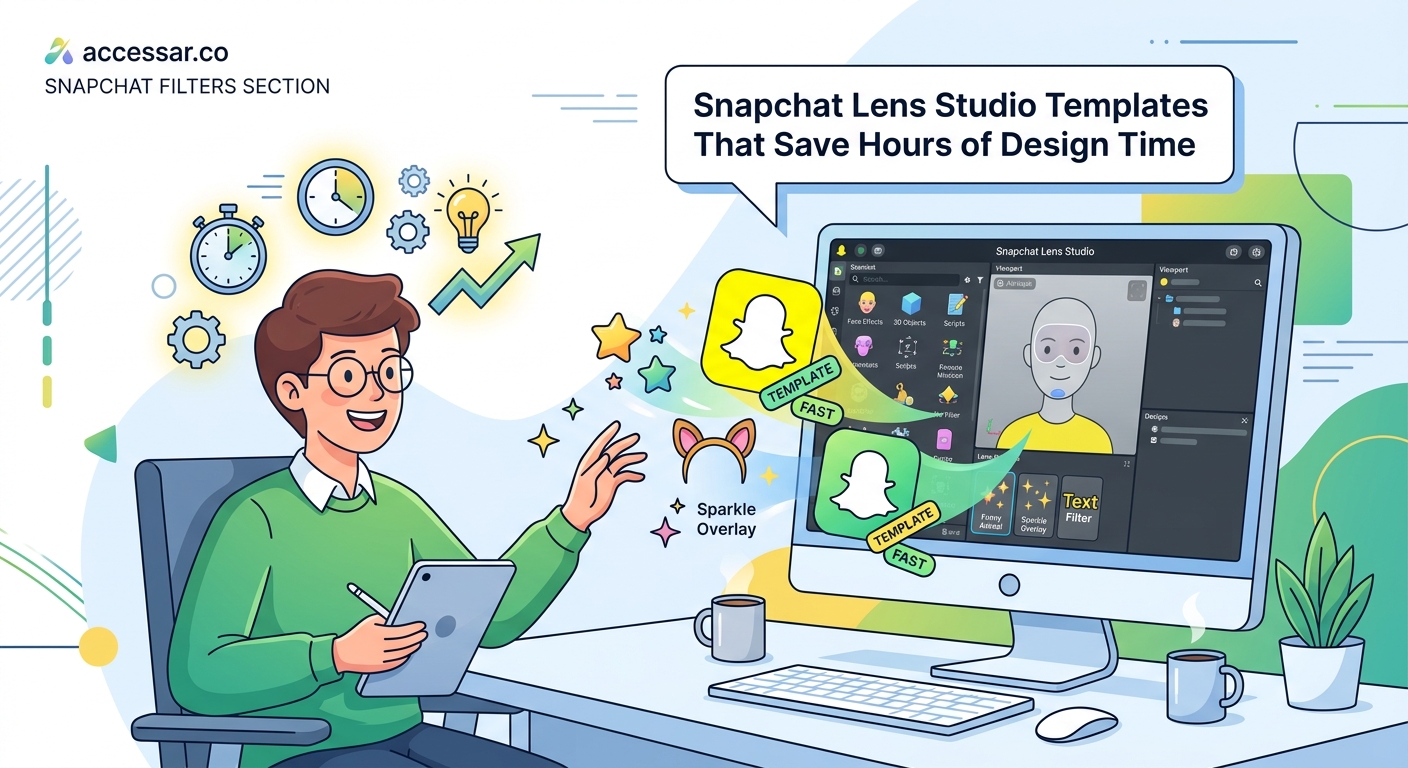
Start by duplicating the template project. Never work directly on the original. One wrong deletion can corrupt the entire file structure.
Open the Scene panel and identify the main components. Most templates organize assets into logical groups: Face Mesh, 3D Objects, Scripts, Materials, and UI elements.
Step-by-Step Customization Process
-
Replace visual assets first. Swap 3D models, textures, and images. Keep file formats and dimensions similar to the originals to avoid breaking references.
-
Adjust materials and colors. Open the Materials panel and modify shader settings. Change colors, adjust transparency, or swap texture maps.
-
Modify scripts carefully. If you need to change behavior, locate the script in the Resources panel. Read through the code comments. Change variable values before altering logic.
-
Test after each change. Preview in Lens Studio, then test on your actual device. Performance issues often appear only on real hardware.
-
Optimize before publishing. Check polygon counts on 3D models. Compress textures. Remove unused assets from the project.
Templates include placeholder assets for a reason. They’re sized and formatted to work within Snapchat’s technical limits. Replacing a 512×512 texture with a 4096×4096 image will cause performance problems.
“The biggest mistake I see is creators importing high-resolution assets without optimization. Your lens might look amazing on desktop preview but crash on older phones. Always test on the lowest-spec device you can find.” – AR Developer with 50+ published lenses
Common Template Mistakes That Kill Performance
Ignoring draw calls ruins performance. Each material, each separate object, each particle system adds processing overhead. Combine meshes where possible. Use texture atlases instead of multiple materials.
Overdoing particle effects looks impressive but drains battery and causes frame drops. Limit particle count. Reduce emission rates. Use simpler textures.
Forgetting to remove debug scripts before publishing adds unnecessary processing. Templates often include testing tools. Delete these before submission.
Not testing across devices creates user experience problems. Your iPhone 14 handles effects differently than a Samsung Galaxy from three years ago. Test on Android and older iOS devices.
Skipping attribution when required violates licensing terms. Some free templates require credit. Read the license file. Add attribution in your lens description if needed.
Advanced Template Modifications
Combining multiple templates creates unique effects. Extract the face tracking from one template and the particle system from another. This requires understanding how scripts reference objects.
Adding custom scripts extends functionality. Learn basic JavaScript to modify behavior. Lens Studio’s API documentation shows available functions and properties.
Creating your own template library saves time on future projects. Build a base template with your preferred settings, optimized assets, and commonly used scripts. Each new project starts from your foundation instead of Snapchat’s generic options.
Version control prevents disasters. Save incremental versions as you work. Name them descriptively: “ProjectName_v1_base,” “ProjectName_v2_customAssets,” “ProjectName_v3_final.”
Templates for Specific Campaign Types
Product launches need clean, professional templates. Use minimalist face tracking or world effects that showcase the product without distraction.
Holiday campaigns benefit from festive templates with seasonal themes. Customize colors and assets to match your brand while keeping the celebratory feel.
Educational content works well with interactive game templates. Add quiz elements, information pop-ups, or step-by-step tutorials.
Brand awareness campaigns need memorable, shareable effects. Face tracking effects that make lenses go viral often start from templates but add unexpected twists.
Testing and Publishing Your Customized Template
Preview mode in Lens Studio shows basic functionality. Use it for rapid iteration. But it doesn’t reveal real-world performance issues.
Snapchat’s pairing feature lets you test on your phone while editing on desktop. Scan the QR code in Lens Studio. Changes appear on your device in real time.
Send test links to team members or clients. Get feedback before official submission. Users spot issues you’ll miss after staring at the project for hours.
The submission process requires specific metadata. Write a clear title and description. Add relevant tags. Choose appropriate categories. Poor metadata means fewer users find your lens.
Review times vary from a few hours to several days. Snapchat checks for policy violations, performance issues, and technical problems. Fix any rejection reasons and resubmit.
Building Your Template Collection
Start with official Snapchat templates. Master these before buying premium options. Understanding the basics helps you evaluate paid templates better.
Follow AR creators who share free resources. Many post templates on social media or personal websites. Join Lens Studio communities on Discord, Reddit, or Facebook.
Invest in premium templates for complex effects. A well-built game template for $50 saves 20 hours of development time. That’s worth it for client work.
Document your modifications. Keep notes on what you changed and why. This helps when revisiting old projects or creating similar effects later.
Making Templates Work for Your Workflow
Templates aren’t cheating. They’re smart resource management.
Professional developers use frameworks and libraries. Graphic designers use mockup templates. Video editors use motion graphics packs. AR creators should use lens templates.
The value you add comes from creative customization, brand alignment, and strategic implementation. A template provides the engine. You provide the direction.
Start with one template category that matches your most common project type. Master it completely. Understand every component. Then expand to other categories.
Your efficiency compounds. The first template takes hours to customize. The tenth takes minutes. You’ll develop instincts for what works and what breaks.
Your Template Strategy Starts Now
Pick one template from Lens Studio’s official library today. Open it. Change one visual element. Test it on your phone. Publish it as a practice project.
That’s how you build confidence with templates. Small modifications. Frequent testing. Gradual complexity increases.
You’ll launch better lenses faster. Your clients get results sooner. You spend less time troubleshooting technical problems and more time creating memorable experiences.
Templates aren’t the shortcut. They’re the foundation.