

Building interactive games inside Effect House transforms passive viewers into active players. Your TikTok effect becomes a challenge people want to beat, share, and replay.
This effect house game tutorial walks you through building interactive TikTok games from scratch. You’ll learn to add tap detection, score tracking, timers, and win conditions. Whether you’re creating a simple reaction game or a complex challenge, these techniques work for beginners and intermediate creators ready to build effects that keep users engaged longer than standard filters.
Setting Up Your First Game Project
Download Effect House from TikTok’s official creator portal. The software runs on both Mac and Windows.
Launch the application and select “Create New Project.” Choose the blank template instead of starting from a pre-built effect. This gives you full control over every element.
Your workspace contains three main panels. The Hierarchy panel on the left shows all objects in your scene. The Viewport in the center displays your effect preview. The Inspector panel on the right shows properties for selected objects.
Name your project something descriptive like “Tap Challenge Game” or “Reaction Speed Test.” This helps when you manage multiple projects later.
Building Core Game Mechanics
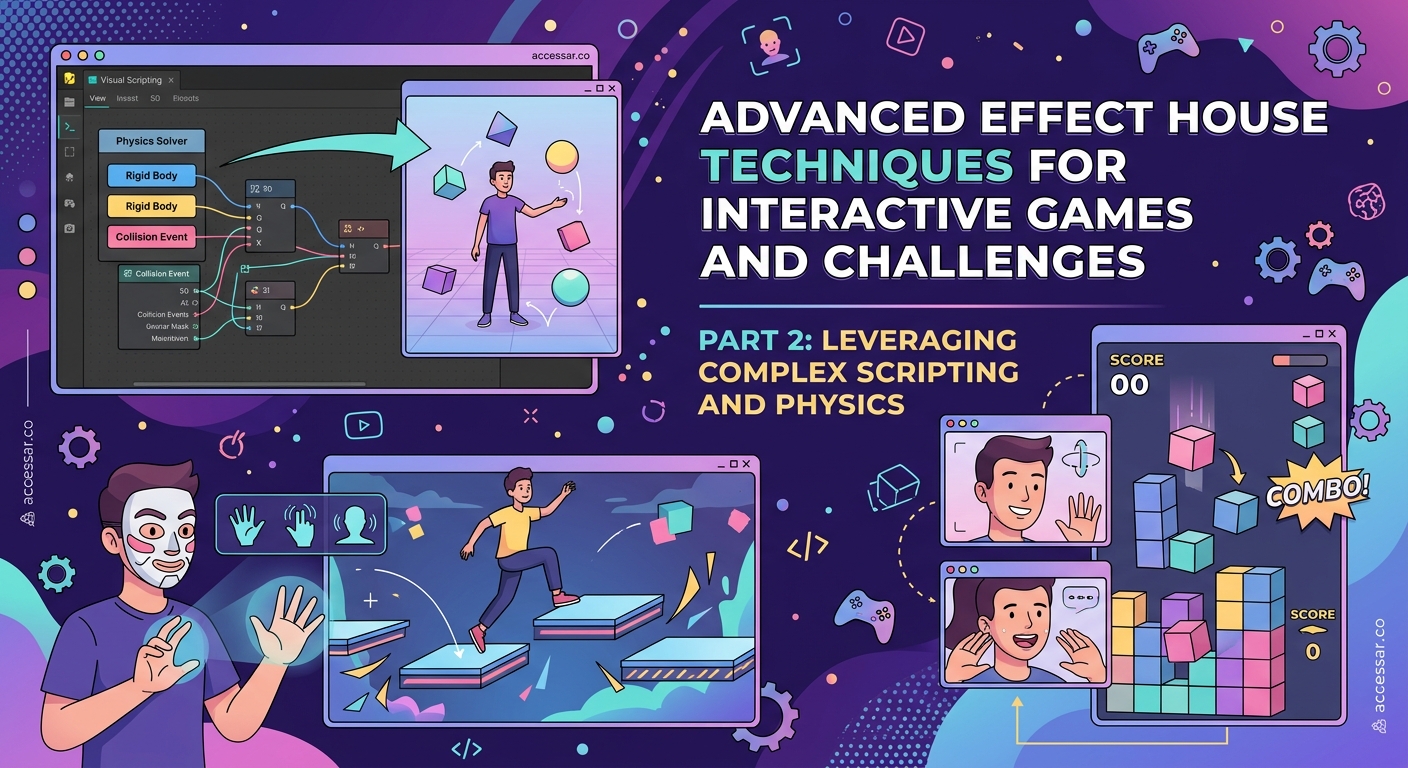
Every game needs basic mechanics that respond to user input. Start with tap detection.
Add a Screen Tap component to your scene. Right-click in the Hierarchy panel and select “Add Object,” then choose “Screen Tap.” This component detects when users touch their screen.
Connect the tap event to a counter. Create a new Visual Scripting graph by clicking the plus icon in the Visual Scripting panel. Name it “Score Counter.”
Inside your graph, add these nodes:
- Screen Tap Event (triggers when user taps)
- Add Number (increases score by 1)
- Set Variable (stores current score)
- Update Text (displays score on screen)
Connect them in sequence. Each tap now increases the score and updates the display.
Create a 2D text object to show the score. Right-click in Hierarchy, select “Add Object,” then “2D Text.” Position it in the top corner of your screen using the Transform properties.
Link your text object to the Visual Scripting graph. Now when users tap, they see their score increase in real time.
Adding Time Limits and Challenges
Games need boundaries. Time limits create urgency and make effects more shareable.
Add a Timer component to track game duration. Create a new variable called “timeRemaining” and set it to 10 seconds (or whatever duration fits your game).
Build a countdown system using Visual Scripting:
- On Start Event (triggers when effect loads)
- Delay Node set to 1 second
- Subtract Number (reduces time by 1)
- Loop (repeats until time reaches zero)
- Game Over Event (triggers when timer expires)
Display the countdown using another 2D text object. Position it opposite your score counter for visual balance.
When the timer hits zero, disable tap detection and show final score. This prevents players from continuing after time runs out.
Creating Visual Feedback
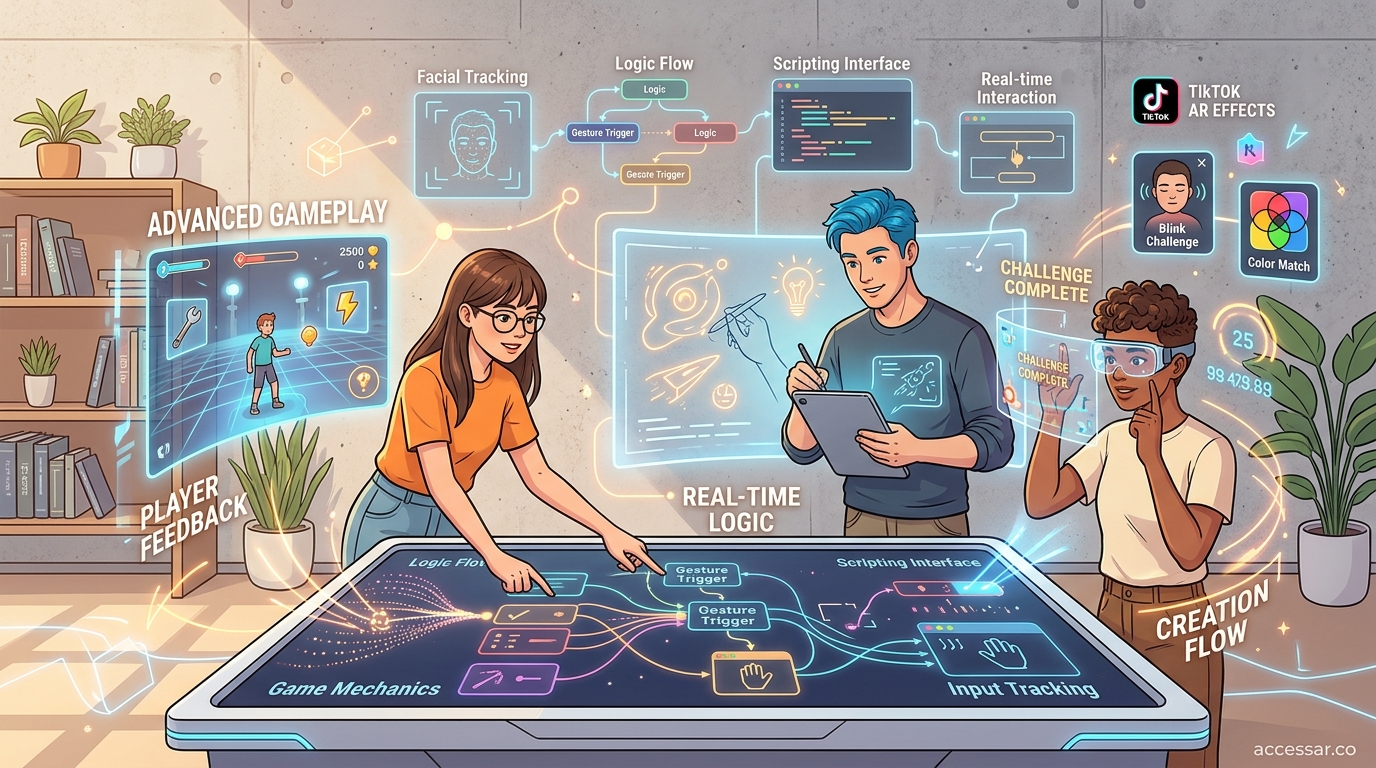
Players need immediate confirmation that their actions registered. Visual feedback makes games feel responsive.
Add particle effects when users tap. Import a simple particle system from the Asset Library. The built-in sparkle or burst effects work well for most games.
Trigger particles at tap location using these nodes:
- Screen Tap Position (gets where user tapped)
- Instantiate Object (creates particle effect)
- Play Animation (triggers particle burst)
Change the screen color briefly on each successful tap. Add a Screen Image object with low opacity. Flash it white for 0.1 seconds using an animation curve.
Scale objects when tapped. If your game involves hitting targets, make them slightly larger when touched. This confirms the hit registered.
Sound effects amplify engagement. Effect House supports audio playback. Import short sounds (under 0.5 seconds) for taps, successes, and game over.
Building Target-Based Games
Some games require hitting specific objects instead of tapping anywhere.
Create 2D image objects as targets. Import PNG files with transparent backgrounds. These could be shapes, icons, or themed graphics matching your effect concept.
Add collision detection to each target:
- Box Collider component (defines hit area)
- On Touch Event (detects when tapped)
- Destroy Object (removes target after hit)
- Add Score (increases player points)
Randomize target positions to increase difficulty. Use a Random Number node to generate X and Y coordinates within screen bounds.
Make targets appear and disappear at intervals. Create a spawn system that generates new targets every 1-2 seconds. Limit how many appear simultaneously to avoid overwhelming players.
Vary target sizes for different point values. Smaller targets award more points. Larger targets are easier to hit but give fewer points.
Implementing Difficulty Progression
Games that start easy and get harder keep players engaged longer.
Increase spawn rate over time. Start with one target every 2 seconds. After 5 seconds of gameplay, reduce spawn interval to 1.5 seconds. Continue decreasing as time progresses.
Reduce target size gradually. Begin with targets at 100% scale. Every 3 seconds, multiply scale by 0.9. This creates a natural difficulty curve.
Add movement to targets. Static objects become boring. Make targets drift slowly across the screen using a Translate node with random direction vectors.
Introduce penalty mechanics after players master basics. Spawn “bad” targets that subtract points if tapped. Color them differently so players can distinguish them.
Tracking High Scores and Achievements
Competition drives sharing. Players want to beat their friends’ scores.
Effect House doesn’t natively save scores between sessions, but you can display achievements during gameplay.
Create milestone popups at score thresholds:
- 10 taps: “Getting Started!”
- 25 taps: “On Fire!”
- 50 taps: “Unstoppable!”
Show these using 2D image objects that fade in when score conditions are met. Position them center screen for maximum impact.
Add a “New Record” indicator when players beat their session high score. Track the highest score achieved since the effect loaded using a comparison node.
Display final score prominently at game over. Make the text large and centered. Add encouraging messages based on performance ranges.
Common Mistakes to Avoid
| Mistake | Why It Fails | Better Approach |
|---|---|---|
| No visual feedback | Players don’t know if taps registered | Add particles, color flashes, or scaling |
| Unclear instructions | Users don’t understand the goal | Show simple text explaining objective |
| Too difficult at start | Players quit before understanding | Begin easy, increase difficulty gradually |
| No end condition | Game feels aimless | Add timer or target score to win |
| Cluttered interface | Score and timer compete for attention | Use consistent positioning and clear fonts |
| Silent gameplay | Effect feels flat | Add sound effects for major actions |
Testing reveals these issues. Preview your effect on an actual device, not just in the editor. The mobile experience differs from desktop.
Optimizing Performance for Mobile
TikTok effects run on thousands of different devices. Performance matters.
Limit particle count. More than 50 particles at once causes lag on older phones. Set maximum particle limits in the emitter settings.
Reduce texture sizes. Images over 1024×1024 pixels slow loading times. Compress assets before importing.
Minimize Visual Scripting complexity. Each node adds processing overhead. Combine operations where possible instead of creating separate nodes.
Test on low-end devices. If you only have a newer phone, ask friends with older models to try your effect. Frame rate drops indicate optimization needs.
Disable unnecessary features when not in use. If your game has phases, deactivate components that aren’t currently needed.
Publishing Your Game Effect
Before submitting to TikTok, verify everything works correctly.
Test all game states:
- Starting the effect
- Playing through normal gameplay
- Reaching time limit
- Achieving high scores
- Losing or failing conditions
Record test videos showing successful gameplay. These help during the approval process if reviewers have questions.
Write a clear effect description. Explain how to play in one sentence. Example: “Tap the green circles before time runs out to score points.”
Choose appropriate categories and tags. Select “Game” as the primary category. Add tags like “challenge,” “score,” and “reaction.”
Submit through the Effect House publishing panel. TikTok reviews typically take 1-3 days.
While waiting for approval, create promotional content. Record yourself playing the game. Show friends competing for high scores. These videos generate interest before your effect goes live.
After approval, share the effect link across your social channels. The more initial users, the better TikTok’s algorithm promotes it.
Start simple with a basic tap counter game. Master the fundamentals before adding complex mechanics. Your first game doesn’t need to be revolutionary, it needs to work smoothly and entertain players for 15 seconds.
Advanced Techniques for Experienced Creators
Once you’ve built several basic games, try these advanced features.
Multi-level progression: Create different game phases with varying mechanics. Start with simple tapping, then introduce moving targets, then add obstacles.
Combo systems: Award bonus points for consecutive successful actions. Track time between taps and multiply score if gaps are under 0.5 seconds.
Power-ups: Spawn special targets that temporarily slow time, double points, or clear the screen. These add strategic depth.
Leaderboard integration: While Effect House can’t store persistent data, you can encourage players to screenshot their scores and share with hashtags for community leaderboards.
Adaptive difficulty: Analyze player performance in real time. If someone misses frequently, slightly increase target size. If they hit everything, spawn targets faster.
The complete beginner’s roadmap to publishing your first TikTok effect covers submission requirements in detail. Understanding platform guidelines prevents rejection during review.
Comparing different AR platforms helps you choose the right tools. The guide on Effect House vs Spark AR explains when each platform works best for specific project types.
Designing for Maximum Engagement
Games that people actually use share common traits.
Clear objectives: Players understand the goal within 2 seconds of starting. Don’t make them guess what to do.
Achievable challenges: The average player should reach at least a medium-tier achievement. If everyone fails, they stop trying.
Shareable moments: Design for screenshot-worthy results. High scores, funny failures, or impressive combos all encourage sharing.
Replayability: Add random elements so each playthrough feels different. Static games lose appeal after one attempt.
Mobile-first controls: Tapping works better than swiping for fast-paced games. Complex gestures frustrate users.
Study effects with millions of uses. What mechanics do they share? How do they communicate instructions? What makes people play multiple times?
The 7 viral TikTok effect trends you can build in Effect House this month shows current popular mechanics. Adapt these patterns to your game concepts.
Monetizing Your Game Effects
Creating popular effects opens revenue opportunities beyond just views.
Brands pay creators to build custom game effects for campaigns. A cosmetics company might want a makeup collection game. A movie studio might commission a character-based challenge.
Your portfolio of successful effects demonstrates capability to potential clients. Even if your first games don’t go viral, they prove you can deliver functional, engaging experiences.
The monetizing your TikTok AR skills without a massive following guide explains how to find clients and price projects appropriately.
Build a signature style that makes your effects recognizable. Consistent visual themes, transition effects, or UI design help you stand out in a crowded market.
Document your process. Write tutorials, record development videos, or share behind-the-scenes content. This positions you as an expert and attracts opportunities.
Troubleshooting Common Issues
Taps not registering: Check that your Screen Tap component is active and not blocked by other UI elements. Verify the Visual Scripting connections are complete.
Timer counting incorrectly: Ensure your delay node is exactly 1 second. Rounding errors accumulate if you use 0.99 or 1.01 seconds.
Particles not appearing: Confirm the particle system is set to play on instantiation. Check that particle color isn’t transparent or matching the background.
Score not updating: Verify your text object is linked to the correct variable in Visual Scripting. Check that the variable updates before the text refresh node.
Effect crashes on older phones: Reduce visual complexity. Remove post-processing effects, limit particle counts, and compress textures further.
Preview frequently during development. Small issues become major problems if left undetected until final testing.
Iterating Based on User Feedback
After your effect goes live, monitor how people actually use it.
TikTok’s creator analytics show usage statistics. Check average play time. If users quit within 3 seconds, your instructions might be unclear.
Read comments on videos using your effect. Players often mention what they like or find frustrating.
Create a version 2 based on feedback. You can’t update published effects, but you can release improved versions with similar concepts.
Test variations with small audiences before full release. Change one variable at a time to understand what impacts engagement.
Popular effects often inspire derivative versions. If someone creates a similar game, analyze what they changed. Sometimes competitors identify improvements you missed.
From Tutorial to Your First Published Game
You now have the technical knowledge to build interactive TikTok games. The gap between understanding and execution is practice.
Start building today, even if you only spend 20 minutes. Create a basic tap counter. Add a timer. Display the score. That simple effect teaches you the fundamental workflow.
Tomorrow, add visual feedback. The next day, introduce targets. Build incrementally instead of attempting everything at once.
Your first game won’t be perfect. It might not go viral. That’s completely normal. Every successful AR creator built dozens of effects before finding their hit.
The skills you develop creating simple games transfer to complex projects. Understanding tap detection, timers, and score tracking prepares you for advanced mechanics like physics simulation, multiplayer features, and 3D interactions.
Effect House provides the tools. This tutorial provides the roadmap. Your creativity and persistence determine how far you take these skills. Build something playable, publish it, and learn from real user behavior. That cycle of creation, release, and iteration builds expertise faster than any tutorial alone.