
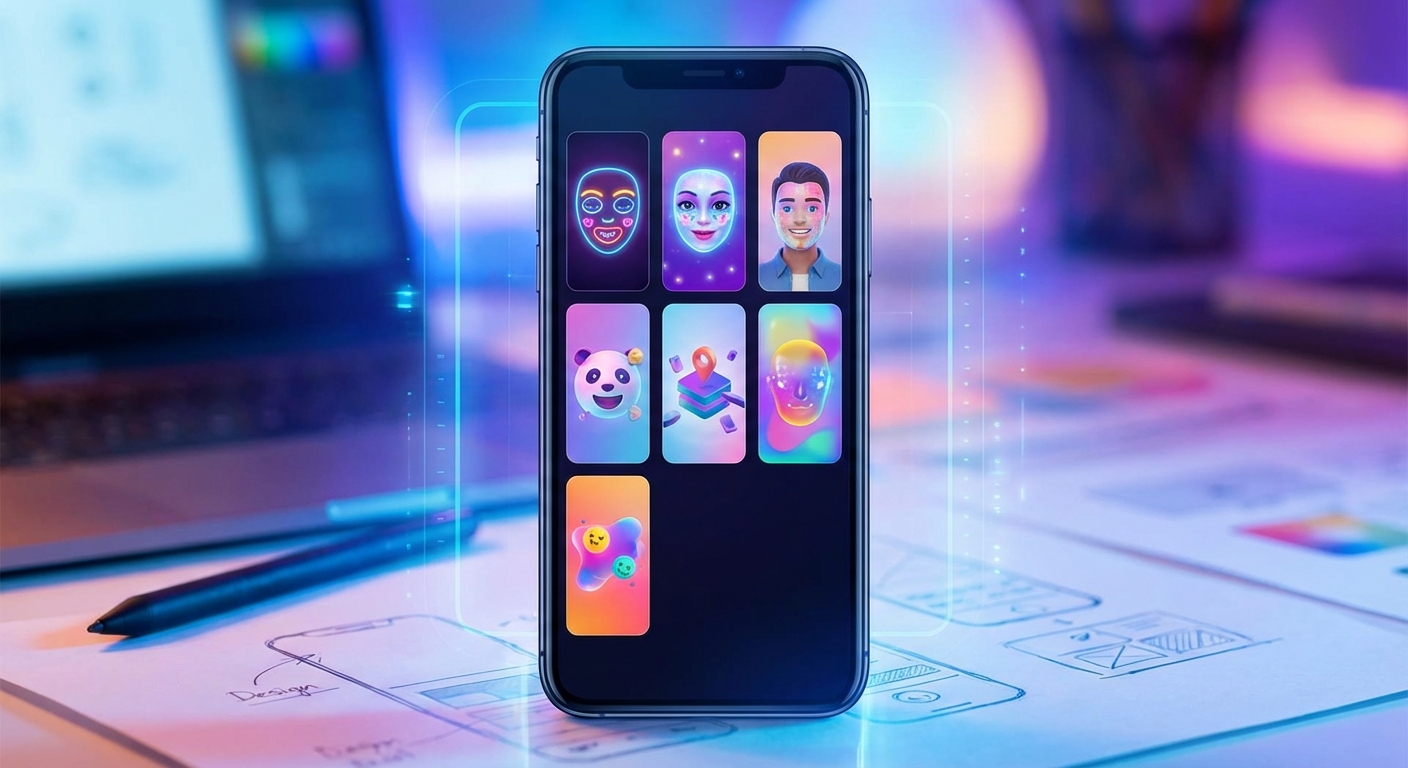
Instagram users tap through millions of AR filters every day. Face morphs, color graders, interactive games, and 3D objects pop up in Stories across the platform. These effects drive engagement, build brand recognition, and turn casual viewers into active participants.
You don’t need a computer science degree to build them.
Creating Instagram AR filters requires Meta Spark Studio, a free desktop application. You can design effects using templates, 3D objects, face tracking, and visual programming. After testing on your phone, submit your filter for review. Once approved, it becomes available for millions of Instagram users to discover and share through your profile.
Understanding Meta Spark Studio
Meta Spark Studio is the official tool for building Instagram and Facebook AR effects. The software runs on Mac and Windows, offering a visual interface that doesn’t require traditional coding knowledge.
The platform uses a patch editor system. Think of patches as building blocks that connect together. One patch might detect a face. Another adds a 3D hat. A third changes colors based on mouth movements. You wire these patches together to create behaviors.
Most creators start with templates. Meta provides dozens of pre-built effects you can customize. Swap out textures, adjust colors, change 3D models, or modify animations. This approach gets you from zero to working filter in under an hour.
The software includes a built-in simulator that shows how your effect looks on different faces and devices. You can also send effects directly to your phone for real-world testing before publishing.
Setting Up Your Development Environment
Download Meta Spark Studio from the official Spark AR website. You’ll need to create a Meta account if you don’t have one already.
System requirements are modest. Most laptops from the past five years run the software without issues. You’ll want at least 4GB of RAM and a few gigabytes of free storage.
Install the Spark AR Player app on your phone. This companion app lets you test effects in real time. The desktop software and mobile app communicate over your local network, so keep both devices on the same WiFi.
Create a test Instagram account if you’re experimenting. This gives you a safe space to try publishing without affecting your main profile. You can always transfer successful effects later.
Building Your First Face Filter
Start with the face tracker template. This gives you a 3D face mesh that follows user movements automatically.
Add a face mesh from the asset panel. This invisible grid maps to facial features like eyes, nose, and mouth. Any object you attach to this mesh moves with the face.
Import a 3D object or choose from the built-in library. Common first projects include sunglasses, hats, or simple masks. Position the object on the face mesh using the scene panel.
Adjust the object’s size and rotation. The viewport shows a preview face, but real faces vary. Test on multiple people to ensure your effect works across different face shapes and sizes.
Start simple and add complexity gradually. A working basic filter teaches you more than an ambitious broken one. Master face tracking before attempting hand tracking or world effects.
Adding Interactivity and Animation
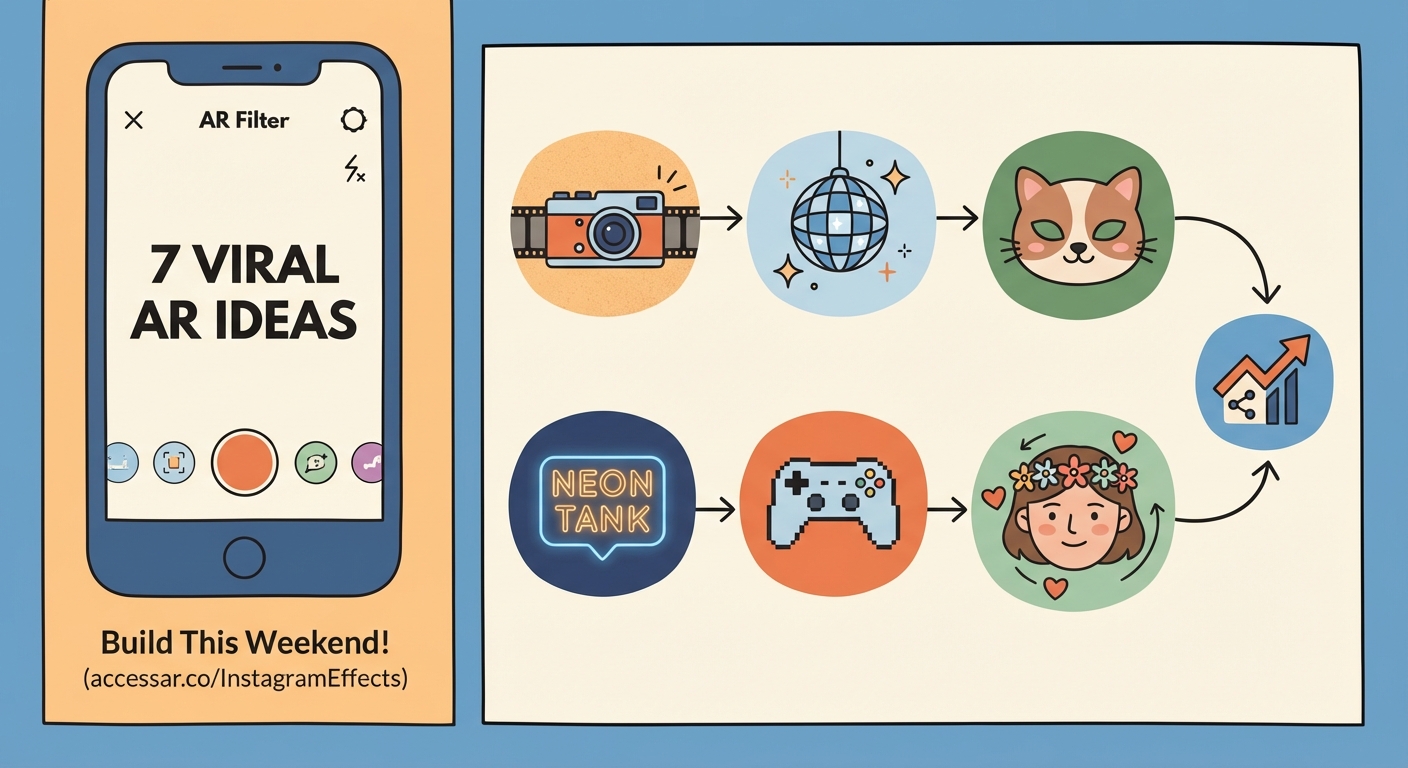
Static filters get boring fast. Movement and user interaction keep people engaged.
The patch editor handles logic and animation. Create a loop animation patch to make objects spin or bounce. Connect a face finder patch to show different effects when multiple faces appear in frame.
Tap interactions let users trigger changes. Add a screen tap patch that switches between color modes or reveals hidden elements. This turns passive viewers into active participants.
Audio reactivity creates dynamic effects. Connect an audio analyzer patch to scale or color properties. The filter responds to music or voice, creating unique results every time.
Randomizers add surprise. Use a random number patch to change which sticker appears or which color scheme loads. Each user gets a slightly different experience.
Common Filter Categories and Techniques
| Filter Type | Technical Approach | Best Use Case |
|---|---|---|
| Face beautification | Skin smoothing + color correction patches | Beauty brands, personal use |
| Object placement | World tracking + plane detection | Product visualization, games |
| Color grading | Lookup tables + adjustment layers | Aesthetic themes, brand colors |
| Face distortion | Face mesh deformation + blend shapes | Entertainment, viral challenges |
| Interactive games | Tap patches + score counters + timers | Engagement campaigns, events |
Face beautification filters use subtle skin smoothing and color adjustments. These effects make users look polished without appearing fake. Cosmetic brands favor this category.
Object placement filters use world tracking to anchor 3D models in physical space. Users can place virtual furniture in their room or see how a product looks on their desk.
Color grading filters apply cinematic looks to photos and videos. Import custom lookup tables (LUTs) to match specific brand aesthetics or popular film styles.
Face distortion filters stretch and morph facial features for comedic effect. These often go viral because they create shareable, surprising results.
Interactive games add timers, score counters, and tap targets. Users compete against themselves or friends, driving repeated use and shares.
Testing Across Devices and Scenarios
Your iPhone might handle complex 3D models smoothly while older Android devices struggle. Test on multiple phones before publishing.
Check these scenarios:
- Different lighting conditions (bright sunlight, dim rooms, mixed lighting)
- Multiple faces in frame simultaneously
- Rapid head movements and extreme angles
- Users wearing glasses, hats, or face coverings
- Various skin tones and facial features
The Meta Spark Hub shows device compatibility. Some patches and features only work on newer phones. The platform flags these limitations during the upload process.
File size matters. Instagram limits effect file sizes to keep load times fast. Compress textures, reduce polygon counts on 3D models, and remove unused assets before publishing.
Publishing and Managing Your Effects
Submit your filter through Meta Spark Hub, the web-based management portal. You’ll need to provide:
- Effect name and description
- Category tags for discovery
- Demo video showing the effect in action
- Icon image for your effect profile
Review typically takes 1-3 business days. Meta checks for policy violations, technical issues, and user safety concerns. Common rejection reasons include copyrighted content, misleading effects, or performance problems.
Once approved, your effect appears on your Instagram profile under the effects tab. Users can save it, share it, or use it in their own Stories.
Track performance through Spark AR Hub analytics. See how many people opened your effect, how many times they used it, and how many captures (photos or videos) they created. These metrics help you understand what resonates.
Update effects after publishing. Fix bugs, add seasonal variations, or refresh outdated branding. Users who saved your effect automatically get the updated version.
Avoiding Common Beginner Mistakes
New creators often overcomplicate their first projects. A simple, polished effect outperforms a complex, buggy one. Focus on one core interaction or visual element.
Ignoring performance optimization leads to rejected submissions. Heavy effects drain batteries and cause phones to overheat. Keep texture sizes reasonable and limit the number of active patches.
Poor lighting in demo videos results in effects that look broken or unclear. Record your submission video in good lighting with clear face tracking. Show the effect from multiple angles.
Skipping the testing phase creates bad user experiences. What works on your face might fail on others. Test with friends, family, or community members before submitting.
Not promoting your effect means low usage numbers. Share your effect on Instagram Stories, tag relevant accounts, and ask friends to try it. Instagram’s algorithm favors effects that generate early engagement.
Growing Your Skills Beyond Basics
JavaScript scripting unlocks advanced capabilities. While the patch editor handles most tasks, custom scripts let you create unique behaviors impossible with visual programming alone.
Join the Spark AR Community on Facebook. Thousands of creators share tips, troubleshoot problems, and showcase their work. This group provides faster answers than official documentation for specific issues.
Study successful effects in your niche. Open Instagram and filter by category. Notice what top effects have in common. Analyze their interactions, visual style, and user flow.
Participate in effect challenges and contests. Meta and brands regularly run campaigns seeking creator submissions. These provide deadlines, creative constraints, and potential exposure.
Build a portfolio of diverse effects. Don’t just create face filters. Try hand tracking, world effects, target tracking, and segmentation. Each category teaches different technical skills.
Making Effects People Actually Use
Viral filters share common traits. They’re easy to understand within two seconds. They create flattering or funny results worth sharing. They work reliably across devices and lighting conditions.
Seasonal timing boosts discovery. Create holiday-themed effects weeks before major dates. Halloween, New Year’s, and Valentine’s Day drive massive filter usage.
Collaborate with influencers or brands. A single Story from an account with 100,000 followers can bring thousands of effect opens. Reach out with custom effects designed for their audience.
Encourage user-generated content. Effects that prompt users to create specific types of content (dance challenges, before/after reveals, or interactive games) spread faster than passive beautification filters.
Monitor trending sounds and hashtags. Create effects that pair well with popular audio clips. Users searching for content ideas discover your effect while browsing trending categories.
Turning Your Filters Into Business Assets
Brands pay creators to build custom effects. Start by creating spec work (unsolicited examples) for brands you admire. Share these on social media and tag the companies.
Charge based on complexity and usage rights. A simple face filter might cost $500-2,000. Complex branded experiences with custom 3D models and animations can reach $5,000-15,000.
Offer effect packages. Bundle initial creation with monthly updates, seasonal variations, and performance reporting. Recurring revenue beats one-time projects.
White-label your services. Partner with marketing agencies that need AR capabilities but lack in-house expertise. You create the effects while they manage client relationships.
Build effects that drive specific business outcomes. Lead generation filters collect email addresses. Product try-on effects reduce return rates. Event filters increase social media mentions.
Resources That Actually Help
Meta’s official documentation covers every patch, feature, and capability. The search function works well for specific technical questions.
YouTube tutorials range from absolute beginner to advanced scripting. Search for your specific goal rather than watching hours of general content.
The Spark AR Community group on Facebook provides peer support. Post screenshots of your patch editor when stuck. Experienced creators often respond within hours.
Template marketplaces sell pre-built effects you can customize. These cost $10-50 but save hours of development time for common effect types.
Your First Effect Launches Today
You’ve learned the tools, techniques, and strategies. The next step is opening Meta Spark Studio and building something.
Start with a template that interests you. Spend 30 minutes customizing colors, swapping assets, or adjusting animations. Send it to your phone and test it on your face. That’s your first effect.
Publish it even if it feels basic. Every creator started with simple projects. You’ll learn more from one published effect than ten abandoned experiments. The approval process teaches you what Meta looks for. The analytics show you what users respond to.
Your second effect will be better than your first. Your tenth will be better than your second. The only way to build that skill is to start creating today.